How to Change or Disable Annotation Name in Preview for Mac
Dec 15, 2017 - 2 Comments
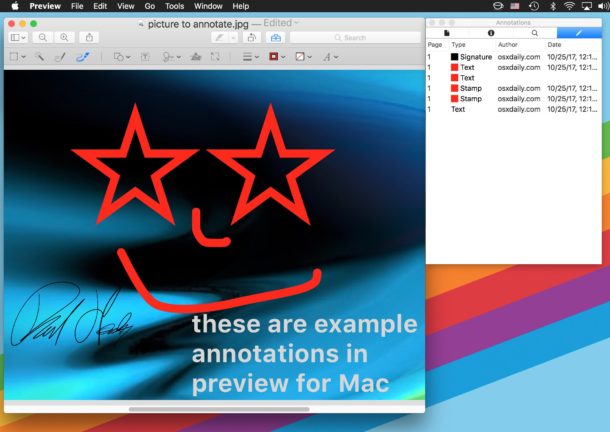
The Preview application for Mac defaults to attaching a name with any annotations made on images and PDF files within Preview, the annotation name is then embedded with the image file or PDF as metadata. This name, which is usually the currently logged in user accounts full name, is included with all annotations done within Preview, like arrows, shapes, text placed on pictures, filled out PDF forms, signed documents, and more.
If you want to change the name assigned to annotations in Preview, or disable the annotation naming feature completely, you can do so. You can also remove annotation names from existing files if need be.
By Paul Horowitz - Mac OS, Tips & Tricks - 2 Comments