Turn Standard into Administrator Account in Mac OS X
Aug 3, 2016 - 15 Comments
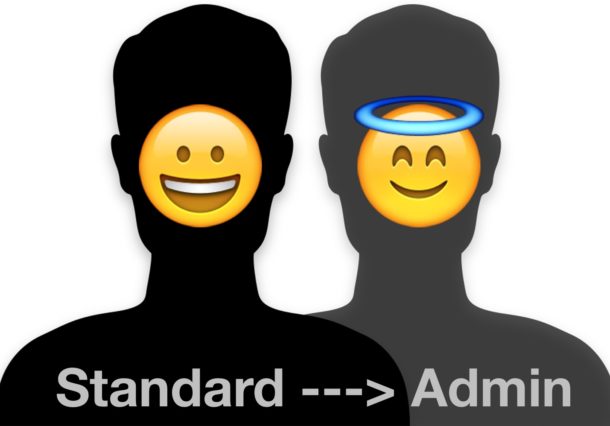
Many Mac users have multiple user accounts on their computer, some of which may be created for other people to use, perhaps a separate work account, or a guest account, and so on. Typically when you create a new user account on the Mac it is a “Standard” account, which gives that user access to their files and the ability to open applications, but does not allow that user to be an administrator on the Mac. But sometimes you may wish to change a Standard user account into an Administrator account on a Mac, thereby granting a standard user the ability to make administrative changes to the computer.
We’re going to show you how to quickly turn any Standard user account into an Admin account on Mac OS X.
By Paul Horowitz - Mac OS, Tips & Tricks - 15 Comments



 Spotlight on the Mac will search through many different file types and folders to help you find what you’re looking for, but if Spotlight finds multiple matches across different categories, you’ll see the search results returned under each respective category listing.