
OS X El Capitan System Requirements & Compatible Mac List
Jun 9, 2015 - 72 Comments
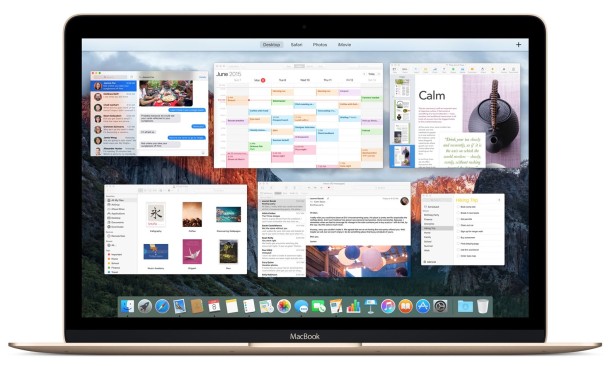
With an emphasis on performance and reliability, OS X El Capitan is expected to be a great system software update for Mac users. Of course, updating to the next version of Mac OS X will only be possible if the Mac hardware supports the new version. Fortunately for those wanting to update to OS X El Capitan, the system requirements are quite forgiving, and basically if your Mac can run OS X Yosemite or OS X Mavericks, it will almost certainly be able to run OS X El Capitan as well.
By Paul Horowitz - Mac OS, News - 72 Comments
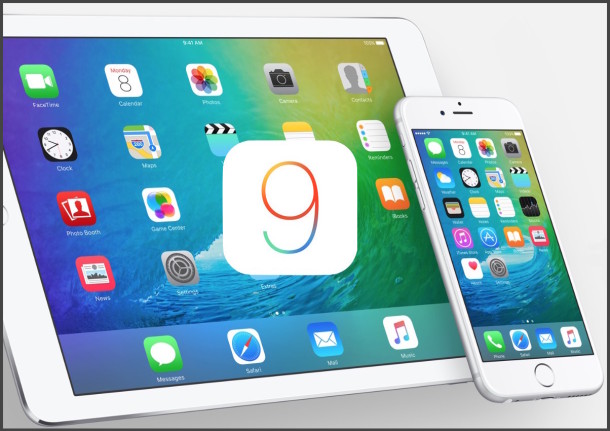
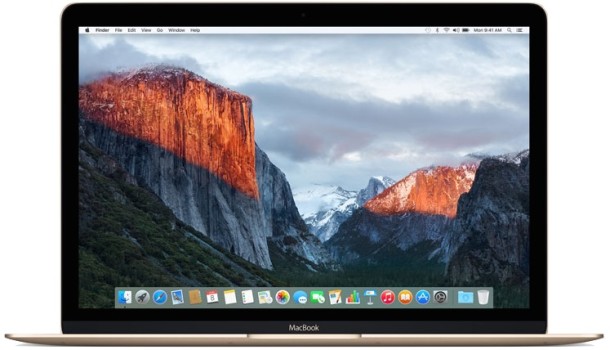
 Apple has released a new beta version of OS X Yosemite 10.10.4 for Mac users in the developer program and participating in the public beta. The release is versioned as build 14E33b.
 Apple has released the fourth beta version of iOS 8.4 to users participating in the developer testing program, the same build is also available to those in the iOS Public Beta program, though it’s labeled as iOS 8.4 Public Beta 3. The latest build arrives as 12H4125a and includes the newly refreshed Music app, complete with the Apple Music service.



 If you have downloaded an ISO image of another operating system, say Ubuntu Linux or Windows 10, and you wish to turn that ISO image file into a bootable USB installer drive using a USB flash drive or USB key, you’ll find the most reliable way to copy or ‘burn’ the ISO to that target USB volume is by turning to the command line of Mac OS X. There are alternative solutions, but this command line approach using dd requires no third party downloads, it is quite fast, and is consistently reliable in producing bootable volumes out of ISO files.
 If you regularly message in group conversations or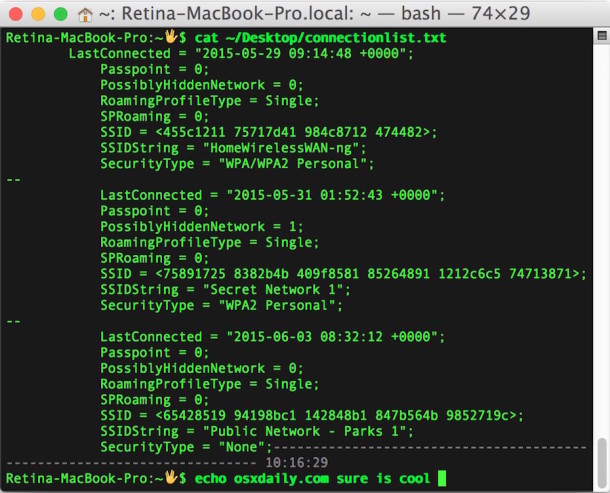
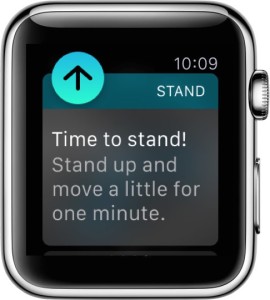 Apple Watch has a variety of fitness tracking and motivational features that are aimed at improving the wearers activity and health, or at least their awareness of it. One of the most notable features for Apple Watch users is the “Stand Reminder”, which, much as it sounds, is a gentle reminder to stand up every 50 minutes and move around for a bit. The Stand Reminder feature is aimed at combating the incredibly detrimental health consequences of sitting too much, something that nearly all of us with desk jobs do, and the gentle tap and chime can be quite effective to



