How to Stream Video to Xbox One from Mac OS X or Windows
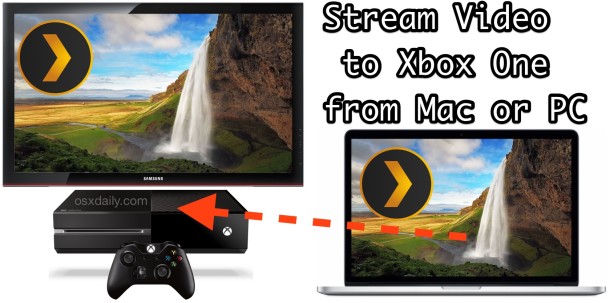
If you have an Xbox One gaming console in the household, you may be pleased to discover that it’s really quite easy to stream video and audio from a local Mac or Windows PC to play directly on the Xbox One. This offers a nice wireless method to play movies from any Mac or PC onto a TV without having to use an HDMI connection, and the Xbox One Media Player app supports a huge range of popular file types, so you’ll be able to play just about any mp4, mov, avi, divx, mkv, wmv, mp4, m4a, or nearly any other popular movie or audio file. Yes, you can stream your iTunes Library to the Xbox this way. Setup is easy and there’s very little configuration required, we’ll run through the whole process from start to finish and you’ll be ready to go in just a few minutes.


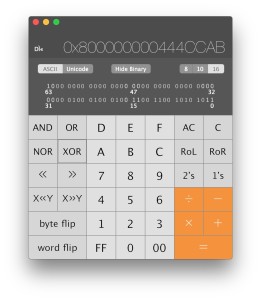 The Mac Calculator app may appear somewhat limited at first glance, but there are actually two other calculator modes contained within the app; a full featured scientific calculator, and a programmer calculator too.