Customize

Search Customize

Use Any Font in the Mac OS X Terminal

Sep 2, 2011 - 6 Comments
Use any font in the Terminal of Mac OS X Lion

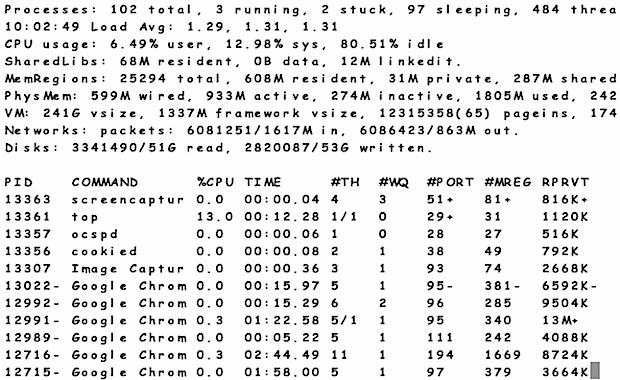
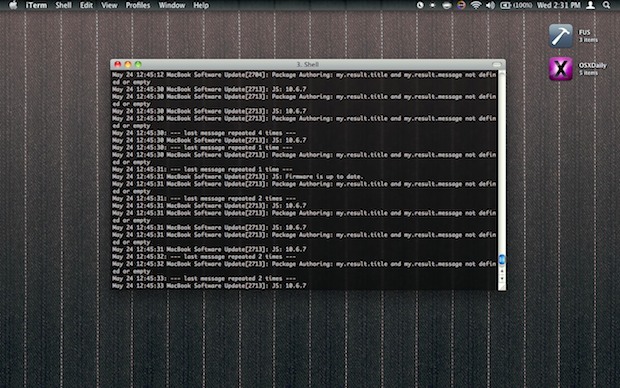
The Terminal in modern versions of Mac OS X enforces a new monospacing character width standard, which in laymen terms means you no longer have to use monospace fonts in the Terminal. That means you can now use any font you want, even Comic Sans like the screenshot shows down below (hooray?).

Pixel Version of Andromeda Galaxy Wallpaper from OS X Lion

Aug 30, 2011 - 10 Comments
Pixel Andromeda Galaxy

The default OS X Lion galaxy wallpaper is gorgeous, but there’s something fun about this pixelated version of it that makes it a joy on a desktop too. This is quite literally the default Lion wallpaper for Mac OS X Lion but it’s run through a pixel tool so that it is very pixelated, looking … Read More

No More Grey – Bring Back Color iTunes Icons to OS X Lion

Aug 26, 2011 - 58 Comments
Color iTunes Icons

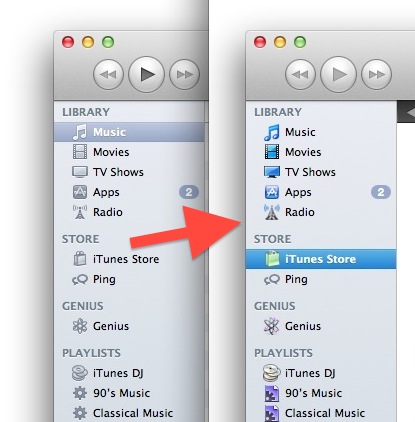
Mac OS X and iTunes has been slowly going the way of minimalism with subdued grey interface elements and icons, some people like the change and others don’t. We just showed you how to get color icons back in the OS X Lion Finder sidebars, and in the comments, Prescott Perez-Fox posted a resource file … Read More

Get Color Sidebar Icons Back in Mac OS X 10.7 Lion Finder Windows

Aug 25, 2011 - 127 Comments
Color Sidebar icons in Mac OS X 10.7 Lion

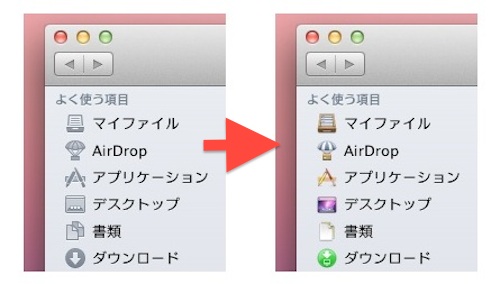
OS X Lion brought greyscale icons to the Mac OS X Finder window sidebar, but if you’d rather have some color back in your desktop window sidebars, you can get this done easily through a third party plugin. If you’ve been following some of our other Lion tips, you may already have SIMBL installed, otherwise … Read More

Change the AirDrop “Pop” Sound Effect

Aug 23, 2011 - 3 Comments
AirDrop in OS X Lion

AirDrop is a great local peer-to-peer file sharing feature in Mac OS X Lion that is surprisingly useful. That said, the ‘pop’ or drop sound effect that you hear when someone AirDrops you a file has always annoyed me because it’s the same sound effect you hear when you get a new iChat message. Like … Read More

Lion Tweaks Makes Customizing Mac OS X Lion Features as Easy as a Click

Aug 19, 2011 - 10 Comments
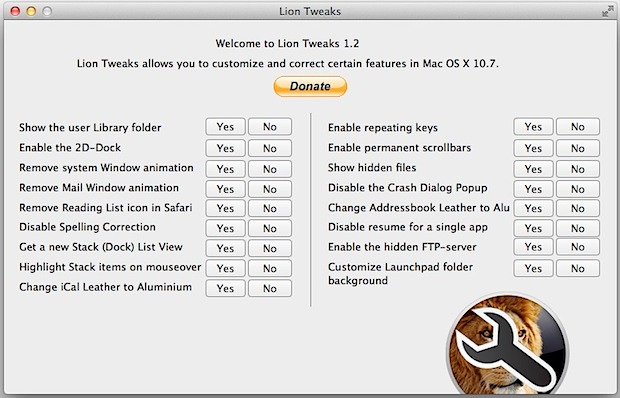
Lion Tweaks

Tired of tweaking OS X Lion on your own with all the defaults write commands? Don’t want to manually change iCals leather look back to aluminum? What about older tips like turning the Dock into 2D? Lion Tweaks to the rescue! This little free app is an extremely easy GUI front-end to a ton of … Read More

Change the Mission Control Background Wallpaper Image in Mac OS X Lion

Aug 12, 2011 - 25 Comments
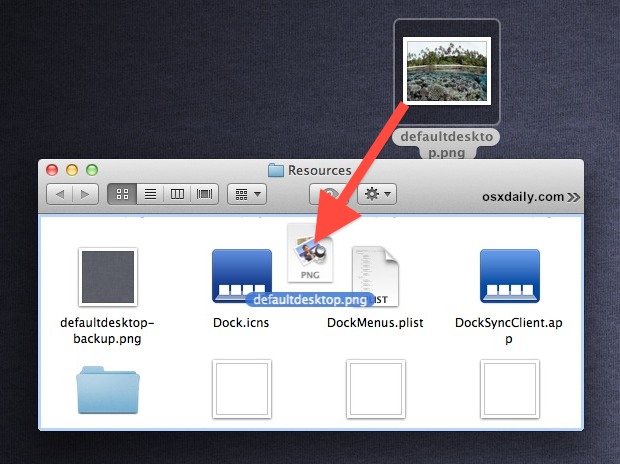
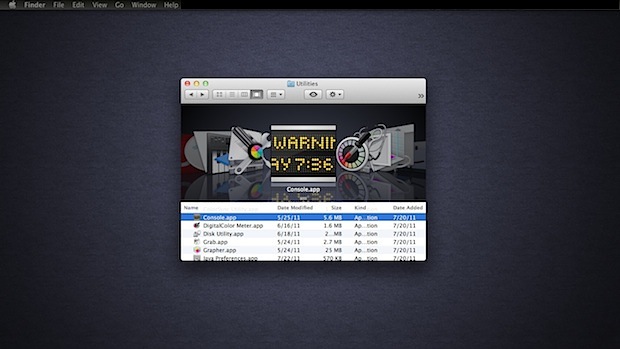
Change Mission Controls background wallpaper image

It’s time to customize the appearance of Mac OS X 10.7 again. We recently showed you how to change Dashboards wallpaper image from that Lego-like pattern to anything else, and then we showed you how to change Launchpads folder background pattern to your choice. Next up is Mission Control’s background image, say goodbye to Linen … Read More

Change the Terminal Background Picture

Aug 5, 2011 - 15 Comments
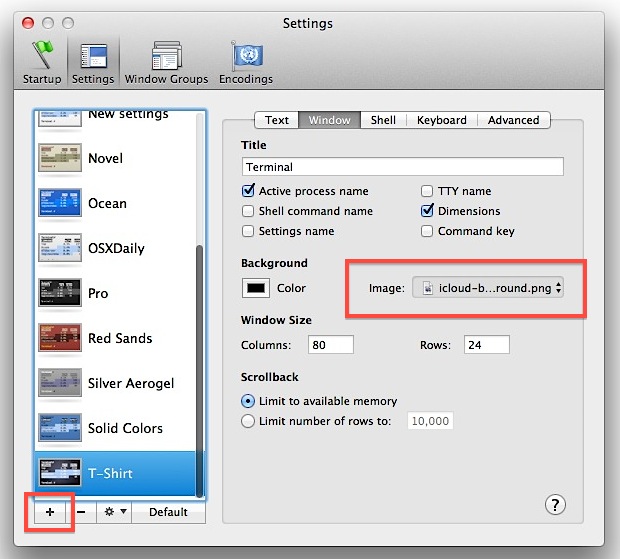
Change the Terminal Background Image

If you’re bored with the standard black text on a white background of Terminal, you can really spice up the command line interface by adding a custom background picture. One of our commenters recently asked how to do this, so here we’ll walk through the process. This was written for OS X 10.7 but it’s … Read More

iCloud Beta Wallpaper

Aug 2, 2011 - 11 Comments
iCloud wallpaper screenshot

Want the iCloud.com beta background image as your desktop wallpaper? I did too, so I grabbed the background image file from iCloud’s springboard, tiled it, and put a similar shadow on it with Photoshop. The result is this 2000×1080 PNG file, ready to be set as your desktop background Click here or the image above … Read More

Easily Hide Apps & Folders from Appearing in LaunchPad with LaunchPad-Control

Jul 28, 2011 - 20 Comments
Hide Apps from LaunchPad in Mac OS X Lion

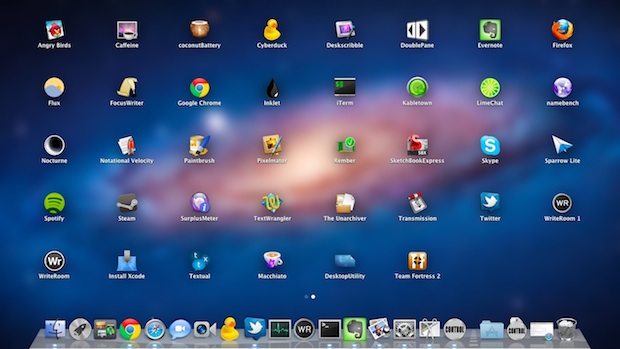
If you’ve spent much time using OS X Lion’s new LaunchPad feature you’ve probably noticed that outside of stuffing things into new folders you can’t really hide apps. If you enter the ‘jiggle‘ mode and try to remove an app from LaunchPad, it actually uninstalls the app, which makes it very easy to uninstall things … Read More

Add a Message to the Login and Lock Screen in Mac OS X

Jul 28, 2011 - 14 Comments
Message at Login and Lock Screen in Mac OS X Lion

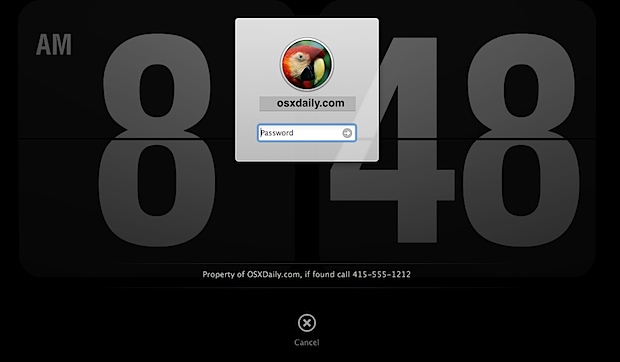
OS X has a nice new feature to login and lock screens that allow you to display a message underneath the login panel. This is visible to everyone who can see the Mac screen, and it makes for a great place to put either a bit of generic personalization message, or better yet, a lost … Read More

Change Dashboards Lego Background Wallpaper in Mac OS X Lion

Jul 27, 2011 - 88 Comments
Change Dashboards background wallpaper image in Mac OS X Lion

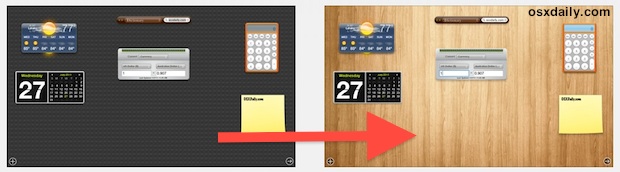
Mac OS X Lion brought a few changes to the Dashboard, one being that it’s contained within it’s own Space by default, and the other noticeable UI difference is the new Lego lookalike background wallpaper that looks a little, well, Lego-like. That background image is easy to change, so pick an image you’d rather see … Read More

Change iCal Leather Interface Back to Aluminum in OS X Lion

Jul 23, 2011 - 73 Comments
Change iCal Leather Interface to Aluminum in OS X Lion

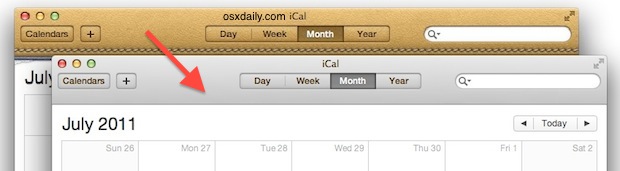
Do you hate the way iCal looks in Mac OS X Lion? The leather interface of iCal looks like it’s right out of an iPad has definitely caused a split with users, people either love the way it looks or hate it with a passion. For the sake of this article, we’re going to assume … Read More

Linen & Apple Logo Wallpaper from the Mac OS X Lion Login Screen

Jun 22, 2011 - 9 Comments
Linen wallpaper with Apple logo

The latest developer preview of Mac OS X Lion includes a nice looking new login screen that features an Apple logo placed over the ubiquitous Lion linen. If just plain linen wasn’t enough for you, now you can have the Apple logo version as your wallpaper too. Click the image above or here for the … Read More

Set Mac Desktop Background Wallpaper from any Image in Safari

Jun 16, 2011 - 12 Comments
set Mac OS X desktop background wallpaper picture from Safari

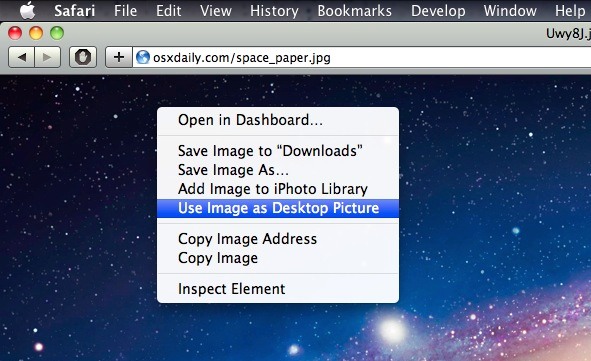
You can set any image on the web as your Mac desktop background wallpaper directly from Safari. This means you don’t even need to download the picture to your computer to set it as the desktop background, you can just find a picture on the web and immediately use it as the wallpaper on the … Read More

Mac OS X Lion Default Wallpaper – Galaxy of Andromeda Space Wallpaper from WWDC

Jun 6, 2011 - 13 Comments
Mac OS X Lion Galaxy Andromeda Wallpaper

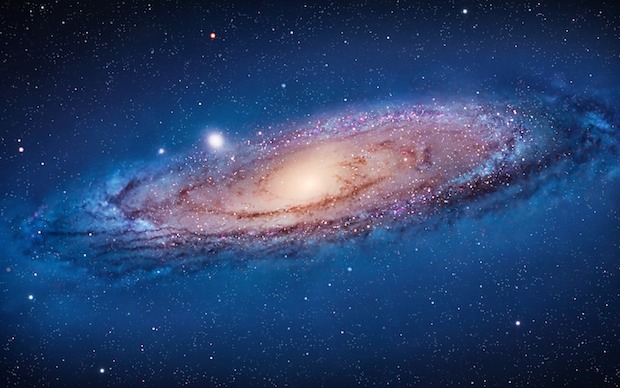
Apple has a special knack for picking fantastic looking desktop pictures… and I know I wasn’t the only one drooling over the newest Mac OS X Lion space wallpaper shown throughout the WWDC 2011 keynote. This one is fresh out of WWDC & Lion Developer Preview 4 and shows the gorgeous Andromeda Galaxy, and, not … Read More

Get a Black iOS Style Menu Bar in Mac OS X

May 25, 2011 - 17 Comments
Get a Black Menu Bar in Mac OS X

Distracted by your menu bar? If you want a stylish iOS-like black menu bar in Mac OS X but don’t want to go all out with an iOS / Mac desktop, you should grab Nocturne, it’s free and adds some pizazz to your Mac desktop. Nocturne actually serves several other purposes intended to make the … Read More

6 Free Screen Savers for Mac OS X

May 21, 2011 - 7 Comments
flying icon screensaver

Bored with the Mac OS X default screen savers? I was too, sure you can make your own screensaver out of pictures but I wanted something more than that. Here are six random and free screen savers for Mac OS X: a new fancy Instagram feed, two cool galaxy animations, 2001’s HAL computer display animations, … Read More

Subscribe to OSXDaily

Subscribe to RSS Subscribe to Twitter Feed Follow on Facebook Subscribe to eMail Updates

Tips & Tricks

News

iPhone / iPad

Mac

Troubleshooting

Shop on Amazon to help support this site