macOS

Search macOS

Set a Keyboard Shortcut for “Save as PDF” in Mac OS

Aug 19, 2014 - 64 Comments

Save as PDF Keyboard Shortcut in Mac OS X

Saving a file or document as a PDF is easily done from almost anywhere in Mac OS by using the print to PDF feature, which is part of the Mac Printer service, but to trigger it you have to go to the Print menu and then specifically select to ‘print’ the file as a PDF … Read More

How to Enable Tap To Click on Mac Trackpads with Mac OS X

Jan 28, 2014 - 34 Comments
Tap to click on the Trackpad in Mac OS X

The tap-to-click ability is enabled by default on most PC laptops, while on the Mac side of things it’s usually disabled by default. For the unfamiliar, tap-to-click means that a single tap or touch on the MacBook trackpad or Magic Trackpad is registered as a click, thereby preventing the need to actually press down the … Read More

2 Ways to Change the Default Application to Open Files With in Mac OS X

Aug 8, 2013 - 30 Comments
Change default applications for files in Mac OS X

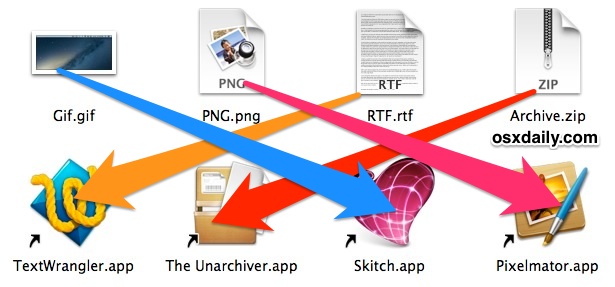
Each file type has a default application that is associated with it on the Mac. This means that when you double-click a file from the Finder it will open a specific application, for example on a fresh Mac OS installation, all image files (png, jpg, gif, pdf, etc) will default to opening in Preview, and … Read More

How to Re-Enable the Invert Display Keyboard Shortcut in Mac OS X

Jan 24, 2013 - 1 Comment
Invert the screen colors in Mac OS X

Many Mac users have noticed that the good old Invert Display keyboard shortcut disappeared from Mac OS some time ago. Well, it didn’t disappear completely, but Invert Display is now tucked into a submenu of Accessibility options via a keystroke on the Mac. The change to the Invert Display keyboard shortcut first happened with Mac … Read More

Get a List of Preferred Wi-Fi Networks from Command Line on Mac

Jan 3, 2013 - Leave a Comment
Mac Terminal icon

Retrieving a list of preferred wireless networks can be helpful when troubleshooting wi-fi problems, amongst other reasons too. If you’re looking to print out a list of wi-fi networks the Mac has used as preferred and connected to before, the following trick will do just that!

Reset App Access to Mac OS X Privacy Data from Command Line

Dec 19, 2012 - 12 Comments
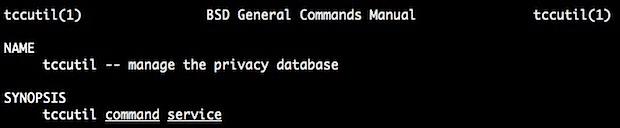
tccutil manages OS X privacy database and app access

If you accidentally permitted a Mac app to gain access to things like your personal contacts list or location, or you’d just like to start over again and have granular control over which applications can access certain data, you can use the command line tool tccutil to change this and reset Mac app access to … Read More

How to Set the HostName, Computer Name, and Bonjour Name Separately in Mac OS X

Oct 24, 2012 - 7 Comments
Finder icon on the Mac

You can set unique names for how your Macs computer name appears locally, from file sharing and networking, and even Bonjour services, with the help of the scutil command. This allows you to have a custom hostname for Terminal and SSH, another friendlier name for what’s visible to others on local networks, and yet another … Read More

How to Speak Selected Text with a Keystroke in Mac OS X

Sep 15, 2012 - 1 Comment
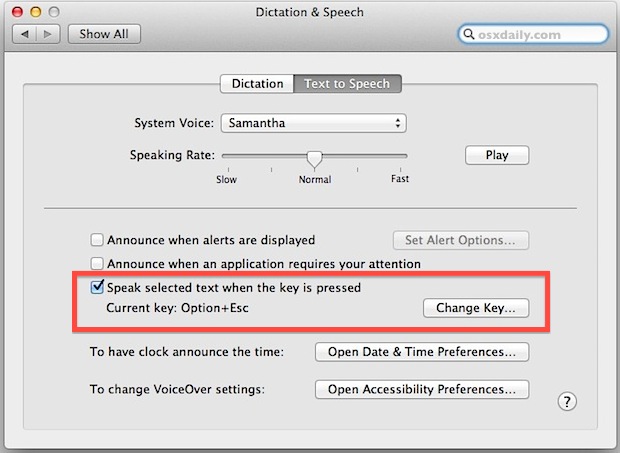
Keystroke to speak selected text

Want to initiate Text to Speech with a keyboard shortcut on the Mac? The excellent Mac OS text to speech function can be activated with a simple keystroke, but first you have to enable the feature. This is a great trick because it allows you to quickly speak what is in on the Mac screen … Read More

Turn Off Notification Center in Mac OS X Temporarily

Aug 10, 2012 - 9 Comments
Turn Off Notification Center alerts and notifications in OS X on a temporary basis

Looking for some temporary peace and quiet from alerts and notifications but don’t want to completely disable Notification Center on your Mac? There are two quick ways to temporarily hush all notifications in Mac OS X, silencing and stopping both the pop-up alerts and sound effects with the notifications, these two methods last until the … Read More

Copy Keychain Logins & Passwords from One Mac to Another

Jul 5, 2012 - 21 Comments
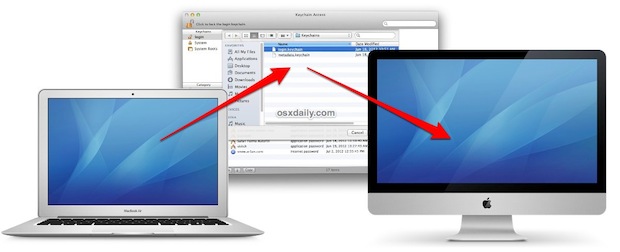
Copy stored Keychain logins and passwords to a new Mac

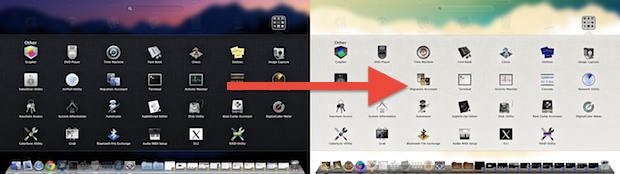
Most Mac users are best served by using the easy Migration Assistant tool to copy all files, folders, preferences, and login data from one computer to another. This isn’t always an option though, perhaps because a hard drive is failing, or maybe you just prefer to manually migrate only very specific data from an old … Read More

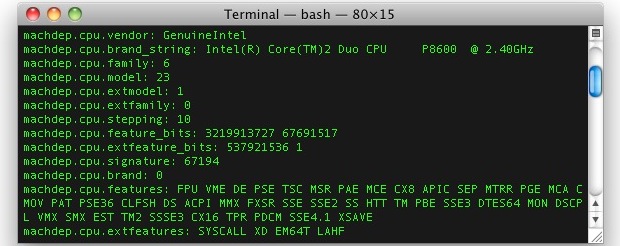
Get Extended CPU Information from the Command Line

Apr 28, 2012 - 5 Comments
Get extended CPU information from the command line

Using sysctl we can get extended information on a Macs processor, covering everything from CPU brand and identifier, clock speed, number of cores, thread count, thermal sensor data, cache size, and some significantly more technical information. This is a handy way to get detailed processor specs and info without turning to the system profiler in … Read More

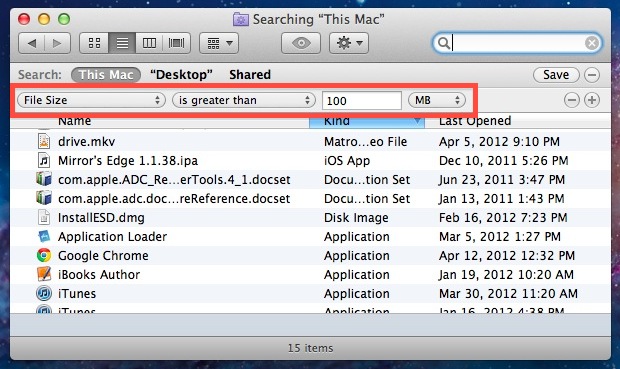
Find Large Files in Mac OS X with Search

Apr 17, 2012 - 25 Comments
Find Large Files in Mac OS X with Search

Whether you’re feeling the pinch as hard drive space runs low or you’re just wondering where all your disk space went, it’s easy to find large files in Mac OS X by using the built-in search tools. You don’t need to use any third party tools here, instead you’ll rely on search operators and the … Read More

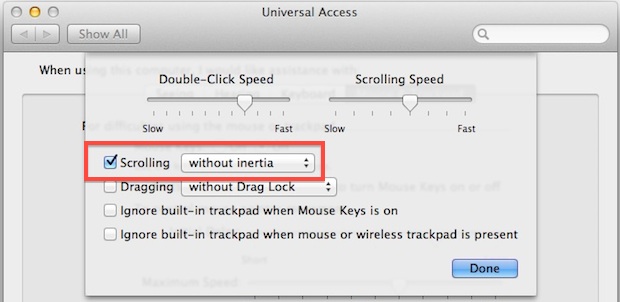
Disable Inertia Scrolling in Mac OS X

Nov 29, 2011 - 11 Comments
Disable inertia scrolling in OS X Lion

Flick down with two fingers on a trackpad or Magic Mouse in Mac OS X and you’ll experience inertial scrolling, where after your finger has stopped moving the page continues to scroll in the intended direction until it slowly stops. This fluid and natural scrolling experience comes from the iOS world, and while it works … Read More

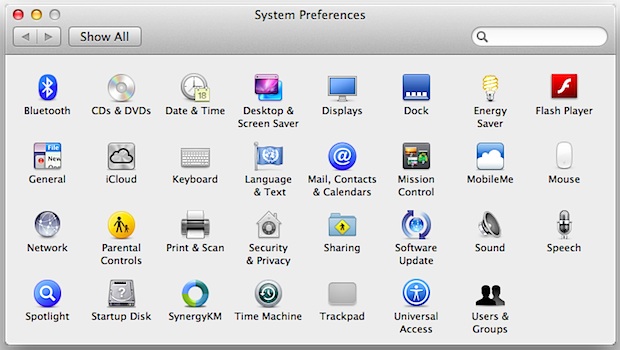
Find System Preferences Easier in Mac OS X by Sorting Alphabetically

Nov 12, 2011 - 8 Comments
System Preferences

Mac System Preferences are grouped by categories by default, basically into Personal / iCloud, Software, and Hardware. For most of us this is intuitive and easy enough to navigate, but with modern versions of macOS they’ve been condensed down from more category separation, from Personal, Hardware, Internet & Wireless, System, and Other, to just the … Read More

Make an Invisible Folder and Hide Files in Plain Sight on Mac

Sep 30, 2011 - 29 Comments
Make an invisible folder in Mac OS X to hide files in plain sight

Want to hide some files in plain sight on a Mac? This walkthrough will detail how you can make an invisible folder on the Mac that features some unique properties; the invisible folder will be invisible to the eye when browsing in Finder, but the folder will not be invisible to the click. Instead, you’ll … Read More

Create a New Folder Containing Selected Items in Mac OS X

Aug 7, 2011 - 13 Comments
Make a new folder out of selected items in Mac OS X Lion

You can now select any number of files from the Mac OS X desktop or a folder and create a new folder containing those selected items. This is a wildly useful Finder trick for file management and organization, since you can quickly group a collection of files by selecting however many you want to within … Read More

How to Get Lynx for Mac OS X

Jul 26, 2011 - 7 Comments
Terminal in macOS

Mac users can easily install and use the Lynx web browser in the Terminal. Lynx is a text based command line web browser, it’s relatively popular within unix communities but it also has a variety of general uses too; it’s great if you want to discretely browse the web and read articles at work or … Read More

How to Add New Voices to Mac OS X

Jul 25, 2011 - 34 Comments
Add new text-to-speech voices to Mac OS X Lion

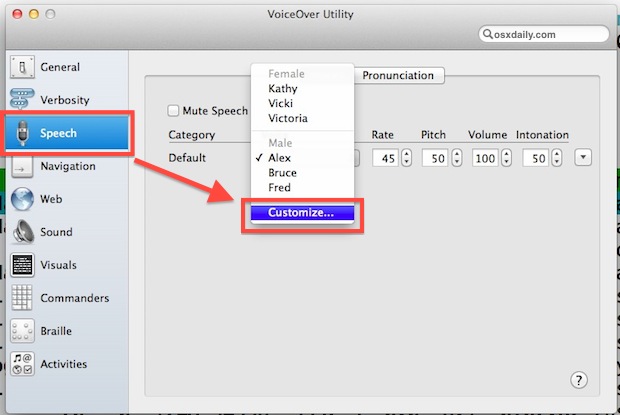
Mac OS X includes many high quality voices for it’s text-to-speech abilities, they’re in a wide variety of languages and accents and are probably some of the best computer rendered voices out there. But guess what? Many of these incredible voices are not installed by default on a Mac! Thankfully that’s easy to change, and … Read More

Subscribe to OSXDaily

Subscribe to RSS Subscribe to Twitter Feed Follow on Facebook Subscribe to eMail Updates

Tips & Tricks

News

iPhone / iPad

Mac

Troubleshooting

Shop on Amazon to help support this site