Run Skyrim in Mac OS X with an Unofficial Port
Nov 16, 2011 - 40 Comments
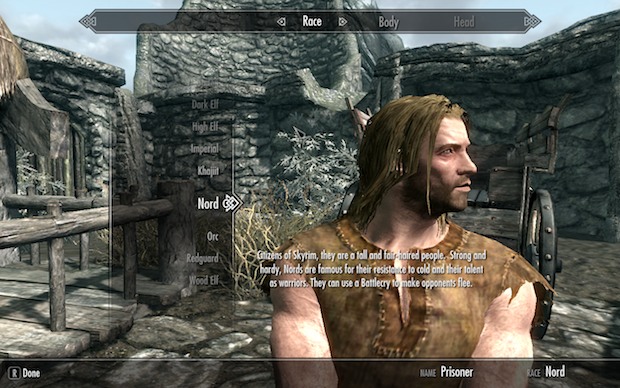
For the truly dedicated, you can now run Elder Scrolls V: Skyrim directly in Mac OS X thanks to the Porting Team’s unofficial Mac port of the freakishly popular game. The game is played either through a Cider wrapper or Wineskin, the latter being easier but the former apparently having better performance, but in both … Read More