Use the Magnifying Glass Tool in Preview to Zoom Into Image Detail on Mac
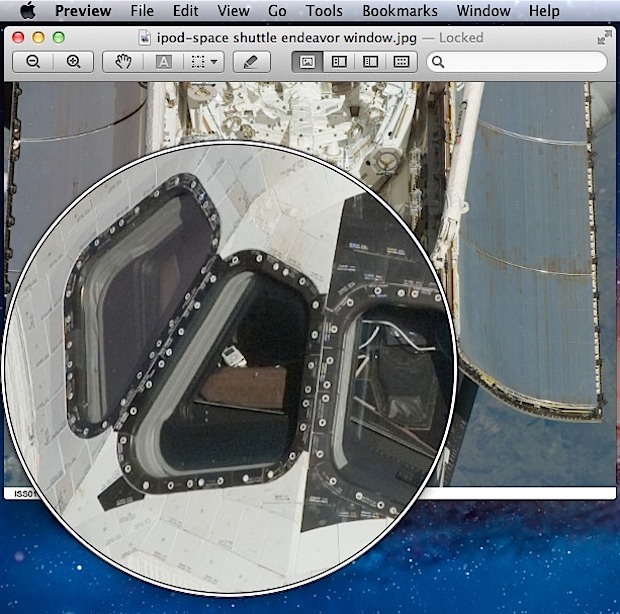
Preview in Mac OS includes a helpful magnification tool that follows the mouse cursor, allowing you to zoom into details on whatever picture is on screen.
Tips and tricks for all things Apple! Whether you want to learn tips for a Mac, iPhone, iPad, Apple Watch, or much more, you will find many tricks, tips, tutorials, and excellent walkthroughs for Apple devices and software here.
Preview in Mac OS includes a helpful magnification tool that follows the mouse cursor, allowing you to zoom into details on whatever picture is on screen.
Want to learn something new? Stanford’s world-renowned School of Engineering is offering a free “Introduction to Databases” online course, available to anyone worldwide. The class will cover relational databases, XML data, relational algebra, SQL, and database design with UML, here’s the full course description: This course covers database design and the use of database management … Read More
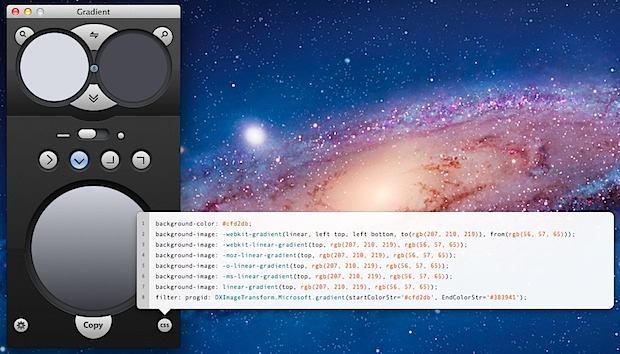
Web designers and developers are well aware that creating CSS gradients is somewhat of a painful process. Sure there are a variety of web-based generator tools that make it easier, but you’ll often be left to scout around for different versions to get different CSS & CSS3 code pieces which then require manual tweaks in … Read More
Remote Login is a feature in Mac OS X’s Sharing preferences that allow remote users to connect to a Mac in a secure fashion by using the OpenSSH protocols. Essentially, Remote Login starts an SSH server on a Mac, which includes the ability to accept incoming SSH connections, and is the secure replacement for telnet. … Read More
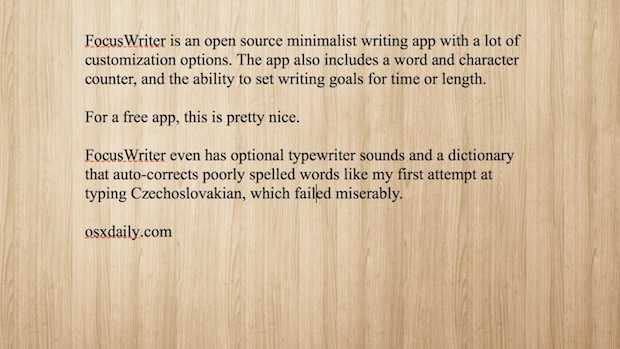
Distraction-free writing apps are becoming increasingly popular and the appeal is easy to see, if you just want to write, why do you need to be surrounded by a gazillion buttons and toolbars? These apps are fairly simple and there’s a slew of choices, many charge unreasonably high prices on the app store, but that’s … Read More
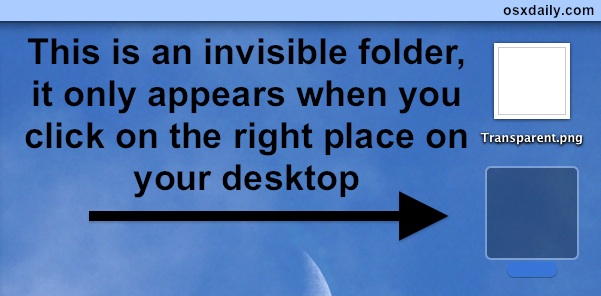
Want to hide some files in plain sight on a Mac? This walkthrough will detail how you can make an invisible folder on the Mac that features some unique properties; the invisible folder will be invisible to the eye when browsing in Finder, but the folder will not be invisible to the click. Instead, you’ll … Read More
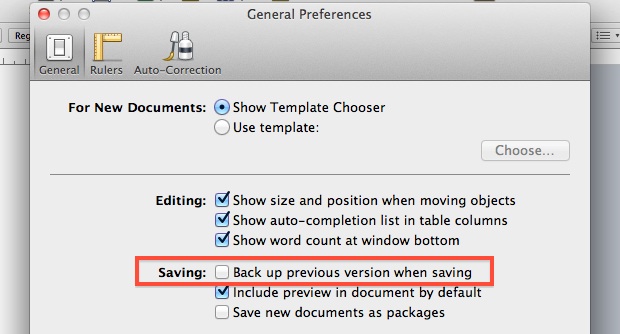
The iWork suite under Mac OS X 10.7 includes a rather peculiar default option that backs up every files prior version that you are working on, as a separate file in the same folder. Instead of the backups only being accessible from Versions, this spills out into the Finder, where a file called “Document.pages” will … Read More
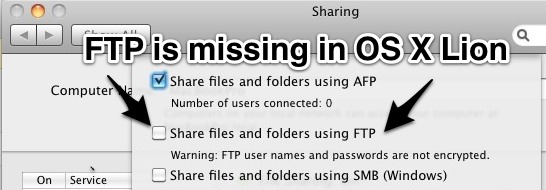
If you’ve visited the Sharing Preference panel in the newer versions of Mac OS X you may have noticed there is no longer the direct option to enable an FTP server to share files and folders. Well, at least there isn’t an obvious option, but the FTP and SFTP server function does still exist, the … Read More
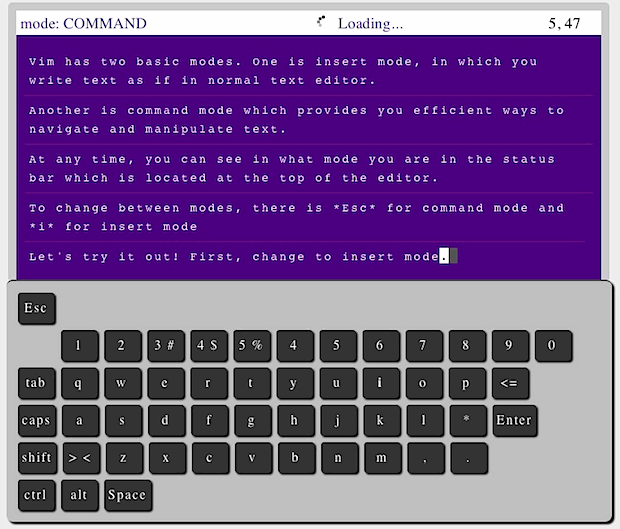
VIM is a powerful command line text editor that is wildly popular with developers and system administrators that is accessible by typing ‘vim’ in the terminal. For those that haven’t used it before, it has a relatively steep learning curve, and the interface can be confusing until you figure out how it works and start … Read More
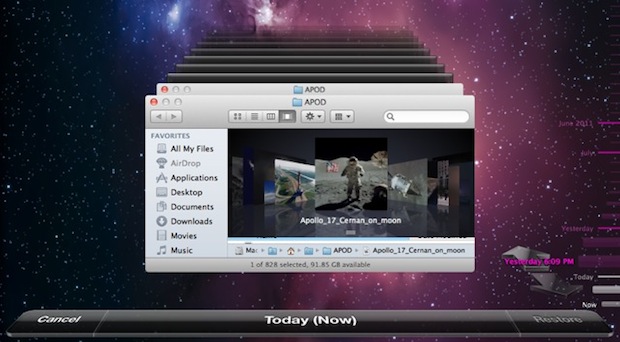
Time Machine in Mac OS X Lion initiates a sometimes useful, sometimes not feature: local backups. Called snapshots, this seems to be kicked off when your primary Mac is a laptop and the Time Machine backup is an external drive, so OS X Lion compensates for the potentially unavailable external disk by keeping an additional … Read More
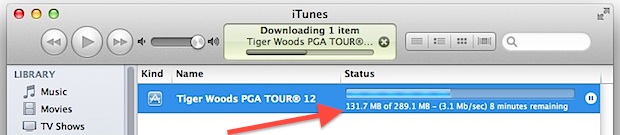
Want to check the download speed of something you’re getting from iTunes or the iOS App Store? No sweat, you can check not only the progress of the download, but also see the transfer speed of what is being downloaded from iTunes. From the sidebar of iTunes, click on Store, then go to “Downloads” This … Read More
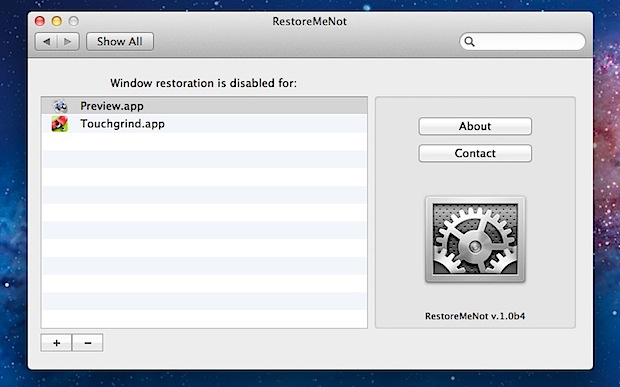
OS X Lion’s Restore function is what causes app windows to re-open after you’ve relaunched an app, and people seem to either love it or hate it. Sure you can turn it off completely, but that’s a bit overkill if you only don’t want certain apps to restore their windows, and still want resume to … Read More
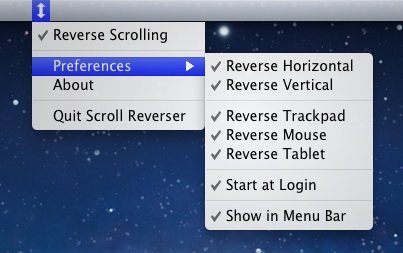
Reverse scrolling, better known as ‘natural scrolling’ for OS X Lion users, is when the content on screen follows your finger movements, just like iOS. This is activated by default for vertical scrolling, but what about horizontal? Oddly enough, scrolling left and right maintains the old style scrolling behavior, moving the content away from your … Read More
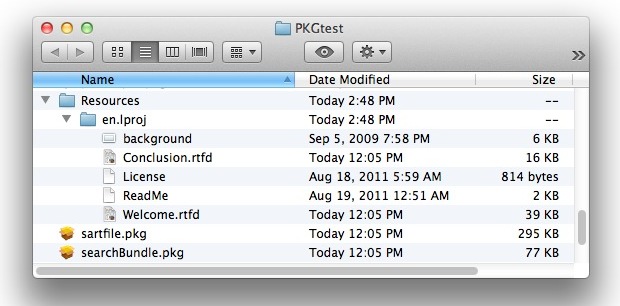
Have you ever wanted to get a look at the contents of a package file on the Mac, but without installing it? You can do that with the help of an excellent command line. This continues on with our series of inspecting the contents of app installers, and in this case we’ll demonstrate how to … Read More
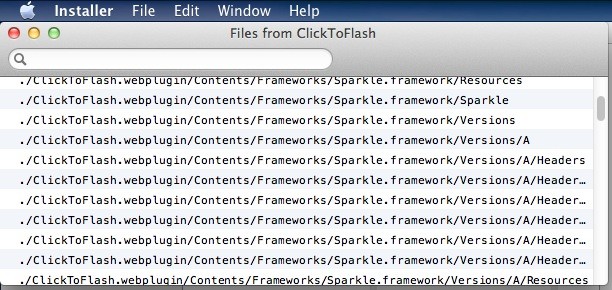
In nearly all Installer and Package apps, you have the option to view exactly what files will be installed and where the installer wants to place them on the Mac. This is an often overlooked feature of the OS X Installer, and it you’ve ever wondered what and where on earth that random .pkg wants … Read More
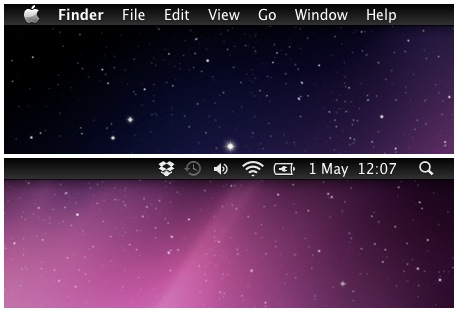
If you’ve been using Nocturne to get the black menubar in Mac OS X but don’t care for any of the features outside of the darker menu bar, check out MenuBarFilter. All it does is turn the Mac menu bar color into a dark black gradient, closely resembling iOS. Download MenubarFilter now or head to … Read More
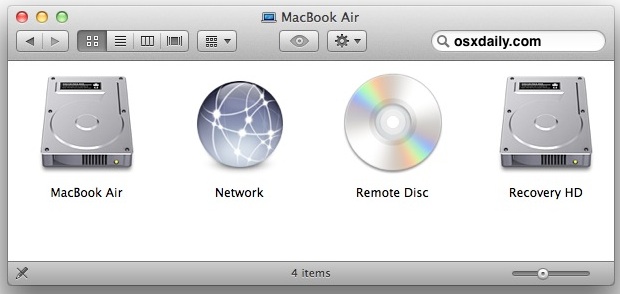
By enabling a hidden debug feature in Disk Utility, you are able to both view and mount hidden partitions on hard drives in Mac OS X. Hidden partitions include things like Linux swap, GUID partitions, a Windows Recovery drive, and the Mac OS X Recovery HD partition, and once they’re mounted they can be edited … Read More
Can’t turn on your MacBook Pro or Air’s keyboard backlighting? No it’s probably not broken, it’s most likely the light sensor. If the ambient light sensor on MacBook Pro and MacBook Air models detects too much light, the keyboard illumination will disable itself and refuse to turn on, showing the above locked image instead. You … Read More