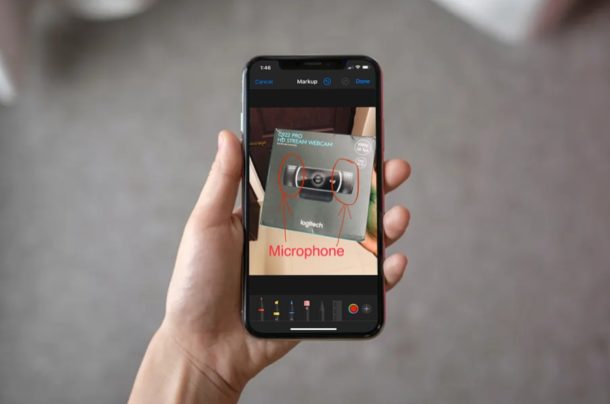
Did you know that you can annotate photos on your iPhone and iPad? Thanks to the built-in Markup feature in iOS, you don’t even need to install a third-party application like Annotable or Skitch from the App Store.
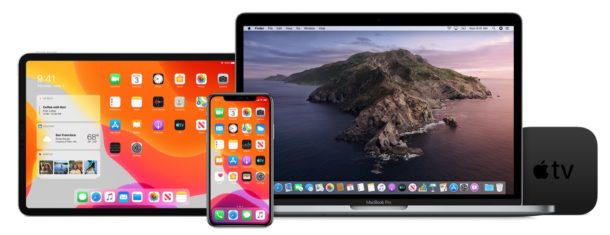
Apple has released the third beta versions of iOS 13.4, iPadOS 13.4, MacOS Catalina 10.15.4, watchOS 6.2, and tvOS 13.4.
Both the developer beta and public beta versions are available to download now for users who are enrolled in the beta testing programs for the various Apple operating systems.
Want to put a website directly on your iPhone or iPad home screen for super easy and quick access? If you have a website you visit often (like osxdaily.com of course) you may want to add that website to the Home Screen of iPhone or iPad. This places an icon for the chosen website on your devices home screen that can then be tapped on like any other app icon, and when tapped it opens that chosen webpage in Safari on iPhone, iPad, or iPod touch.
Adding a website to the home screen of iOS and iPadOS can be done with any website, whether you bookmark the site or not. This process is really simple with the latest versions of iOS and ipadOS system software, so read on to learn how to add a website to to the Home Screen of iPhone or iPad.
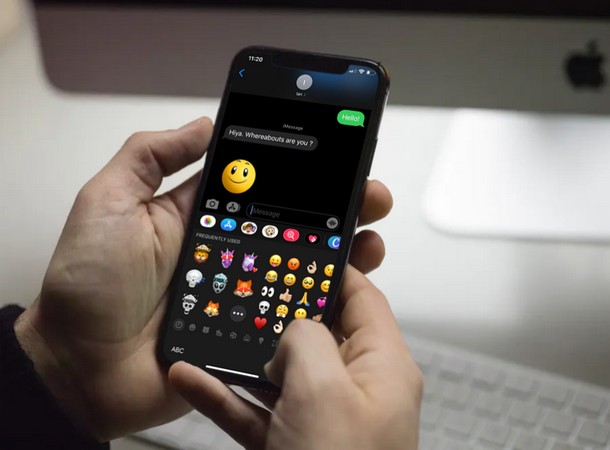
Apple introduced Memoji Stickers as a part of the iOS 13 software update. These stickers might be a great way to make your conversations more engaging in iMessage and other messaging applications, but some iPhone and iPad users probably don’t really use them as much as some other enthusiasts do. There have even been some users who have been quite annoyed about how these new stickers took up half of the “Frequently Used” emojis section, and for a while there wasn’t really a way to disable them.
Now there’s an option available in settings that allows users to hide and disable Memoji stickers from the keyboard if they want to on iPhone and iPad.
If you’re an avid iPhone or iPad user, there’s a pretty good chance that you use the Calendar app to schedule events or add reminders in order to keep track of your appointments throughout the week. Thanks to Siri, it just takes a couple of seconds to create an event or reminder too. These reminders and calendar events are automatically synced across all your Apple devices by harnessing the power of iCloud, so they’re readily available no matter what device you use.
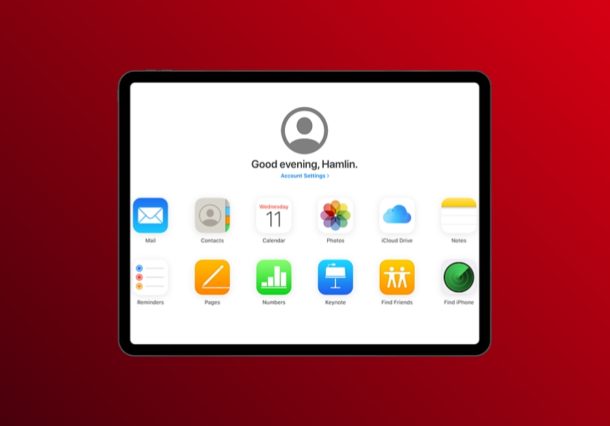
But what happens if you lose your Calendars and calendar data? Losing calendars and reminders data can be stressful, but this article will show you how you can restore lost calendars and reminders using iCloud. You can initiate this data recovery process from any Mac, Windows PC, or device with a full desktop web browser.
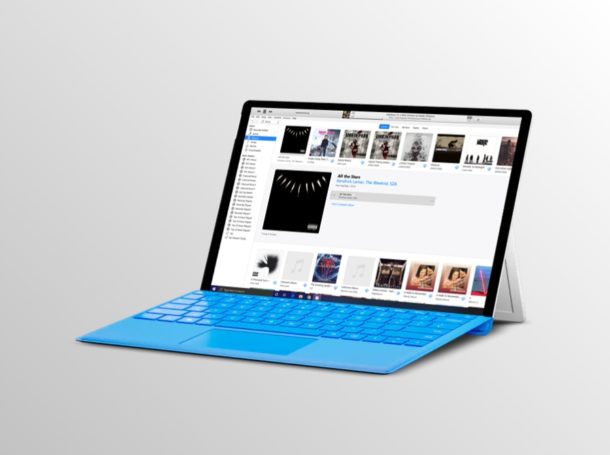
Do you use iTunes to play your favorite songs on your PC or Mac? You might be interested in taking a look at the iCloud Music Library nifty feature that could potentially add a lot of convenience, especially if you’re using iPhone or iPad. Dubbed iCloud Music Library, this feature essentially stores your music library in the cloud, so that you can access it from any of your Apple devices.
Considering how we don’t always rely on a single device to listen to music, iCloud Music Library comes in handy when we’re constantly switching between devices, whether it’s an iPhone, Mac, Windows PC, iPad, and seamlessly syncing songs, playlists and more within a matter of seconds. As long as you’ve subscribed to Apple Music or iTunes Match service, this feature should be available to you.
Interested in taking advantage of this functionality? Look no further, because in this article, we’ll be discussing exactly how you can enable iCloud Music Library within iTunes on both PC & Mac. Read more »
Are you an Apple TV+ subscriber looking to download your favorite shows and content onto your devices? You can easily download locally Apple TV+ shows to iPhone and iPad so that you can enjoy them offline, this is perfect for long trips, plane flights, train rides, or just posting up on your couch or in bed to binge-watch.
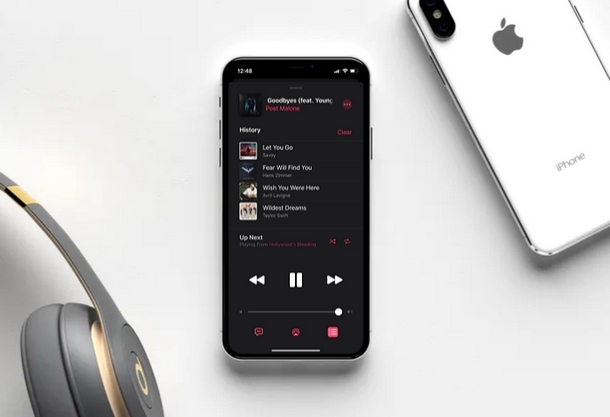
Keen on finding out what your Apple Music playback history looks like? In this article, we’ll be discussing exactly how you can view your Apple Music listening history on your iPhone and iPad.
If you’re an avid iPhone or iPad user, there’s a decent chance you’ve subscribed to the Apple Music service. The music streaming service is baked into the stock Music app alongside your local iTunes library and offers a ton of features, including the ability to display live lyrics. However, the app’s implementation of its “Recently Played” section had been challenging to access from the Playlists menu, but now there’s a new “History” feature that lets you view all the songs you’ve listened to on Apple Music, right within the playback menu.
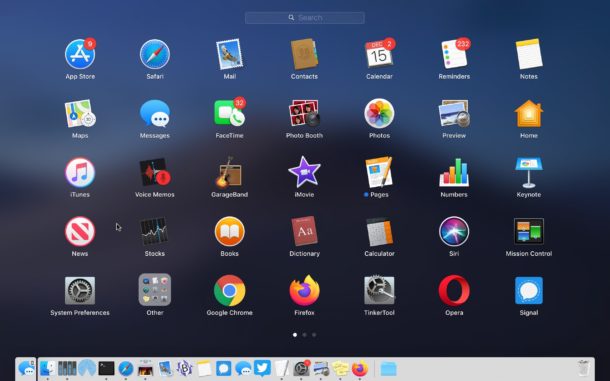
Interested in disabling Launchpad on Mac? If you want to turn off the Launchpad for whatever reason or to stop accidentally opening Launchpad in MacOS, you can turn the feature off completely.
For some quick background, Launchpad is a feature in MacOS that reveals a screen of app icons, sort of reminiscent to the appearance of an iPad or iPhone. Launchpad can be accessed by gesture, F button, or by opening the Launchpad app from the Dock or Applications folder. Some users may find this feature to be really helpful, whereas others may find it to be less useful particularly if they’re accessing Launchpad through an accidental pinch gesture on trackpad, or tapping on the F4 key, or clicking the app Dock icon.
This article will show how to disable the Launchpad gesture, remove the Launchpad Dock icon, and disable remove the Launchpad F button trigger on Mac to turn Launchpad off.
Wondering what the lyrics are to a song on Apple Music? Do you want to read through the lyrics while you’re enjoying a song, or maybe you want to confirm what that singer is actually singing? Apple Music makes it easy to view the full song lyrics to any song within the Music app on iPhone and iPad.
This article will show you how to easily check song lyrics through Music app, whether the song is in your local device or on an online playlist the feature works the same.
Apple has released the second beta versions of iOS 13.4, iPadOS 13.4, macOS Catalina 10.15.4, watchOS 6.2, and tvOS 13.4 for users involved in the various beta system software testing programs. The new beta builds are initially available to developers and are then followed by public beta versions soon afterwards.
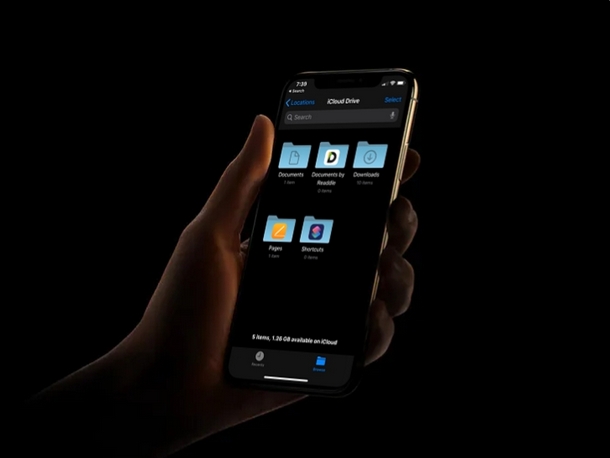
Worried you might have lost iCloud Drive documents or files? Or perhaps you’re wondering if you can recover a deleted file or document from iCloud Drive? Don’t panic, you can probably restore and recover those files from iCloud Drive using the procedure we’ll discuss here.
Files, documents and other data that we constantly use for school, college, and work purposes are always extremely valuable. Some of you may have your important data, files, work presentations saved on your iPhones and iPads to quickly access them when you’re on the move. Apple’s iCloud Drive service has made it easier to back up all these files and securely store them on the cloud, which you immediately could access it from all your Mac and iOS devices. That being said, it’s not too hard to accidentally lose your files, documents and other data, because sometimes all it takes is a mistaken deletion, or a failed or interrupted upload, or even a botched software update.
You may have noticed that though Google Chrome offers native support for the Flash player plugin, but it’s now disabled by default within the browser. Thus if you want to use Flash on Chrome, you must enable Flash Player manually through the Chrome settings.
This tutorial will show you how to enable Flash Player on Chrome web browser.
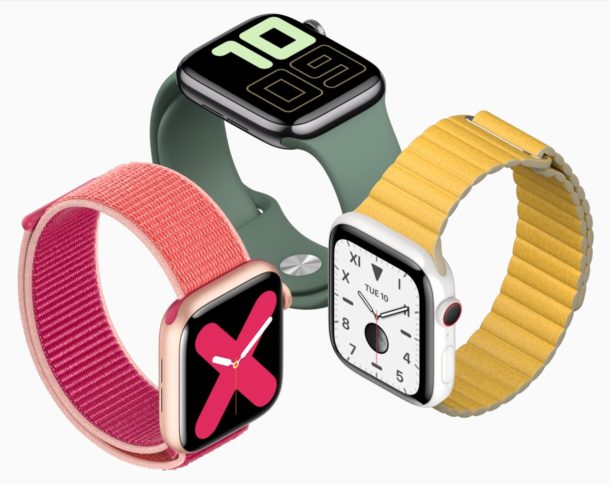
Wondering how to tell what Apple Watch model you have? You’re probably not alone, since a lot of Apple Watch models look the same. Not to worry though, you can determine which is which with a little help.
Apart from Apple Watch Series 4, each and every year Apple has refreshed its wearable it hasn’t made any large changes to the way it looks. That’s great for design consistency and making your older Apple Watch seem current, but it’s a challenge if you’re trying to identify one model from another. Is it Apple Watch Series 3 or Apple Watch Series 1? What about Apple Watch Series 4 or Series 5? They both look the same, after all. Luckily there are ways and means to tell which Apple Watch you’re looking at, though.
If you have or use an AOL email account, you may want to add it to your iPad or iPhone for convenience of checking and sending emails from the @aol.com address right from iOS or iPadOS.
Adding an AOL email address to iPad and iPhone is pretty easy. To get started you will need to make sure you know your AOL email address and the account password for the AOL account. Aside from that, it’s simply a matter of adding it to the iPad or iPhone by looking in the right place to add the @aol.com email address so that it can be accessed in Mail app on iPhone and iPad.
This article will walk through the steps to add an @aol.com email account to the Mail app on iPhone, iPad, or iPod touch.
Want to play Fortnite on Mac? The cross-platform battle arena shooter and building game is wildly popular, and it’s free to play regardless of what you’re gaming on.
Mac gamers may be interested in giving Fortnite a run on their Macs, so let’s review how to install and play Fortnite on a Mac, along with discussing Fortnite system requirements for Mac, and some tips for optimal game performance.
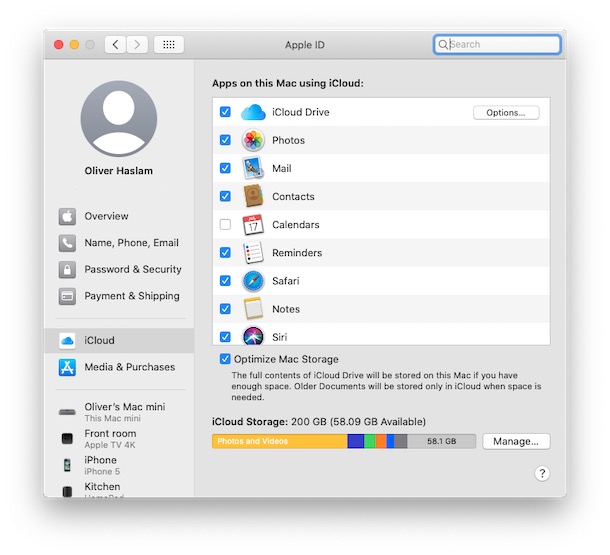
Wondering how to access your Apple ID and iCloud settings in the latest MacOS releases? Your Apple ID is the key to all of your data and it’s where all of the iCloud syncing magic starts. Without your Apple ID you can’t access iCloud data including your email, contacts, calendar, and more. You’ll also need it to enable iCloud Photos, and access your apps in the App Store, too. These are obviously important settings to be able to access and configure.
If you’re running macOS 10.15 Catalina or later, accessing your Apple ID and making changes to iCloud is as easy as could be, though it’s in a new location than it was in prior MacOS system software releases. But don’t worry, you don’t need to go spelunking too deep into your Mac’s System Preferences to find it.
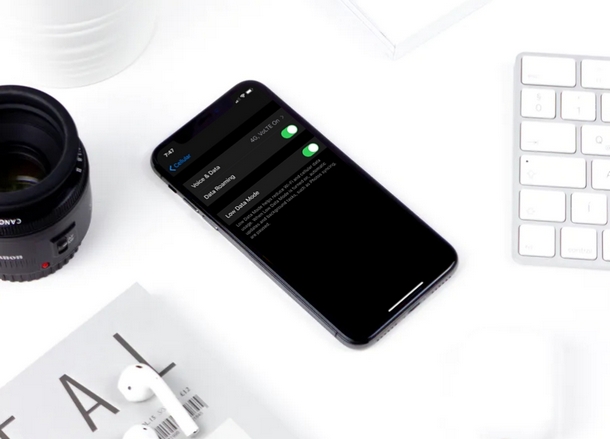
Looking for a way to reduce data usage on a wi-fi network while using your iPhone or iPad? This trick is for you.
Depending on where you live, Internet may or may not be expensive. If you’re living in the United States, there’s a good chance you’re paying a higher bill for your broadband connection and cellular data compared to one of your friends living in Europe or Asia. If internet bills are burning a hole in your wallet, you might want to tone down your data usage. With the release of iOS 13 update, Apple has introduced a new feature called “Low Data Mode” that claims to reduce Wi-Fi data use when activated, and a similar Low Data Mode for cellular data usage exists too. Many people have limited data when they’re using their home internet use (or a cellular network) to browse the internet, so this feature should come in handy if you’re nearing your data cap, or you just want to reduce the bandwidth used by iPhone or iPad on a wi-fi network.
If you’re interested in trying this out for yourself to see if you’re able to conserve your monthly data usage while on a wireless network, you’re in the right place. This article will be discussing exactly how you can turn the low data mode feature on for Wi-Fi networks. If you’re interested in using Low Data Mode on cellular, then go here instead.
Part of how this feature works is that it aims to limit your data use by pausing automatic updates and other background tasks, thereby reducing the amount of data used on the iPhone or iPad. So, without further ado, let’s get straight to the procedure and enable this feature on a specific wi-fi network.