How to Delete All Email on iPhone & iPad with iOS 14
Jan 29, 2020 - 5 Comments
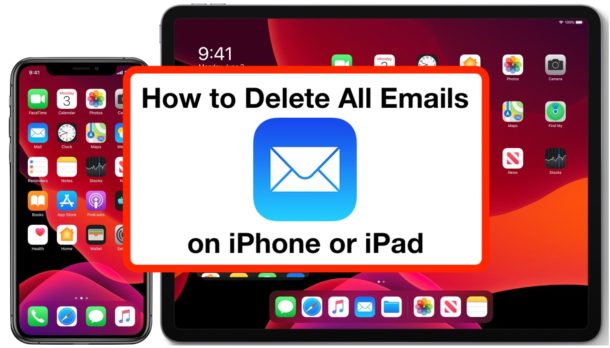
Want to delete all emails from iPhone or iPad? You can easily remove every email from the Mail app on any iPhone or iPad with the latest versions of iOS and iPadOS, and the process is the same on all iPhone, iPad, and iPod touch models.
This tutorial will walk through how to delete all emails from Mail app on any iPad or iPhone running iPadOS 13, iOS 13, iOS 14, iOS 15, iPadOS 14, iPadOS 15, or later releases of system software.
By Paul Horowitz - iPad, iPhone, Tips & Tricks, Troubleshooting - 5 Comments