Mac Randomly Double Typing Keys or Double-Spacing Between Words? This Might Fix It
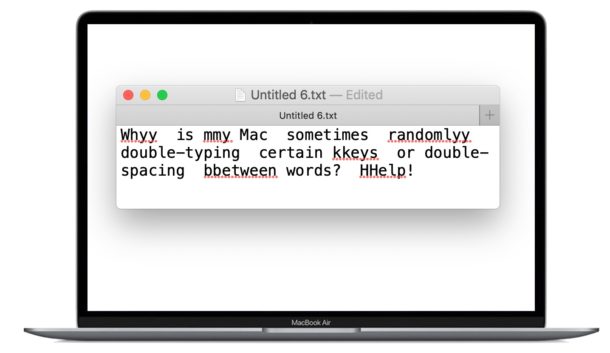
Have you ever been typing on a Mac laptop keyboard and noticed that hitting the spacebar sometimes randomly inserts double spaces between words? Or maybe you’re typing some other letter and randomly two of that key is doubled-typed? Some MacBook Pro, MacBook Air, and MacBook users have discovered this happens seemingly at random, where hitting a key or the spacebar actually inserts two spaces or two characters instead of one, which is a nuisance at best and problematic at worst.
Mystery double key presses are a well-documented issue with some MacBook Pro, MacBook Air, and MacBook computers, and while it’s not clear what causes the issue or how widespread the problem is, if you’re encountering the double typing issue yourself, you may find a settings change in Mac OS can help reduce the frequency, or even fix it entirely. We’ll also cover a few other possible troubleshooting options for addressing double typing issues on Mac laptops.