How to Spell Words by Speaking on iPhone or iPad
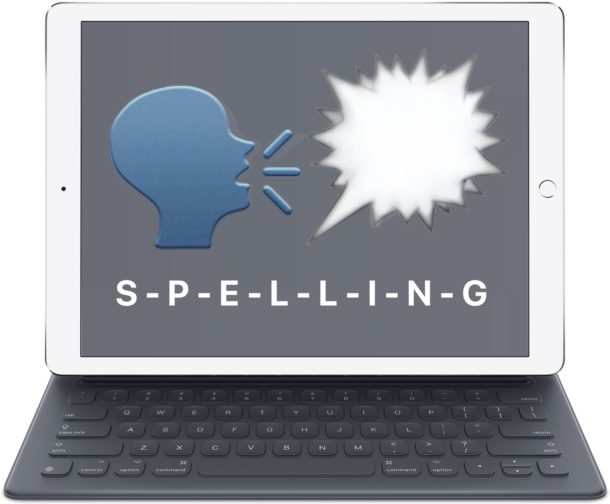
The iPhone and iPad have a little known text-to-speech functionality that will verbally spell out a selected word or string for you. This great feature is useful for many obvious reasons, whether for educational purposes, or perhaps you can’t quite make out if what you’re reading on the iPad or iPhone screen is supposed to be an uppercase O or a zero 0, or any other situation where you can imagine it’s useful to have your iOS device speak aloud the spelling of a word or selected item.
This great trick literally spells out a word that is selected, for example if you selected the word “burrito”, then iOS will spell out b-u-r-r-i-t-o by annunciating each individual letter in sequential order, making this a completely different spelling feature from auto-correct or the general text to speech and Speak Screen functions in iOS.