You can run the very first version of Microsoft Windows 1.0 with almost no effort, and right in your web browser! If you’re feeling like experiencing what the Windows PC world was like in 1985, then you’re in for a real retro treat.
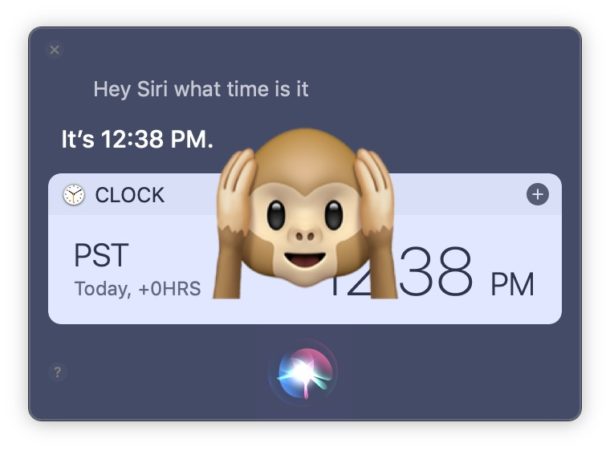
If you’re using a Mac with Hey Siri voice activation enabled but you’d like to turn the voice listening feature off, you’ll find that it’s easy to selectively turn off Hey Siri while still leaving the usual Siri invocation methods enabled in MacOS.
If you’re an iPad owner who uses Google Chrome web browser with an external keyboard connected to the iPad (Bluetooth or otherwise), you might appreciate learning a variety of handy keyboard shortcuts to help using Chrome and navigating within the app for iPad.
This collection of keyboard shortcuts for Chrome on iPad works with basically any iPad, iPad Pro, iPad Air, or iPad Mini, and with basically any keyboard connected to the iPad, whether it’s an Apple Smart Keyboard, Bluetooth keyboard, or a keyboard case.
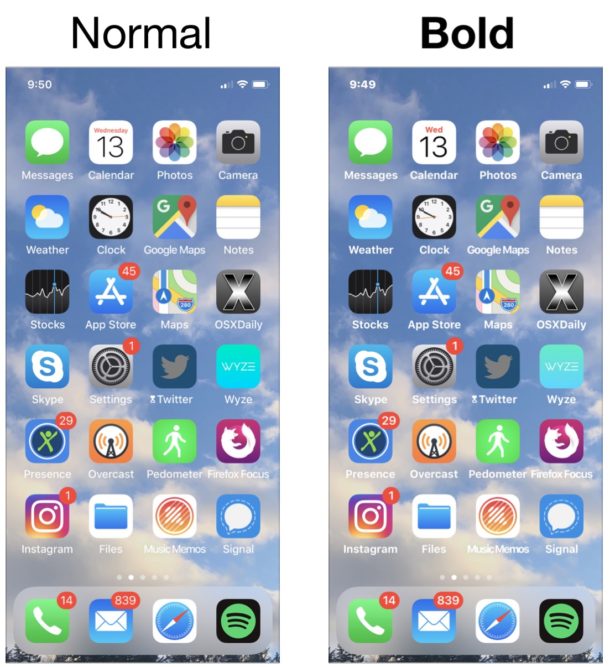
Want to make the fonts and text on your iPhone or iPad a bit easier to read? Then you might want to try out the Bold Text option available in iOS, which might improve text legibility for some users. Also, some people might simply prefer the way the bolder text looks throughout apps, and want to try it out for that reason alone.
Whether you just like the look of bolder text, or if you find the screen text on an iPhone or iPad to be difficult to read or the fonts to be a bit thin, enabling the bold fonts setting in iOS can make a big difference for some users ability to read text on screen. As the name implies, Bold Text quite literally bolds most of the onscreen text in iOS found in apps and throughout iOS itself, sort of like you would bold text yourself in a word processor app except that it applies everywhere, making the fonts and text far more legible for many users, particularly those who are not a fan of the default font weight and size.
The bold text option is available for both iPhone and iPad and is quite easy to enable, here’s how you can use it.
Mac users who have switched from the Windows platform may be accustomed to hitting the F5 function key to refresh a web browser, web site, or webpage. The F5 key is used as refresh or reload in most Windows web browsers, so when Windows users switch to Mac they might be wondering what the equivalent refresh button is on the Mac, since hitting F5 on the Mac either usually adjusts keyboard backlighting or does nothing at all.
We’ll cover the F5 key equivalent on the Mac for most web browsers that you’ll encounter, so if you’re a recent Windows switcher you should find this guide particularly helpful.
Want to know what the air quality index is at a particular destination? The Apple Maps app on iPhone and iPad can give you this information.
Those who are concerned about air quality will find it useful to know that the Maps app on iPhone and iPad has an optional feature that allows you to see the Air Quality Index (AQI) and accompanying color code directly in the Maps app, but first you must enable the feature, and have a compatible version of iOS system software on the device. This is obviously helpful for planning trips and maps routes for groups who impacted by air quality, and offers another way to see air quality information on an iOS device.
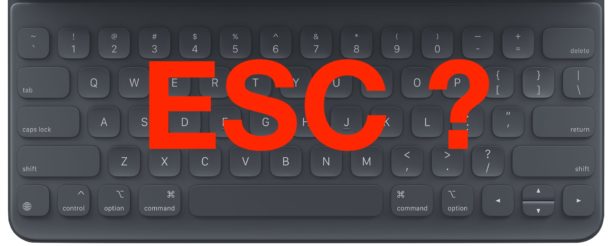
Have you ever noticed that dedicated iPad keyboards do not have an Escape key? If so, you might be wondering how to type the Escape key on an iPad keyboard. iPads using an external keyboard, whether it’s an external Bluetooth keyboard, a Smart Keyboard, a brand like Brydge, Zagg, Logitech, or any other dedicated iPad keyboard, will often find there is no Escape ESC key at all. Sometimes there’s either nothing at all, like on iPad Pro Smart Keyboards, or on some iPad keyboards you might find a square button that when pressed will take you to the iPad Home Screen.
So, how do you type the Escape key on an iPad, iPad Air, or iPad Pro keyboard then? Despite often not having an ESC key, you can type it on most iPad keyboards, and we’ll show you several different ways that you can type Escape on iPad using a variety of options.
Have you ever wished your Mac would update MacOS system software on its own? If you’d like to take a hands-off approach to updating your system, you can enable automatic MacOS system software updates. With this feature enabled, not only will your Mac automatically check for new system software updates, but it will download and then automatically install the macOS updates too.
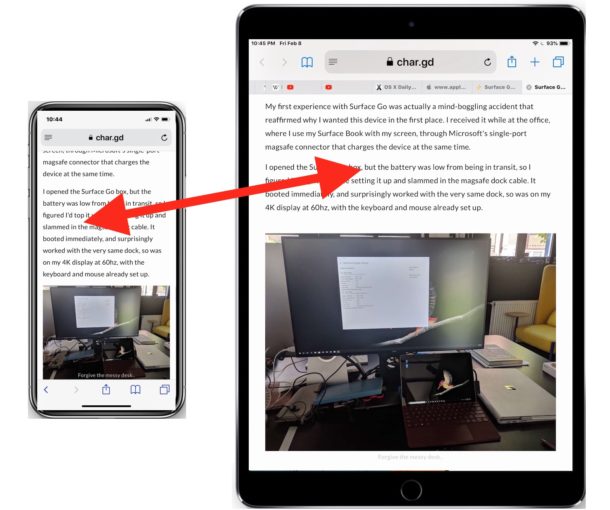
Have you ever been reading an article in Safari on an iPhone and wished you could be reading the same article on your larger screened iPad instead? Rather than email or message yourself the article link, this is a perfect situation to use the wonderful Handoff feature for. Handoff allows you to quite literally hand an app session from one device to another, and Handoff works with MacOS and iOS devices. For our purposes here, we’ll be showing you how to use Handoff to pass a webpage from Safari on an iPhone to an iPad, but it works the exact same going the other direction too.
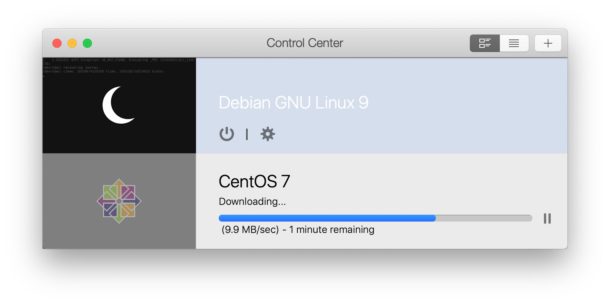
Need to delete a virtual machine from Parallels or Parallels Desktop Lite? Removing a virtual machine can be necessary when you’re finished using a particular environment, operating system, or VM for any reason, and it’s also common to remove unneeded virtual machines to free up disk space.
Here’s how you can easily delete a virtual machine in Parallels and remove it from the Mac (or Windows PC). Read more »
Apple has released the second beta versions of MacOS Mojave 10.14.5 and iOS 12.3 for users participating in the beta testing programs. Typically a developer beta arrives first, soon followed by a public beta of the same build.
Additionally, new beta builds are available for tvOS 12.3 and watchOS 5.2.1.
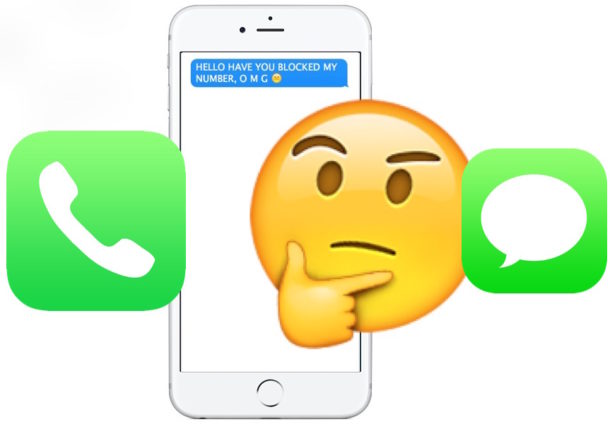
Have you ever wanted to know if someone blocked your number from calling them or sending them messages? You may be familiar with the process of blocking calls, messages, and contacts on the iPhone, but have you ever wondered if YOUR number or messages have been blocked? While Apple makes the blocking feature for texts and calls fairly subtle, and blocked calls can even still leave voicemails, there are a few ways you can try to determine if someone has blocked your number on iPhone. Read on to learn more!
If you have AirPods and an Android device, you might be interested in knowing that you can use AirPods with Android phones and tablets too. Connecting AirPods to an Android device is pretty straight forward (thought not as seamlessly simple as the iOS setup) and once the two are connected and paired you’ll be able to use them as the wonderfully convenient wireless headphones that they are.
Want to change the voice of Siri on a Mac? There are numerous voice options for Siri available, and on the Mac you can change the voice of Siri to be male or female, and you can even change Siri’s accent too.
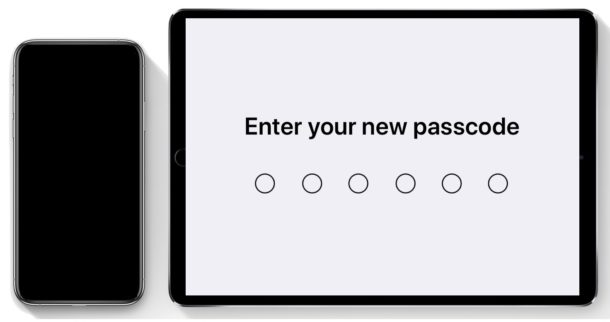
A passcode is used on iPhone and iPad as an authentication method to access and unlock an iOS device, often as an adjunct or alternative to the biometric authentication methods of Face ID and Touch ID. Most iPhone and iPad users enable an iOS passcode when setting up their iOS device, but later some users may decide they would like to change the device passcode to something else.
Changing the iPhone or iPad passcode can be done at any time on an iOS device. You can choose from a variety of different passcode options including using a variation on digit length which lets you change back to a 4 digit passcode or a longer digit passcode, or even change to an alphabetic or alphanumeric password to unlock the iPhone or iPad rather than a numerical passcode. Read on to learn how to change the lock password for an iPhone or iPad.
Using SSH, or Secure Shell, is a very common way to establish remote connections to Mac and Linux machines from the command line. If you’re a systems administrator, or if you have SSH enabled on a Mac for another reason, you may eventually need to log off another users ssh connection. There are several ways to end a users ssh connection to a Mac (or Linux box for that matter, these tips apply equally there too), and we’ll cover a few of them.
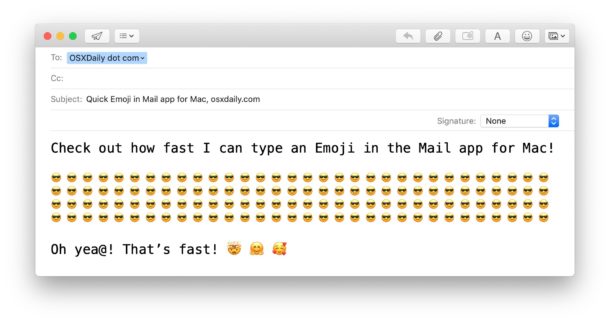
It turns out there’s literally an Emoji button in the Mac email client, but much like many users are unaware of the email formatting options in Mail for Mac, the Emoji toolbar is often overlooked too. Not to worry Emoji fans, here’s how to use it!
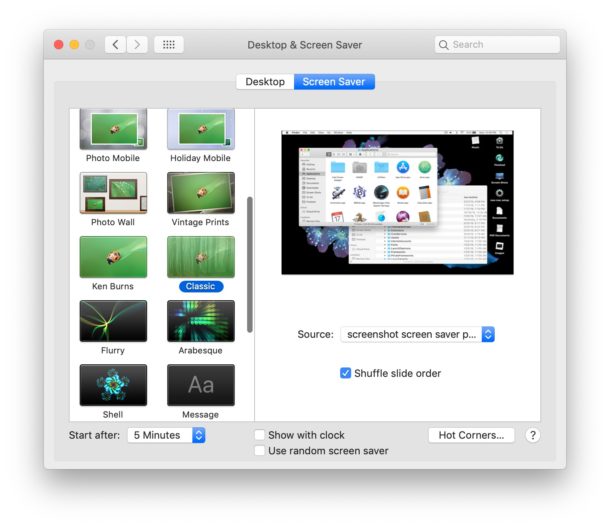
Love it or hate it, but it’s April Fools Day, which means much of the internet is even less believable than normal, full of extra stupid jokes and ridiculous claims. We usually like to offer harmless or goofy pranks as April Fools jokes and this year we’re going to focus on a very simple prank that has worked for desktop computers for ages: setting a screenshot as a screensaver on a Mac or Windows PC.
This prank works because the screen saver will look like the users desktop, except of course it can’t be interacted with, and assuming they have a locked screen saver password set, then the computer will initiate that login prompt with any mouse cursor movement. Of course simply entering the login information will end the prank immediately, which is why it’s mostly harmless but can certainly cause a bit of confusion in the interim.