How to Leave the iOS 12 Beta Testing Program
Sep 21, 2018 - 5 Comments
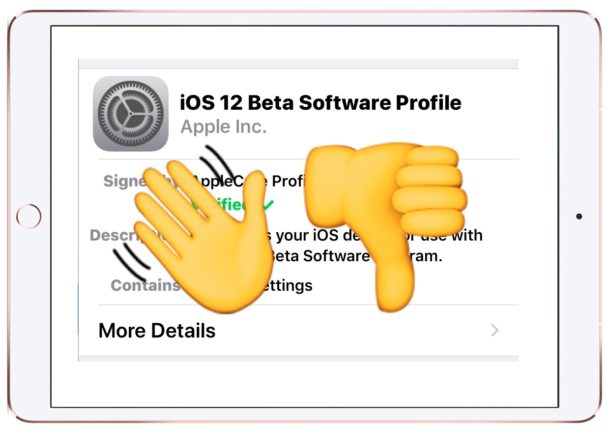
If you previously enrolled an iPhone or iPad in the iOS 12 beta testing program, either as a public beta tester or as a developer beta tester, you may now wish to leave the iOS 12 beta program so that you no longer receive future beta system software updates. This also insures that you’ll stay on iOS 12.0 final and future final stable releases rather than getting the new beta updates as they come along.
By getting off of the iOS 12 beta track, you will only receive final builds of upcoming versions of iOS along with the rest of the general public, rather than receiving any of the incremental beta software updates (like iOS 12.1 beta 1 which is being tested right now).
By Paul Horowitz - iPad, iPhone, Tips & Tricks, Troubleshooting - 5 Comments