How to Stop Getting MacOS Beta Software Updates via App Store
Want to leave the MacOS beta program and stop getting beta software updates on a Mac? This is a fairly common occurrence for many Mac users who either initially joined a beta and then later downgraded, Mac users who had beta software but now want to be on the regular stable software update channel, or even for those who were curious about installing macOS Mojave public beta but decided against it.
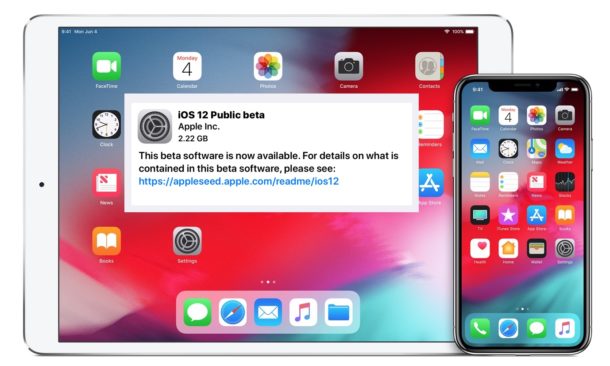
If you have run the MacOS beta access utility then a macOS beta profile is installed on the Mac, meaning the Mac will continue to get beta software updates pushed to it until that has been changed.
This guide will show you how to change your Mac settings so that the computer stops getting MacOS beta system software updates.
Note: this is for older Macs running earlier versions of Mac OS system software delivered through App Store. If you are using MacOS Catalina 10.15 or later, go here to opt out of macOS beta system software updates from System Preferences instead.