iOS 11 Feels Slow? 11 Tips to Speed Up iOS 11 on iPhone or iPad
Oct 6, 2017 - 55 Comments
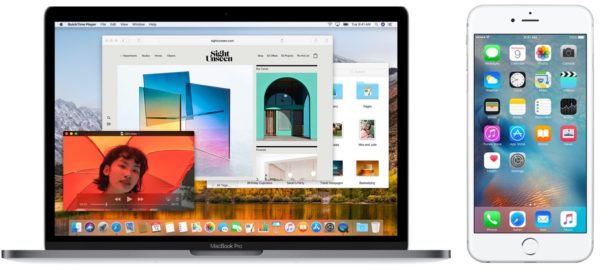
There are mixed reports that updating to iOS 11 has slowed down some iPhone and iPad hardware, or that performance of tasks like opening and interacting with apps is slower after installing iOS 11. If your iPhone or iPad feels slow after installing iOS 11, then you might want to try a few of the tricks we have outlined in this tutorial to speed up your device again.
By Paul Horowitz - iPad, iPhone, Tips & Tricks, Troubleshooting - 55 Comments