How to Temporarily Disable Touch ID and Face ID with Siri on iPhone or iPad
Feb 15, 2018 - 28 Comments
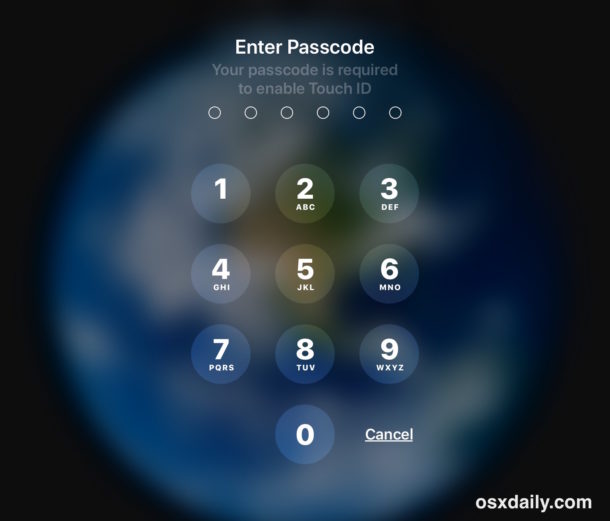
If you ever find yourself wanting to disable Touch ID or Face ID authentication methods on an iPhone or iPad, you can easily temporarily disable the biometric authentication in iOS by using a simple Siri command.
With Touch ID or Face ID temporarily disabled, the iPhone or iPad must then be unlocked with a passcode instead of either a fingerprint or face scan.
By Paul Horowitz - iPad, iPhone, Security, Tips & Tricks - 28 Comments