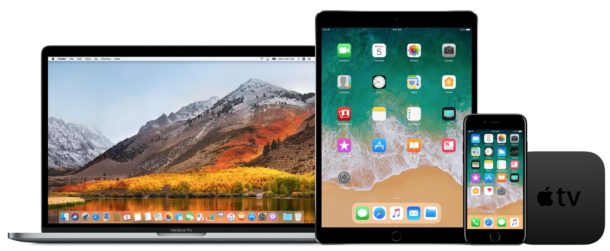
Apple has released iOS 11.1 beta 2 and macOS High Sierra 10.13.1 beta 2 for users enrolled in the iOS and macOS beta testing programs. Additionally, the second beta versions of watchOS 4.1 and tvOS 11.1 are available for those in the beta testing programs.
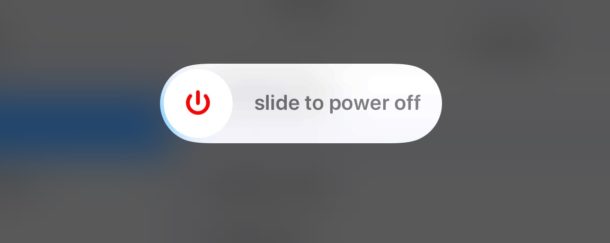
Have you ever wondered how to turn off an iPhone or iPad? If so, you’re not alone. While most users keep their iOS devices turned on all the time, sometimes users may need to power down a device completely, be it for storage, shipping, to preserve battery life, or whatever other reason.
The latest versions of iOS offer a nice software feature that allows users to easily shut down an iPhone or iPad entirely through system menu options, without having to use the power button or any other physical buttons on the device at all. Instead you can turn off the device entirely through software.
This guide will walk through how to perform the shut down function in iOS Settings on any iPhone or iPad.
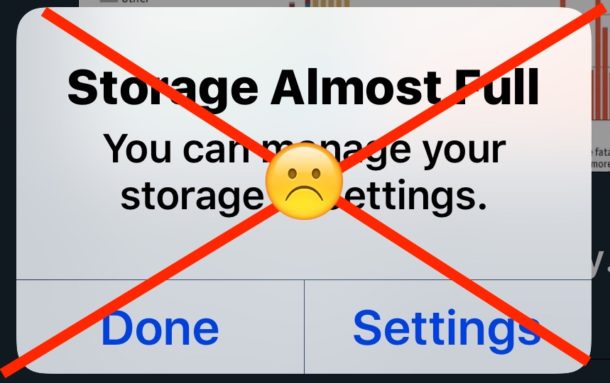
If you frequently run out of storage space on an iPhone or iPad, you will appreciate a new feature in iOS that automatically saves storage for you. Called Offload Unused Apps, the toggle allows the iPhone or iPad to perform housekeeping and delete apps that have gone unused for a while, just as the name implies. Offloading used apps can noticeably help to reduce storage constraints on a device, since most of us have a handful of apps that may not be getting any usage but are taking up storage space on an iOS device anyway.
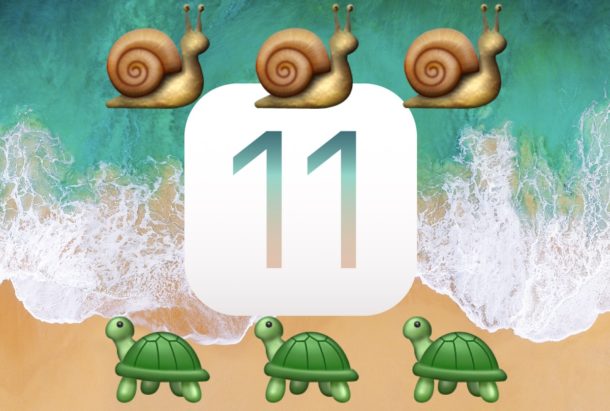
There are mixed reports that updating to iOS 11 has slowed down some iPhone and iPad hardware, or that performance of tasks like opening and interacting with apps is slower after installing iOS 11. If your iPhone or iPad feels slow after installing iOS 11, then you might want to try a few of the tricks we have outlined in this tutorial to speed up your device again.
Keeping apps updated on an iPhone and iPad is generally a good idea, as app updates frequently include bug fixes, performance improvements, enhancements to compatibility, or even entirely new features to apps and games. iOS users can update apps by opening the App Store and going to the “Updates” tab, but sometimes an update may not show up despite being available either on other devices or to other users. The solution to such a situation is to refresh the Updates section and check for new app updates available
You can refresh the Updates section of the App Store on an iPhone or iPad, though how you refresh the Updates tab in the App Store has changed in the latest versions of iOS 11 compared to prior versions. The good news is the change is for the better, and now checking for new updates to the App Store is better and easier than before.
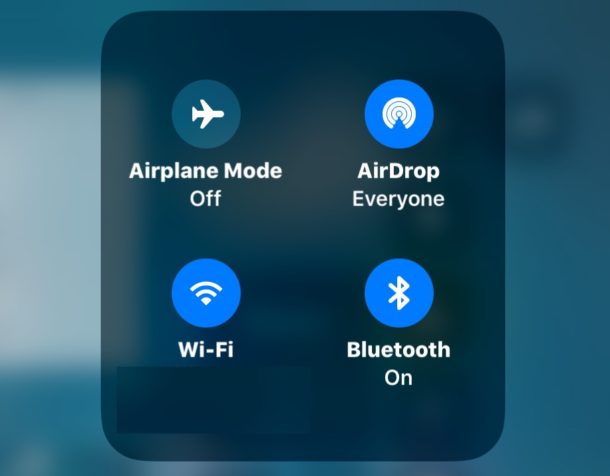
With new iOS versions (iOS 15, iPadOS 15, iOS 14, iPadOS 14, iOS 13, iOS 12, iOS 11, and later), the new Control Center toggles for turning off Wi-Fi and Bluetooth do not actually turn off Bluetooth and Wi-Fi on an iPhone or iPad. Instead, if you hit the buttons for disabling Wi-Fi or Bluetooth in Control Center, the iPhone or iPad will disconnect from wi-fi or Bluetooth, but not actually turn off those wireless services on the iPhone or iPad. This can cause some confusion for obvious reasons, and many users are left wondering why wi-fi or Bluetooth is not actually turned off on their devices, or how to turn off wi-fi or Bluetooth in iOS 11 and newer completely.
You can still turn off wi-fi and disable Bluetooth on an iPhone or iPad with iOS 11 and newer, but rather than use Control Center to turn the wireless features off, you must go to the Settings app to disable either.
The App Store in iOS will now automatically play video previews of apps while you navigate through the App Store on an iPhone or iPad. These video previews can offer a helpful look into what an app does or may look like, but they can also be distracting, cause battery to drain faster than otherwise, lead to unintentional bandwidth and data usage, and be annoying if you’re not inclined to enjoy automatically playing videos of iOS apps you may or may not have any interest in.
Users can disable video auto-playing in the iOS App Store by adjusting the appropriate settings on their iPhone or iPad.
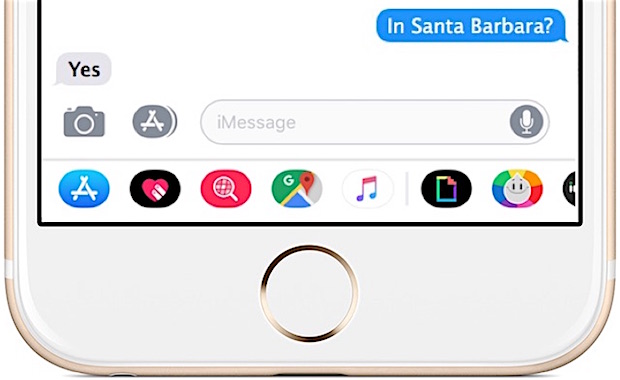
The Messages screen in iOS 13, iOS 12, and iOS 11 is busier than ever before, displaying a row of colorful icons and iMessage apps on the bottom of every conversation in Messages on iPhone and iPad. While some users will love the quick access to their gifs, message stickers and apps, not everyone is satisfied with having a row of brightly colored app icons and the app drawer showing up with their Message conversations, and many professional users have sought out a way to disable or remove the Messages app icons from the iOS communication client.
If you’d like to hide the Message app icons in iOS 13, iOS 11, or iOS 12 on an iPhone or iPad, you can do so with a little trick that hides the app drawer.
Apple has released iOS 11.0.2 for iPhone, iPad, and iPod touch devices running iOS 11. This is the second small bug fix update for iOS 11 that aims to patch various bugs and offer improvements to the operating system, making it recommended for users who are running a prior version of the iOS 11 release.
Users can download iOS 11.0.2 for compatible iPhone and iPad hardware through either the Settings app on their devices, via iTunes on a computer, or they can install the update manually by downloading and using IPSW firmware files for iOS 11.0.2 linked below.
Some Mac users like to perform a clean install when a new operating system is released. Usually this is reserved for more advanced users, as a clean install means the hard drive is formatted and completely erased, removing the existing Mac operating system, and erasing all contents, data, files, applications – everything from the Mac is completely removed. This allows the new macOS High Sierra installation to be blank, kind of like if the computer were brand new, thus the name “clean install”. Users who opt for clean installations of macOS usually perform extensive manual file backups and then copy their important data over after the installation is complete, and then they must manually install all their applications again.
This tutorial will walk through how to perform a clean install of macOS High Sierra (10.13+).
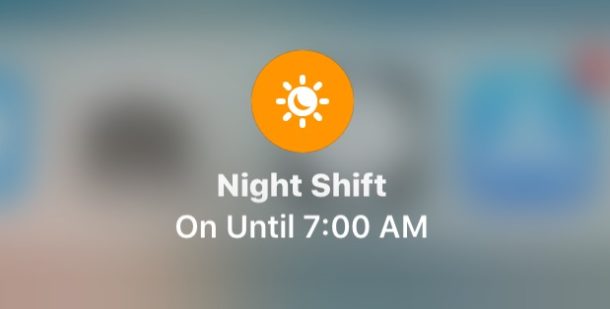
Accessing Night Shift quickly has changed in iOS 11 and iOS 12 and while Night Shift is still easily accessible via Control Center on iPhone and iPad, users will have to dig just slightly deeper to reveal the Night Shift setting toggle and be able to enable and disable the feature through Control Center.
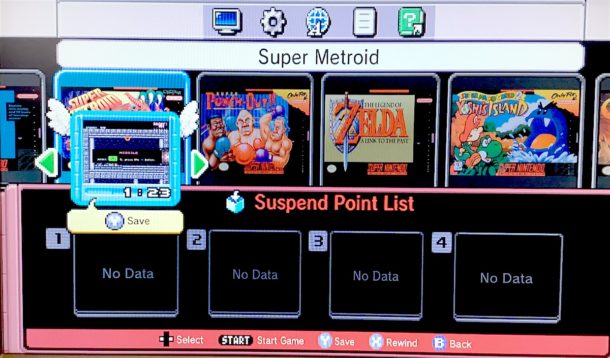
If you have managed to get your hands on the coveted SNES Classic Edition, you’re probably interested in learning how the new optional suspend point save system works. Suspend Points allow you to save any game from anywhere, at any time, rather than only at a dedicated save point or by using the in-game save menus on Super Nintendo games. On SNES Classic, suspend points are a lot like saved states on an emulator, so if you have experience with those this should be pretty familiar to you.
Saving from anywhere in any game on the SNES Classic Edition with Suspend Points is super easy, but it may seem a little counterintuitive at first because it relies on using the systems reset button. We’ll review how this system works to save games from literally anywhere in a game, and also how to resume those saved games on the Super Nintendo Classic.
Auto-Brightness is a screen setting on the iPhone and iPad which causes the device to automatically adjust the display brightness depending on ambient lighting conditions. For example, if you’re outdoors or in bright lighting, the screen would adjust to be brighter so that it is more visible, and if you’re in a dim room or outdoors at night, the screen would adjust to lower the brightness so that the screen isn’t as glaringly bright. Auto-brightness in iOS also can improve battery life by adjusting the brightness of the iPhone or iPad display down as the ambient lighting permits.
Some users like to turn off auto-brightness, or to make sure that auto-brightness is enabled on their iPad or iPhone. However, as of iOS 11 and iOS 12, the auto-brightness setting has been relocated from the standard Display settings area to deeper within the settings of iOS. This has led some users to think that auto-brightness was removed in iOS 11 and iOS 12, but in fact the setting was merely relocated.
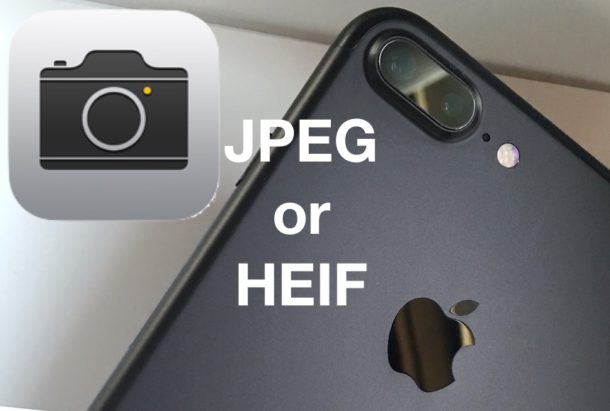
The iPhone camera will now default to taking pictures in a new HEIF format, rather then JPEG. This camera formatting change to HEIF came in the latest versions of iOS (15, 14, 13, 12, 11 and newer), but some iPhone users may prefer to have the camera continue to snap photos in JPEG format for broader compatibility with sharing, copying to a computer, and more.
We’ll show you how you can change the iPhone camera default image file type so that the iPhone will shoot pictures in JPEG format again. We’ll also cover a trick for leaving HEIF image format enabled but have those HEIF images automatically convert to JPEG files upon transfer to a computer.
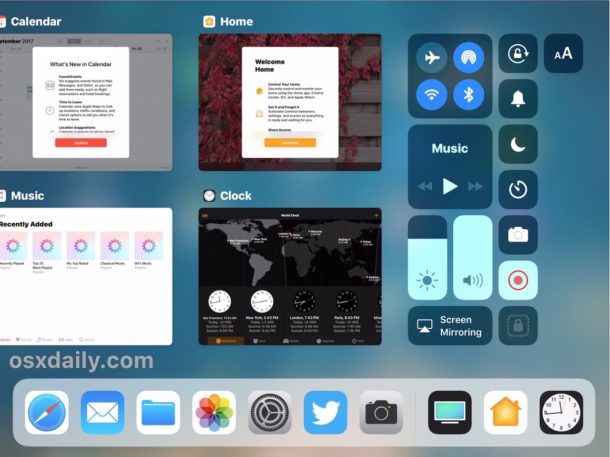
The iPad features an excellent app switcher complete with a nice look and a multitude of nice multitasking features, as well as the ability to perform critical functions like force quitting apps.
This article covers force quitting apps on any iPad, iPad Pro, iPad Air, and iPad mini, as long as it’s running a modern version of system software. We’ll show you how to force quit out of an app on the app switcher for iPad that comes with iPadOS 14, iPadOS 13, iOS 12, iOS 11, and later releases.
Apple has changed how to forcibly restart an iPhone 8 and iPhone 8 Plus, with the device now relying on a sequence of three button presses to complete the hard reboot procedure.
If you’ve been trying to forcibly reboot an iPhone 8 or iPhone 8 Plus to no avail, it is because all of the prior methods to hard restart an iPhone no longer work with iPhone 8 models. The new approach to a force restart or hard reboot – sometimes called a hard reset – is relatively easy, once you learn how it works on the new devices anyway.
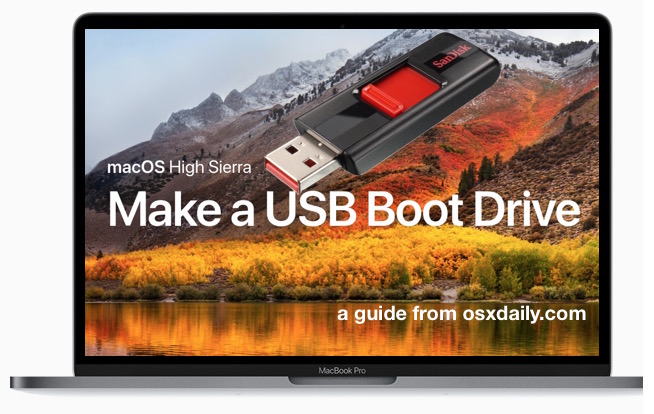
Some Mac uses like to create a bootable USB installer drive for macOS High Sierra. A bootable install volume of macOS 10.13 allows users to perform a variety of tasks including formatting and clean installs, updating multiple Macs from the same USB flash drive installer (and without re downloading), and to use as a troubleshooting boot drive should the need arise, amongst other benefits for advanced and more technical users.
This walkthrough will detail how to make a bootable USB install drive for macOS High Sierra.