How to Quit Apps in iOS 10 and iOS 9
Nov 11, 2015 - 15 Comments
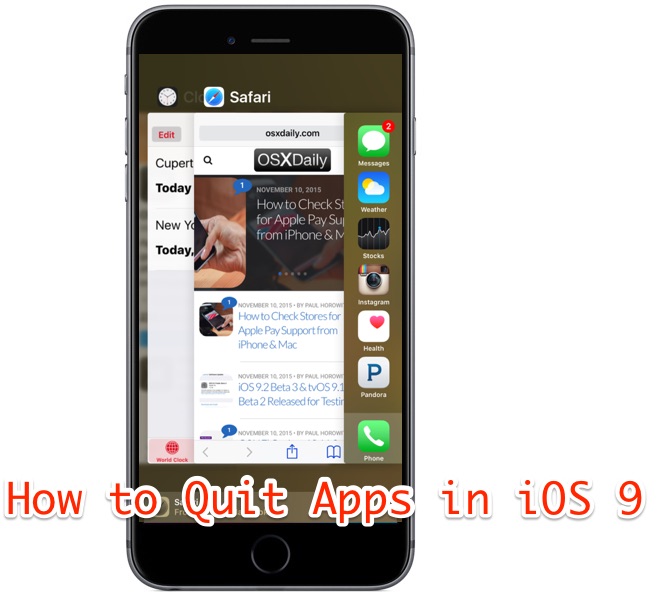
Quitting and force quitting apps in iOS 10 and iOS 9 is easy, whether you’re on an iPhone, iPad, or iPod touch. Though the multitasking screen may look different in modern iOS versions than it did before, the basic mechanism of forcibly quitting apps remains the same as prior versions of iOS.
By Paul Horowitz - iPad, iPhone, Tips & Tricks - 15 Comments


 If you use Google Chrome as your




 Gatekeeper is a security feature built into Mac OS X which helps to prevent unauthorized applications and code from executing on a Mac. Most users have encountered Gatekeeper before when they go to open an application downloaded from the internet, where you see an