Abstract images make some of the best wallpapers because they’re gorgeous and, unlike scenery or text, they’re not distracting. This group of ten high-resolution bokeh pictures from hobbyist photographer Radoslav Holan are no exception, they’re absolutely beautiful to look at and make for perfect desktop backgrounds. He shot the pictures over the last two days out of his flat window, using natural light from the sun and water drops to capture the stunning photos, and the results speak for themselves.
We feature a wide range of Mac setups here, but this one is particularly stunning and may be one of the most amazing workstations we’ve covered yet. From top-of-the-line Apple hardware, an entire custom designed building and office, to the whopping 65′ x 16′ projection screen (yes, that is measured as FEET, not inches) displaying content from an Apple TV, this workstation absolutely must be seen.
You can click on any picture to see a larger version, and we’ve even got two videos that demonstrate the construction of the building, and another which shows off the enormous projection screen in action. Don’t miss this!
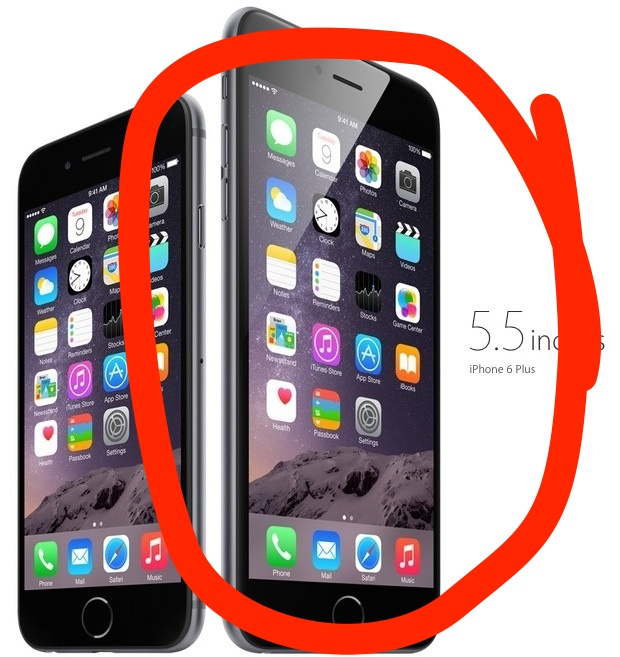
Much has been said about the iPhone 6 Plus already, and there are plenty of thorough reviews describing the hardware, the design, camera, and every other little improvement and detail of the device. After using one for a week, two things in particular really stand out to me which differentiate the iPhone 6 Plus over every other iPhone ever made, and for many users they could be the determining factor as to why you’d want to get an iPhone 6 Plus over another model. And no, this is not a geeky technical-based preference at all, this is based entirely on two significant usability factors.
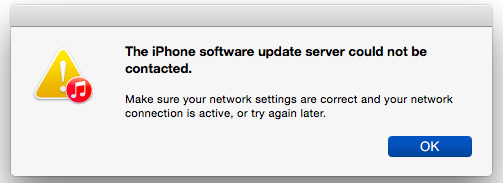
Some iPhone and iPad users who went to update to the latest version of iOS using iTunes may have discovered an error message saying the following: “The iPhone Software Update Server Could Not Be Contacted. Make sure your network settings are correct and your network connection is active, or try again later.”
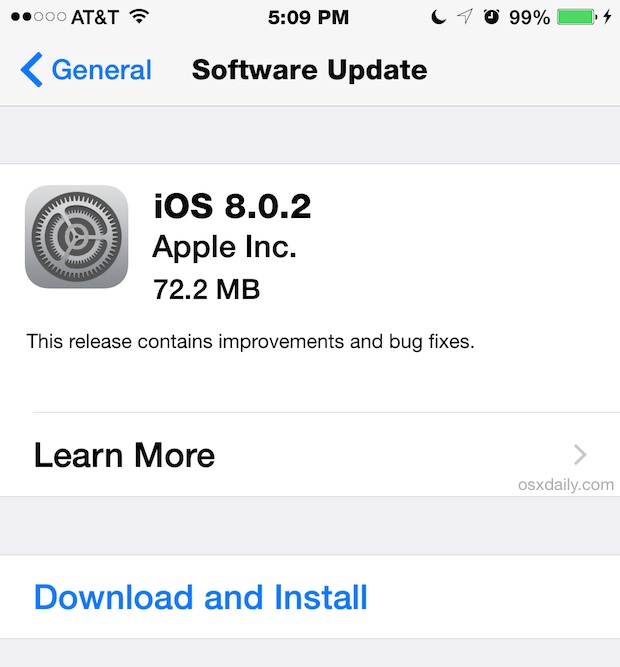
Apple has released iOS 8.0.2 for all iPhone, iPad, and iPod touch users running iOS 8. The update includes multiple bug fixes, including resolutions to problems introduced by the failed iOS 8.0.1 launch. Full release notes for iOS 8.0.2 are included below.
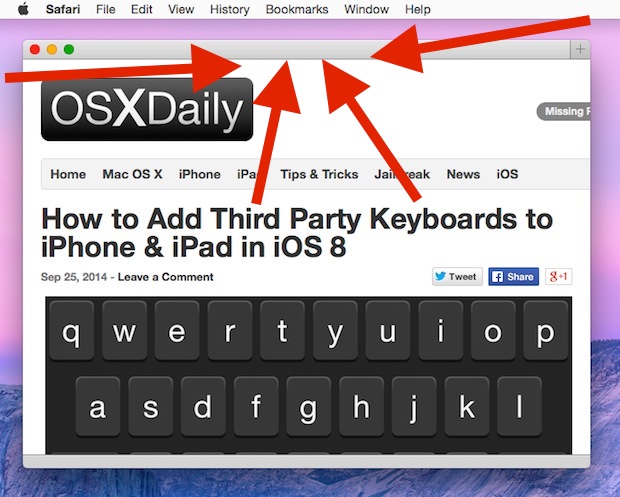
The address bar in Safari shows you what website URL you are currently visiting, and it also doubles as a search bar in recent versions too. That makes it a fairly critical component of the Safari browser for many of us, so if you use Safari as your default web browser and find that it mysteriously has gone missing, it’s understandable if you’d be a bit annoyed.
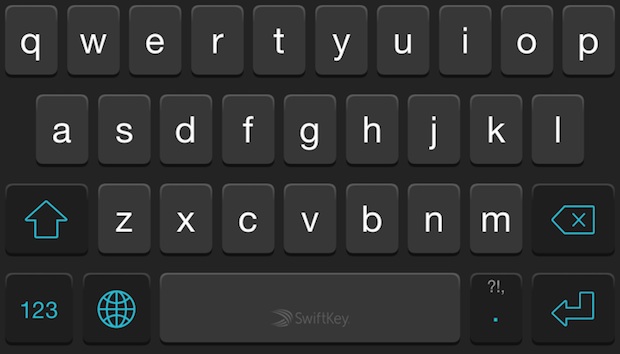
iOS gained the ability for users to add third party keyboards to their iPhone, iPad, and iPod touch. This has allowed for popular keyboards from the Android world, like the gesture-based Swype keyboard, to arrive to iOS, many of which aim to make typing on a touch screen significantly easier. Such keyboard are available to download from the App Store, and many of them are worth exploring, particularly if you find typing on the iOS keyboard to be annoying or difficult.
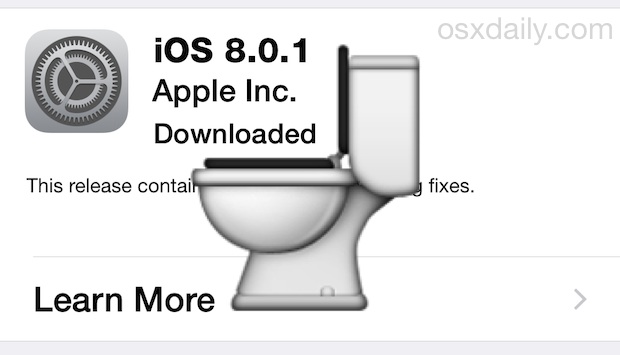
Don’t want to install an iOS update on your iPhone, iPad, or iPod touch? You can remove the iOS update from your device, which is really the best way to prevent accidentally installing and update or not installing one at all.
All users can easily delete any iOS update that has already been downloaded onto your iPhone, or iPad or iPod touch.
The iOS 8.0.1 update is causing a lot of iPhone owners grief, particularly those who have a new iPhone 6 or iPhone 6 Plus, where it has apparently killed the cellular signal of those devices, leading to a persistent “No Service” problem. Additionally, Touch ID has stopped working on those devices. Obviously this is not good, and users who have not yet updated are advised to avoid the update until a fix has been released by Apple.
If you already updated to iOS 8.0.1 and are now experiencing the cellular connectivity failures and Touch ID issues, you have three choices: wait for an update from Apple which is sure to arrive as soon as possible, restore through iTunes, or downgrade to iOS 8. The latter two resolutions we’ll cover here.
IMPORTANT: iOS 8.0.1 update has caused some users to lose cellular signals and Touch ID capabilities, and Apple has pulled it from their servers. Users are strongly advised to not install the update yet. More information about the “No Service” issues and other complaints with the update are available below. iPhone 6 and iPhone 6 Plus users can fix the “No Service” problem with these instructions.
Apple has released iOS 8.0.1 (build 12A402) for all iPhone, iPad, and iPod touch devices that are capable of running iOS 8.0. The update includes multiple bug fixes and improvements to iOS, and is said to resolve some of the complaints that users have experienced recently with third party keyboards, Reachability, Safari uploading, and more. Release notes for the iOS 8.0.1 update are included below.
While there is no specific mention of addressing wi-fi issues or battery life complaints, it’s possible that resolutions to those issues have been included in the update as well. Read more »
Some users have reported battery draining quicker than usual on their iPhones and iPads that have been updated to iOS 8. While it’s not a universal experience, there are some settings in iOS 8 that may have an impact on how long your battery lasts, thus we’re going to focus on adjusting those settings to preserve the battery life of your iOS devices.
If you’ve ever been included in a group text messaging thread that you had no intention on being a part of, you know how annoying it can be to have your iPhone (or iPad) chime repeatedly as new messages come in to the conversation you aren’t following. The longstanding strategy has been to just mute the iOS device and let the conversation play out, but iOS 8 and newer versions have a better choice with the ability to leave an iMessage thread.
Apple has started to run new TV advertisements for the new iPhone 6 and iPhone 6 Plus. The commercials feature the voices of late night TV personality Jimmy Fallon and popstar Justin Timberlake, who lightheartedly discuss a feature of the new phones. If you haven’t seen them air on TV yet, videos of the advertisements have been embedded below for easy viewing.
The iOS 8 update went smoothly for most users, but like every software update there are sometimes bothers, hangups, and difficulties that arise for a subset of users. One frustrating issue that is impacting some iPhone and iPad users are recurrent wireless connection difficulties post iOS 8 installation. Since these devices are so reliant on the internet for their functionality, that can obviously be an extreme annoyance.
Apple has issued an update to the Mail app for OS X Yosemite, which aims to fix some issues which caused the Mail application incapable of composing an email message. Apple recommends that all users of OS X Yosemite Developer Preview and OS X Yosemite Public Beta install the update, though if you don’t use the Mail app as your email client you obviously won’t be missing much.
iOS 8 is a fantastic update for most iPhone, iPad, and iPod touch users with tons of excellent additions, feature enhancements, and great changes. Sure, some users are resistant to change and there may be some annoyances, but for the most part iOS 8 adds so many positives that it’s hard to imagine going backwards.
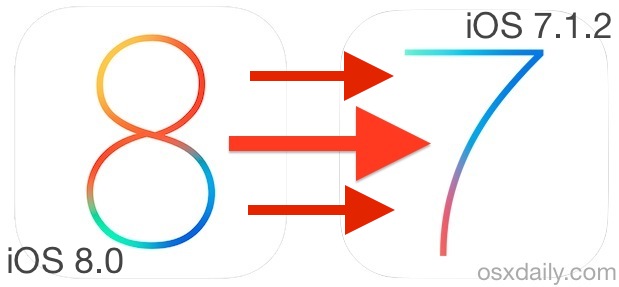
If you updated to iOS 8, played around for a while, and found things to be unbearable, too frustrating,or otherwise not an improvement over iOS 7.1.2, you can still downgrade your iPhone or iPad from iOS 8 back to iOS 7.1.2. But this is almost certainly a short-lived opportunity, so if you have any intention on doing it you’ll want to move quick.