7+ Frustrating Things in iOS 8 and What To Do About Them
Sep 20, 2014 - 258 Comments
iOS 8 is a really great improvement for the iPhone, iPad, and iPod touch with a lot of changes, some big and some small, but let’s face it, there are a few things that are a little annoying too. Whether you just got a brand spanking new iPhone 6 and moved your stuff over, or simply updated to iOS 8 on an existing device, there’s a few settings you may want to toggle or adjust to your liking. For those who updated, some of these settings you may have turned off yourself a long while ago, but after the iOS 8 update they automagically may have turned themselves on again.
By Paul Horowitz - iPad, iPhone, Tips & Tricks - 258 Comments

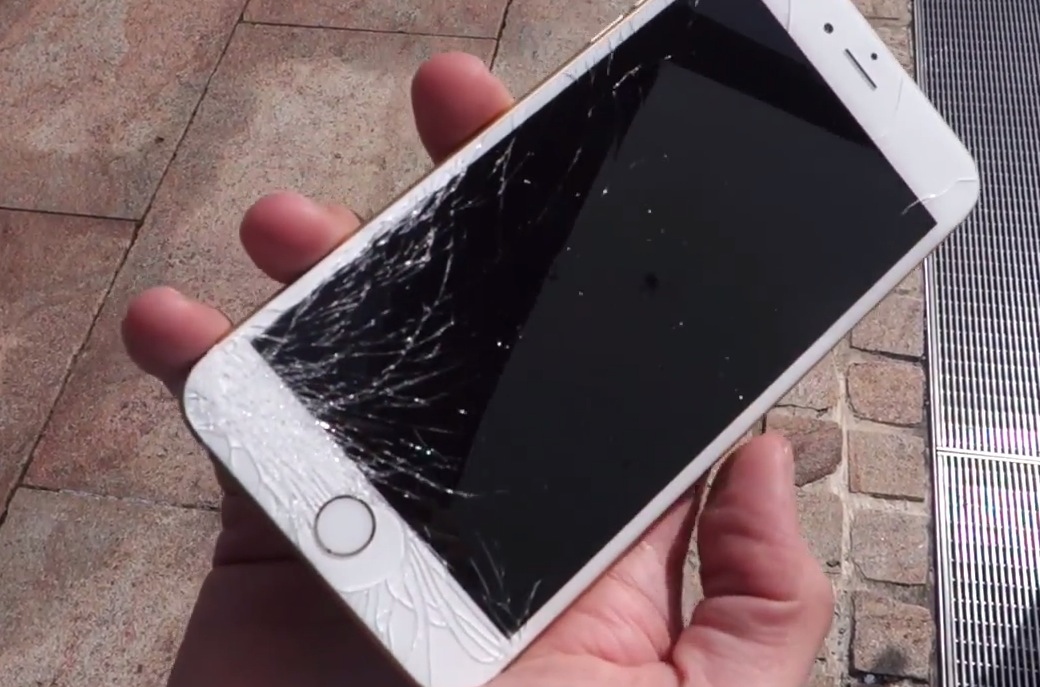
 . Why, might you ask? Well, and this may come as a shock so brace yourself, but it turns out that dropping an electronic gadget composed of machined glass and aluminum onto a hard surface may cause that glass to break, and the aluminum to scuff or dent. Imagine that!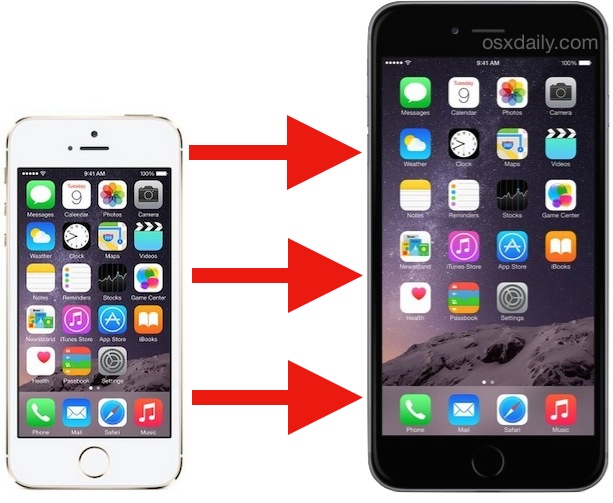
 If you’re tired of opening the Messages app just to send a quick reply to an incoming text message, you’ll be thrilled to discover the new Interactive Notifications feature brought to iOS with version 8. This means you can respond to a Message without stopping what you’re currently doing and without leaving the currently active app, just send a reply directly from the notification banner instead.
 Safari 7.1 has been released for OS X, bringing several improvements to performance, stability, security, and privacy to the Mac web browser. Notably, the update adds support for the DuckDuckGo search engine, encrypts all Yahoo searches that are done from the URL bar, improves the Reader features compatibility with websites, and also improves the AutoFill function. As usual, Apple recommends that the update be installed by all users.


 Apple has released OS X Yosemite Public Beta 3 to those Mac users registered with the public beta program. Additionally, Apple released OS X Yosemite Developer Preview 8 to Mac developers. The two builds include bug fixes and feature enhancements, and appear to largely be the same, pushing the release of OS X 10.10 ever closer to the public launch this fall.