Download the Default iOS 8 Milky Way Wallpaper
Sep 12, 2014 - 7 Comments
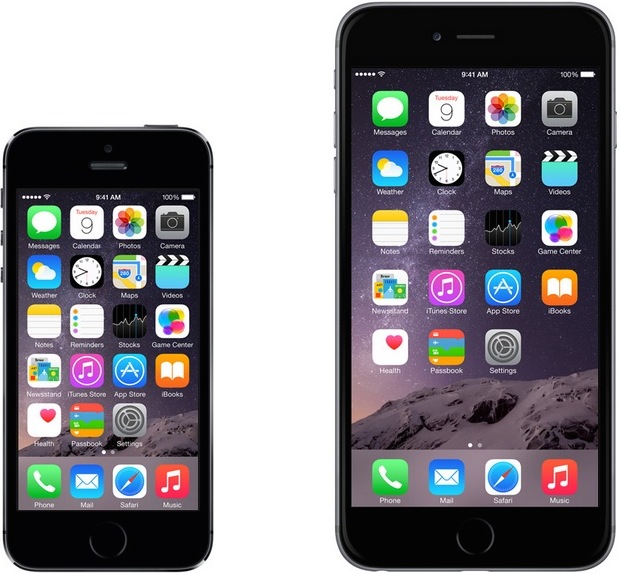
Apple is well known for choosing gorgeous wallpapers for iOS and OS X, and the release of iOS 8 is no different with it’s stunning default wallpaper of our own milky way galaxy glowing over a snowy mountain peak. While iOS 8 will be released to download shortly for everyone with a compatible device, you don’t have to wait that long to decorate your iPhone, iPad, iPod touch, Mac, Android, or Windows PC with the gorgeous milky way shot.
By Paul Horowitz - Customize - 7 Comments
 Many iPhone and iPad users recently discovered that a U2 album appeared on their iOS devices seemingly at random. Though part of a promotion from Apple and the band U2, which was a hit with U2 fans, this also caused a fair amount of
 Apple has expanded their iCloud storage plan lineup to offer dramatically increased storage capacities for a monthly fee. The new pricing plans offer up to 2TB of total storage capacity, which should be plenty for just about any gadget owner, even if you have a handful of iPhones, iPads, and Macs in use on a single Apple ID.
 Anyone who develops just about anything for the web knows that following resource usage of a specific tab or window, or just tracking down an errant tab or window can be difficult, but Safari on the Mac has a hidden trick up it’s sleeve that makes it much easier; the ability to show web process IDs directly within the page and tab title of a Safari window.
 Apple has released iTunes 11.4 for OS X, the new version is required for iPhone, iPad, and iPod touch to sync and function properly after updating those devices to iOS 8, making it a highly recommended download for all Mac users.
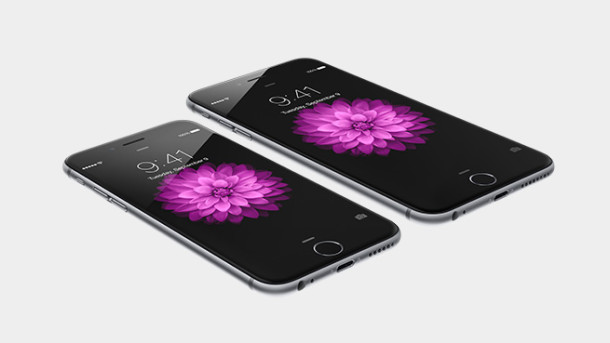
 Apple has announced that iOS 8 will be released on Wednesday, September 17, two days prior to the release of iPhone 6. As usual with iOS, the major software update will arrive as a free download from the Over-the-Air update mechanism, or through iTunes.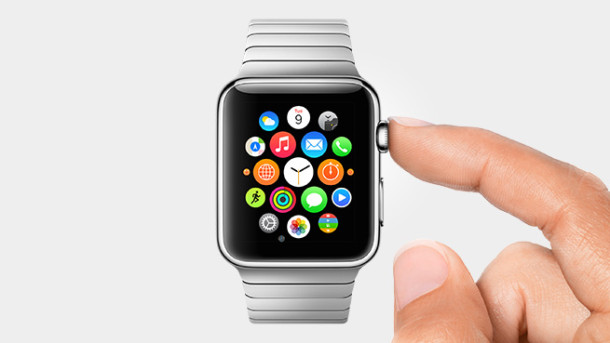
 There’s a rather amusing