How to Enable Voice Isolation on iPhone Cell Phone Calls
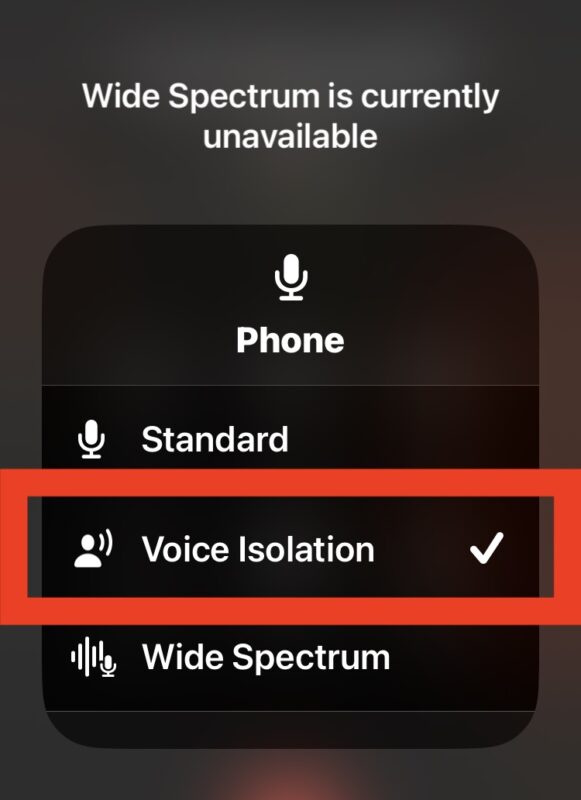
Apple has introduced a feature called Voice Isolation to iPhone cellular calls that should make it easier to have phone conversations while using iPhone, even when there is loud or distracting background noise.
As the name implies, Voice Isolation prioritizes the sound of your voice, rather than other sounds that may be picked up by the iPhone microphone elsewhere in the surrounding environment.
If you’ve ever been on a phone call with someone walking by a leaf blower, vacuuming, revving an engine, washing dishes, or performing other common tasks, you can likely already imagine how prioritizing voice and using voice isolation is going to be helpful at improving the clarity and focus of your phone calls, so read along to learn how to turn on this somewhat hidden feature.