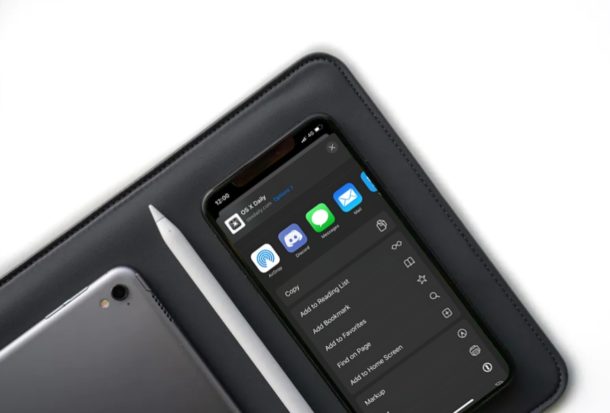
Want to bookmark a web page or website in Safari on iPhone or iPad? Bookmarks make revisiting websites and webpages super easy, and are an excellent way to keep track of things on the web.
It’s fairly easy to add and manage bookmarks in Safari, but if you had no clue how to use it, you’ve come to the right place. This article will demonstrate how you can bookmark a web page in Safari on your iPhone or iPad.
Mac users can pair and use Playstation 4 controllers with their Mac, which makes for an excellent gaming experience.
The ability to pair PS4 controllers to the Mac has been around a while, but with MacOS Catalina 10.15 onward, it’s easier than before (you can pair Xbox One controllers to Mac now too just as easily).
Google Hangouts offers a free and easy way to make group video calls, and you can make and join those calls directly from iPhone and iPad.
Google Hangouts has always been useful, but for some people it may be more relevant and useful than ever right now during quarantine periods, and it offers another option to video conferencing with Zoom Meeting from iPhone and iPad, group FaceTime video chat with iPhone and iPad and Group FaceTime on Mac, Skype, and others too. Thanks to Google Hangouts, you can make group video calls to handle personal, business, and other work-related meetings right from the comfort of your workplace or home, as long as you’re connected to the internet.
In this article, we’ll cover how you can make group video calls with Google Hangouts on both the iPhone and iPad.
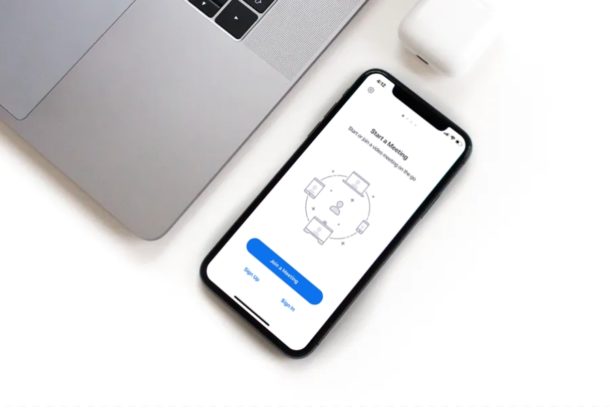
Zoom is a video conferencing solution that allows people to easily setup, host, and join video chats for remote meetings, work, or even just social events.
If you are an iPhone or iPad user and also one of the countless people who are currently working from home during this COVID-19 lockdown period, you’ll be pleased to know that Zoom makes video conferencing quite easy. And even without the COVID-19 outbreak, using Zoom for group video conferences and work-related meetings is easy and convenient.
There are several video conferencing applications that are available today, but Zoom is primarily targeting businesses and institutions that are out there. With many schools and colleges being shut down due to the global pandemic, several educational institutions have even begun online classes with the help of Zoom, as it’s capable of hosting up to 100 participants for 40 minutes, even on the free plan.
Are you trying to host or join a Zoom meeting from your iOS or ipadOS device? Here we’ll be discussing how you can set up, host and join a Zoom meeting on both the iPhone and iPad.
Apple has released MacOS Catalina 10.15.4 Supplemental Update for Mac users running macOS Catalina.
The new supplemental update includes a few bug fixes, including resolving a problem with FaceTime calls that was also patched in the iOS 13.4.1 and iPadOS 13.4.1 updates. The full release notes accompanying the MacOS Catalina 10.15.4 Supplemental Update are available further below.
Did you know you can use the AirPods Pro Active Noise Cancellation feature even if you only have one of the earbuds in? Indeed you can use ANC on a single earbud. This is a great feature if you use a single AirPods Pro earbud for phone calls, conversations, podcasts, or listening to audio. If you didn’t know about this feature, that’s not too surprising because it’s not the most obvious AirPods Pro feature to reveal itself.
In this article, we’ll show you how to enable Active Noise Cancellation on a single earbud of AirPods Pro.
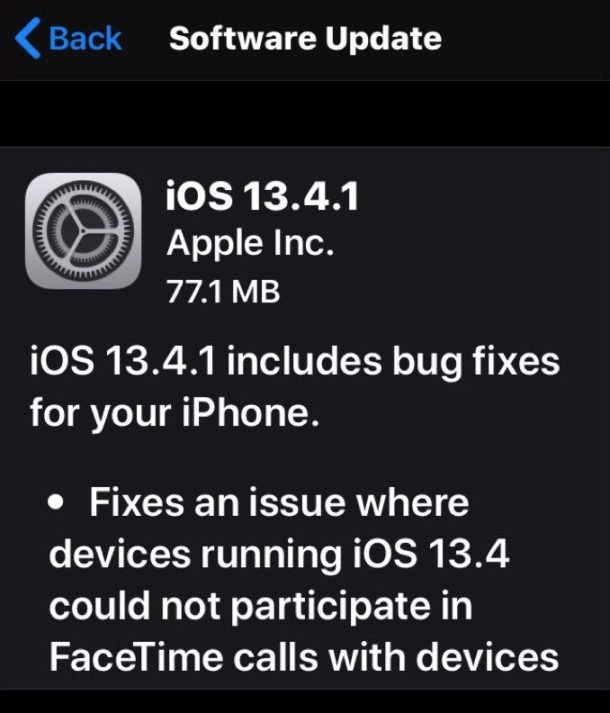
Apple has released iOS 13.4.1 and iPadOS 13.4.1 for iPhone, iPad, and iPod touch users.
The new version of iOS and iPadOS includes bug fixes, with the most notable being a resolution to a FaceTime issue where device running the newest iOS and iPadOS versions were unable to communicate with Apple devices running older system software. Thus if you have been experiencing issues with FaceTime calls lately, you may benefit from updating to the latest iOS 13.4.1 or ipadOS 13.4.1 release.
The Night Mode camera is a great feature of iPhone 11, iPhone 11 Pro, and iPhone 11 Pro Max, and as you may know already the feature turns itself on automatically when dim lighting is detected. But did you know you can manually adjust the time length of the exposure for Night Mode camera on iPhone?
If you use the Photos app on Mac to manage your photo libraries, you may occasionally need to rotate a picture or two in your collection. Perhaps you snapped a photo in horizontal landscape mode but you meant it to be vertical in portrait, or maybe you just want to rotate a picture for some other reason.
Rotating photos on the Mac is very easy within the Mac Photos app, as you’ll quickly see in this tutorial.
The arrival of Apple Arcade last year was something that we’d been looking forward to – and was rumored – for a long time. Now it’s here, and you can play games on iPhone, iPad, and Mac. And it’s the last one we’re going to cover today, so if you’ve been wondering how to play some Apple Arcade games on the Mac you’re in the right place.
Ever wanted to use an Xbox One controller with your Mac for gaming? You can do that easier than ever before with the latest versions of MacOS, because with modern versions of macOS like Big Sur and Catalina (and newer), Apple has added native support for Xbox One game controllers.
A paired Xbox One controller can be used to play any game that supports controllers on the Mac, whether that’s popular titles like Fortnite, or Apple Arcade games, or many others. The Microsoft Xbox One S and Xbox One X controllers are great controllers to play with and very popular with gamers in general, and now it’s easier than ever to get them up and running on your Mac as you’ll see in this tutorial.
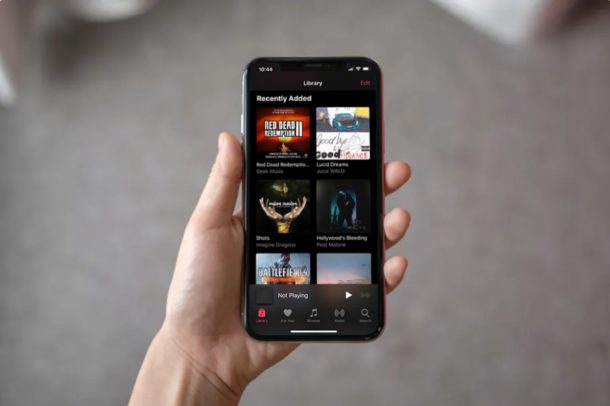
Would you like to easily see your recently added songs in Apple Music? If you’re enjoying Apple Music on iPhone and iPad, you may appreciate an ability to view recently added songs within the Music app.
Want to master selecting words, sentences, and paragraphs on iPhone and iPad? Then you might want to learn how to use the text selection gestures in iOS and iPadOS, which allow to easily select text on the devices for copying, cutting, editing, correcting, deleting, or whatever other purpose you may have.
Opening Keynote presentation files on a Windows PC can be done easily with the help of iCloud, and no document conversion or extra apps are needed. If you own or work with multiple devices and platforms and often find yourself switching between them, you may come into the scenario where you’re on a Windows PC and you need to access and open a Keynote document on that PC arriving from or created on a Mac, iPhone, or iPad. This is a pretty routine scenario for many workplaces and schools, so if you find yourself needing to open, edit, and access Keynote files in Windows then you’re in the right place.
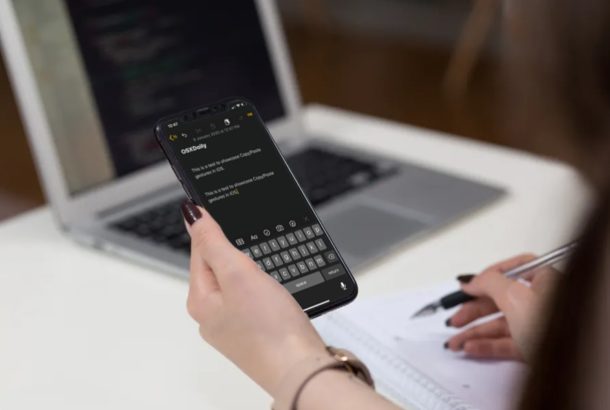
Want to copy and paste on iPhone or iPad using gestures? The latest releases of iOS and iPadOS offer new gestures for manipulating data including new approaches for copying and pasting data, and they’re pretty simple to use once you learn what the copy gesture and paste gesture is for the newest iPhone and iPad models.
Interested in trying out these new copy and paste gestures on your Apple devices to save some of your time? In this walkthrough, we’ll be discussing how you can copy and paste on iPhone & iPad with gestures rather than the tap and hold or keyboard shortcuts approaches.
Do you want to store all your online account information, logins, and passwords in one place? You might be interested in trying out iCloud Keychain, a handy password management tool that’s baked into iOS, iPadOS, and MacOS devices, and that automatically syncs that login keychain data between your other iPhone, iPad, and Mac hardware too.
There are plenty of password managers that you can download and install from the App Store today. However, iOS users don’t necessarily need to rely on such apps, as the built-in Keychain feature is fully capable of securely storing your log-in details and other information. It’s very convenient, as iCloud Keychain will store and then automatically fill out your usernames and passwords whenever required, once you visit a website or open an app that has been added to Keychain for quick and easy access.
Interested in learning how this works, so you can set it up on your iPhone or iPad? Here we’ll be discussing how you can enable and use iCloud Keychain on both the iPhone and iPad. And remember, the iCloud Keychain data will sync between your other Apple devices using the same Apple ID as well, including Macs!
Changing the refresh rate of a display can be needed by some Mac users, particularly if they work with movie files and video editing. Generally speaking, most users should keep their displays set to the default refresh rate for their particular screen, but if you need to adjust refresh rate you’ll find it’s simple to do so with displays used on the Mac.