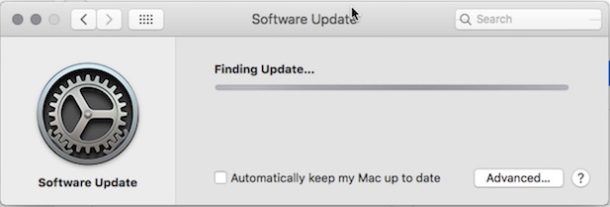
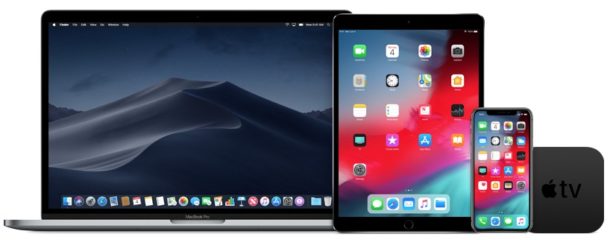
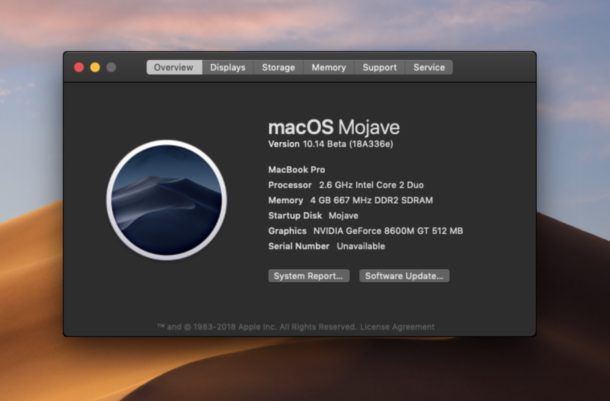
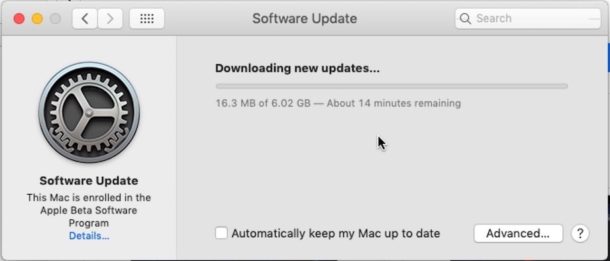
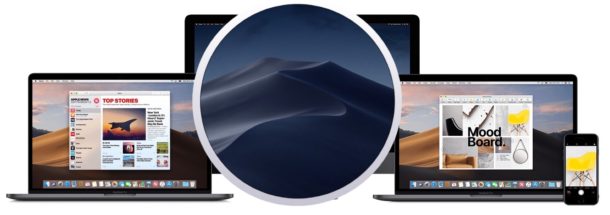
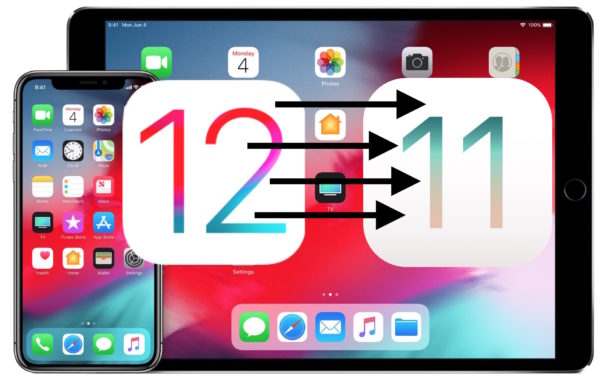
Apple has released iOS 12 beta 6 and macOS Mojave beta 6 for users enrolled in the developer beta testing programs. Additionally, beta 6 of watchOS 5 and tvOS 12 are available for users testing those releases.
Every once in a while you may encounter .bin and .cue files, or a cue/bin cue sheet, of a disk image, often when downloading old Mac software (or even DOS, Windows, Linux) for a retro machine, for an audio or video disc, or just as a disk image of something. Mac users therefore may need to convert that bin and cue file into an ISO file for usage elsewhere, whether it’s for a virtual machine or even burning the ISO to a disc.
This article is going to demonstrate how you can convert a .bin and .cue file into a .iso file on the Mac.
Have you ever found yourself with an iPhone or iPad that is stuck in VoiceOver mode and as a result you can’t unlock the iPhone or iPad? When VoiceOver is active and the screen is locked, if you’re trying to unlock the device or enter a passcode you may instead find that whatever is on screen is instead spoken aloud, and it may be preventing you from unlocking your device. If this has happened to you accidentally and suddenly your device is talking to you when you touch stuff on the screen, we’ll show you how to unlock an iPhone or iPad when the screen is locked while VoiceOver is active. Additionally, we’ll show you how to disable VoiceOver from the locked screen so that you can enter the passcode or unlock the device as usual.
The latest version of macOS Mojave includes some beautiful new wallpapers of desert scenery, flowers, and abstractions, but you don’t need to install macOS Mojave beta or be running macOS Mojave to be able to enjoy the lovely images, and the wallpapers look fantastic on any other Mac, Windows PC, iPhone, iPad, Android device, Linux machine, or anything else you feel like sprucing up with some fancy background images.
The images are available at a very large 5120 × 2880 pixel resolution, making them beautiful on just about any screen you can think of regardless of display resolution or pixel density.
The Messages app in newer releases of iOS and MacOS will attempt to render a small preview of any webpage URL or link that is shared within the Messages app. Usually the link preview will pull the title of the article or webpage, an image, and the domain of the URL being shared, all in a little compact thumbnail preview seen in the Messages thread on an iPhone, iPad, or Mac. The Message link previews are useful to many people, but some users may not like the URL previews, and some more cautious users may prefer to see the full URL of a link at all times, especially before clicking on it.
We’ll show you a few tricks to disable the link previews of URLs sent and received in the Messages app of iOS and MacOS.
System Integrity Protection (SIP) locks down certain Mac OS system folders to prevent modification, execution, and deletion of critical system-level files on the Mac, even with a root user account. While the SIP security feature is enabled by default on all modern Mac OS releases, you may find yourself in various situations where you need to check SIP status to find out if it is enabled or disabled on a particular Mac, or to otherwise confirm the SIP status on any Mac.
There are two ways to check System Integrity Protection status; by using the command line, and by using the System Information profiler tool.
This article will show you both methods to see how to determine if System Integrity Protection / SIP is enabled or disabled on a Mac.
The Notes app on iPhone and iPad is obviously useful for keeping notes for many purposes, and the latest versions of iOS Notes app includes a great feature that allows capturing photos and videos directly into Notes on iOS. But depending on how your Notes app settings are configured, you may find that the media you capture in Notes app is not saved elsewhere to your device.
If you’d like pictures and movies captured within Notes app to appear in the Photos app for easy retrieval from there, you can enable a simple setting in iOS to do so.
If you’re a Python user you may already be familiar with the handy trick that allows you to instantly create a simple web server using an easy command string entered in the command line of Mac OS. But if you’re a Mac Python user who has installed or updated to Python 3, then you will find the traditional command string from the prior Python versions does not work to initiate the web server in new Python 3.x+ releases.
Not to worry, the simple web server Python trick still works in Python 3 for Mac (and for Linux and Windows too of course, but we’re obviously covering MacOS), it’s that the command syntax is just slightly different. We’ll show you how to start a simple web server with Python 3 by using the new Python 3.0+ equivalent of the python -m SimpleHTTPServer command.
Apple has released iOS 12 beta 5 to iPhone and iPad users enrolled in the developer beta testing program, along with macOS Mojave beta 5 for Mac users participating in the Mac developer beta program. The accompanying public beta release builds typically arrive soon after.
Additionally, Apple has released tvOS 12 beta 5 and watchOS 5 beta 5 to users testing beta software on their Apple TV and Apple Watch.
If you have installed Homebrew on a Mac to use as a package manager for various unix and command line utilities, you’ve probably also installed a handful of packages deemed useful to you. But what if you no longer need one, and you want to remove a particular Homebrew package?
It turns out that uninstalling packages / formula with Homebrew is very easy, and uninstalling and removing packages from Homebrew is just as easy as installing them in the first place.
Ever wonder how you can download all of your photos from Instagram? Now you can easily download all Instagram photos, videos, along with images and movies from your Stories, as well as direct messages pictures, data, and media, comments, profile info, and other information related to your Instagram account. Of course most people will primarily be interested in downloading their pictures and videos from the service, and so that will be our focus here.
This guide will show you how to download all photos and videos from an Instagram account to any Mac or Windows PC. Technically you can download the files to an iPhone, iPad, or Android as well, but it’s perhaps less useful there. The downloaded Instagram data arrives as an archive file, perfect as a backup or as a portable data archive for storing elsewhere or using as you wish.
Are you interested in seeing a non-alarmist, data-driven, and realistic assessment of the existing malware threat environment for the Mac platform? If so, you’ll want to watch this hour long presentation from Thomas Reed of Malwarebytes. Recorded at the 2018 MacAdmins conference at Penn State University, Mr Reed uses hard data found from the Malwarebytes scanner and removal tools to offer a “data driven look” at existing threats to the Mac.
Despite blocking a contact or phone number from being able to reach you, you can still check any voicemails left by those blocked phone numbers on the iPhone, as this tutorial will show you.
The Notes app on iPhone and iPad is a great place for note taking, as well as being a great repository for storing various clips of data, sketches, lists, and much more. Another wonderful feature of the iOS Notes app is the ability to take photos or videos and embed that media directly into a note file. Essentially this means the Notes app has direct camera access, which can make it simpler and quicker to use the camera right from within the Notes app itself.
If you have never taken pictures or videos from the Notes app in iOS before to embed the picture or movie into a note, this tutorial will show you exactly how to do that on an iPhone or iPad.
Many advanced users often need to find and list all hosts on a network, often for IP discovery, connecting to a remote machine, or some other system administration or network admin purpose. One of the easiest ways to find all hosts and the host IP addresses on a network is by using the nmap command line tool.
Apple has released a bug fix software update for macOS High Sierra 10.13.6 aimed specifically at Mac users who own the latest 2018 model year MacBook Pro with the Touch Bar.
The update is labeled as “macOS High Sierra 10.13.6 Supplemental Update for MacBook Pro (2018)” and apparently aims to resolve a problem where the new MacBook Pro Touch Bar models were sometimes dramatically underperforming due to thermal issues with the processor, causing the CPU to throttle itself significantly. Installing the bug fix update should therefore resolve the performance issue.
Have you ever wished you could have an animated GIF as the screen saver on a Mac? Well there’s no reason to wish, because an animated GIF screen saver can be a Mac reality, with no rubbing of genie bottles needed.
Using an animated GIF as a screen saver is a bit goofy and probably not appropriate for most people, but if you have a favorite animated GIF and want some low-resolution eye candy for fun or enjoyment, then this screen saver option may be right for you.
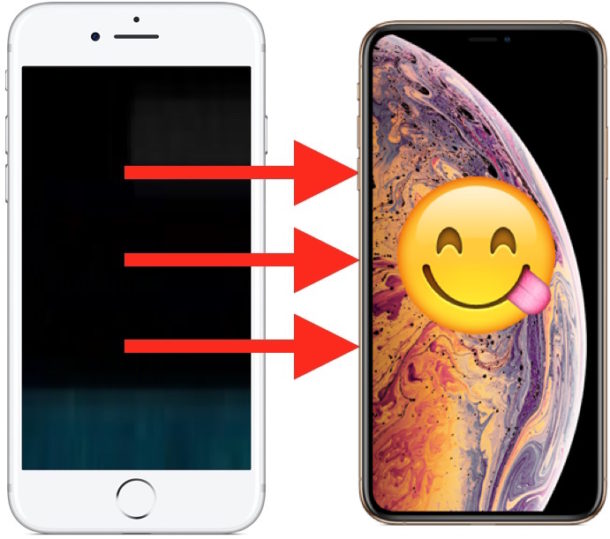
Some iPhone users may run into a problem where the iPhone screen goes black, and then the iPhone screen seemingly stays stuck on black. A black iPhone screen can be caused by a variety of different things, but the good news is that usually a blacking out screen is pretty straight forward to fix and have working as normal again.
This guide will run through a variety of possible causes and potential troubleshooting fixes to an issue where iPhone display gets stuck on a black screen.