How to Disable Auto HDR on iPhone Camera (For iPhone 12, 11, XS, XR, X, 8 etc)
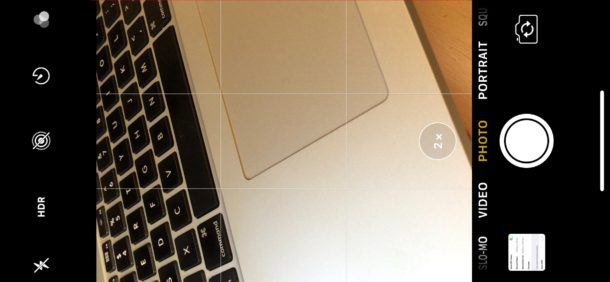
The latest iPhone models from Apple default to automatically enabling HDR on the device camera, this includes iPhone 12, iPhone 11, iPhone XS, XR, X, iPhone 8 Plus, and iPhone 8. HDR can often create better looking pictures by blending color range from different exposures into a single image, but it can also sometimes make pictures look strange or even worse, particularly in some lighting situations and with some pictures of people as well.
By disabling auto HDR on iPhone, you also regain the “HDR” button in the iPhone camera app, which lets you choose HDR to be on, off, or automatically enabled depending on lighting, and directly from within the camera app itself. This contrasts to the default state on new iPhones, which hides the “HDR” button since the auto feature is enabled by default. In other words, if you want the HDR button controls returned to the iPhone Camera app, you have to disable Auto HDR in Settings.