New MacBook Air Announced, Includes All Day Battery Life
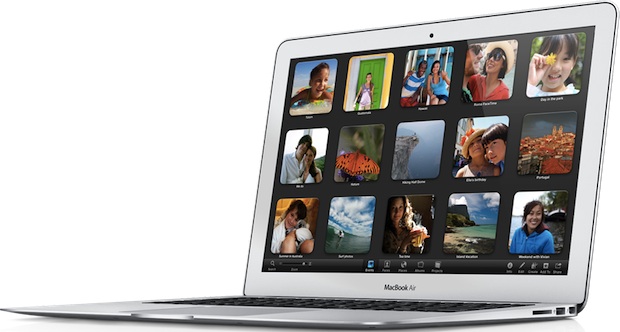
Apple announced a significant MacBook Air update today at WWDC alongside the all new Mac Pro, and the new Air includes dramatic battery life that lasts all day.
If you’ve ever had a MacBook Air or MacBook Pro’s battery disappear at random it can be a disconcerting feeling. This is often accompanied with the battery menu having an “X” through it and saying “No Batteries Available”, a very sluggish Mac, and even after a reboot or not the Mac will often have fans … Read More
If you’re in the market to buy one of the super-fast new MacBook Air or MacBook Pro models, Amazon has already discounted all of the new 2012 models, with some savings of up to 5%. Here are the three MacBook Air models discounted by 5%, each comes standard with 4GB of RAM so the only … Read More
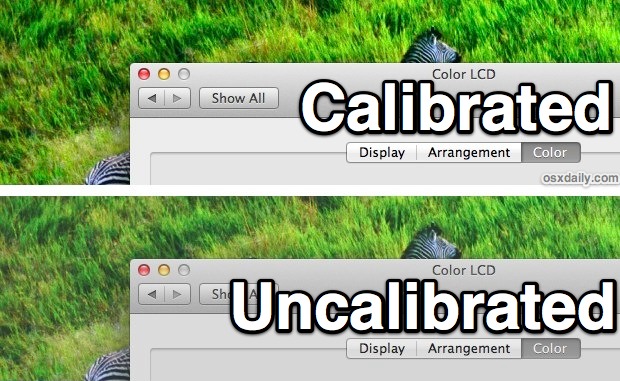
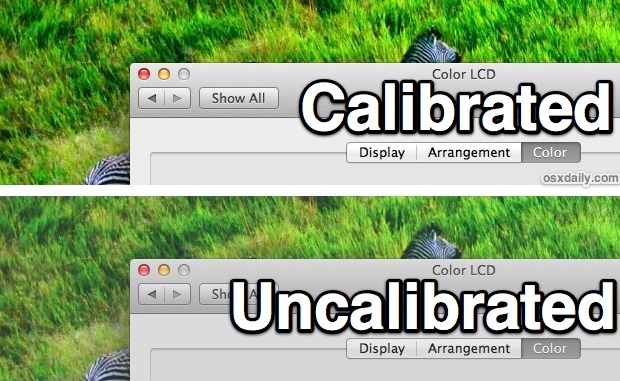
If you have a new MacBook Air or MacBook Pro and the colors seem a bit dull and washed out compared to your previous Mac, you probably aren’t imagining things. Like most other hardware companies, Apple sources display panels from a variety of screen manufacturers, and though all the displays are of very high quality … Read More
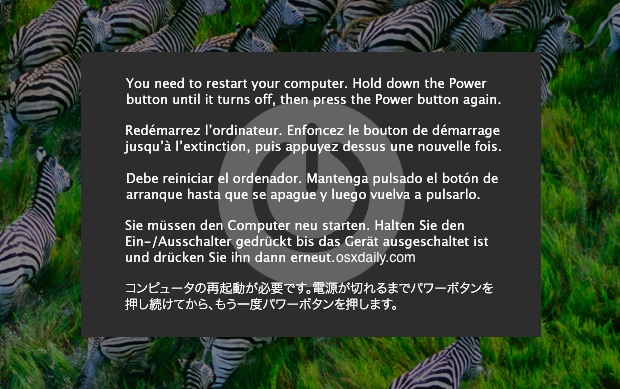
We’ve discussed some pretty flattering attributes of the new MacBook Air lately, but here’s one that’s less than pleasant: a sizable amount of users are reporting the machine will completely freeze up seemingly out of nowhere, requiring a hard reset. Though not every new MacBook Air owner is experiencing the freezing issue, those who have … Read More
Apple advertises the MacBook Air (mid-2012) battery as lasting “up to 7 hours”, but we’re pleased to report that Apple’s marketing is understating that number by as much as an hour and a half. In our (admittedly unscientific) tests based on real-world use case scenarios, the battery life on the new MacBook Air is simply … Read More
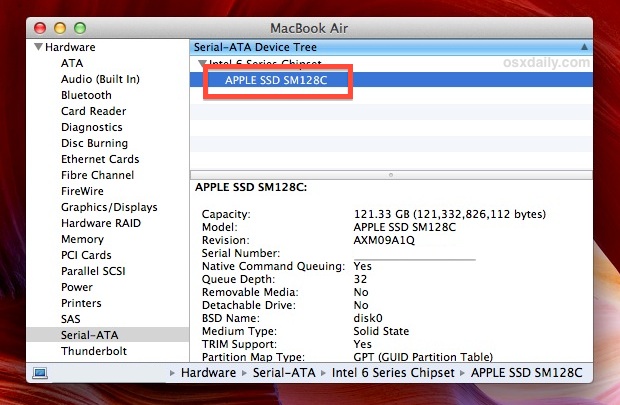
If you’re wondering who made the SSD (flash storage) drive on a MacBook Air or MacBook Pro it’s fairly easy to determine: Pull down the  Apple menu and choose “About This Mac”, then click on “More Info” Click “System Report” Look under “Hardware” for the “Serial-ATA” entry and select it Expand the chipset and … Read More
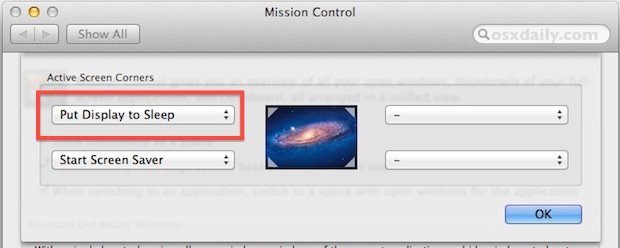
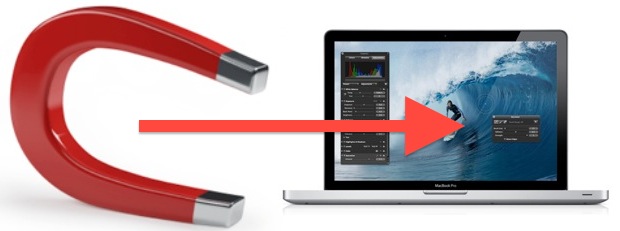
We have covered a handful of different ways to disable the internal screen on a MacBook Pro/Air while keeping the laptops lid open and the computer turned on, ranging from a command line approach, dimming brightness or using sleep, and even a silly magnet trick, but for whatever reason there have always been a few … Read More
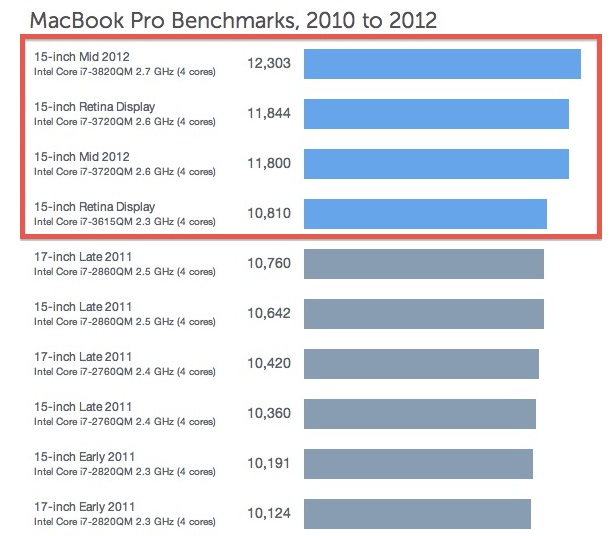
The first benchmarks for the new retina MacBook Pro, MacBook Pro 2012 refresh, and the updated MacBook Air 2012 have shown up from GeekBench and, as you would probably expect, they’re very impressive. First up is the new MacBook Pro 15″, which is easily the fastest Mac laptop Apple has ever made. The preliminary Geekbench … Read More
If you don’t have time to watch the WWDC 2012 keynote video, here’s a quick summary of everything major that was announced at WWDC and also a few things that were quietly updated behind the scenes. New Macs, new operating systems, new apps, it was a big day for Apple. Macs & OS X Mountain … Read More
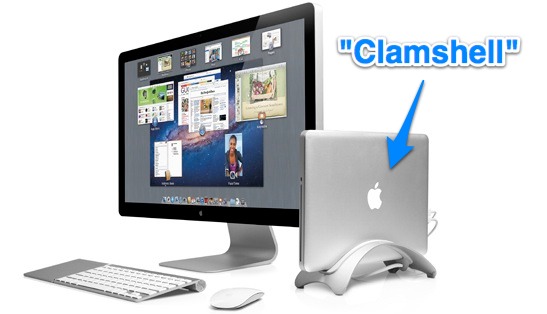
Keeping a portable Mac turned on while the lid remains closed is commonly referred to as clamshell mode. Clamshell mode basically docks the MacBook Air / Pro / etc and allows the GPU to power an external display only, which can help performance of some games and graphics intensive tasks. Additionally, some MacBook users just … Read More
We’ve shown you how to disable the internal display of a Mac laptop running OS X Lion or later with sleep or with the help of a command line trick, those are the recommended approaches but not everyone has gotten them to work on their Macs. An alternate and peculiar option left in our comments … Read More
For those of us in the northern hemisphere, summer is fast approaching and that can often mean extreme heat which pushes the temperature limits beyond what any computer is intended to operate in. In fact, Apple specifies ambient operating temperatures for most Macs as between 50° and 95° fahrenheit, this means that anything above 95° … Read More
Many people equate productivity with screen size and assume it’s difficult to get much work done on a small screen. That simply isn’t true, I use a MacBook Air with the 11″ display and use the following tips to stay focused and maximize productivity with the small screen.
Macs have pretty amazing battery life to begin with, but following a few simple tips will help you to get the absolute best battery performance out of a MacBook, MacBook Air, or MacBook Pro. The primary goal here is to reduce overall power consumption on the Mac laptop and we’ll cover a few different techniques … Read More
With traditional clamshell mode for a MacBook Air, MacBook Pro, or Macbook, an external display, mouse, and keyboard must be attached in order to maintain the running closed-lid clamshell state. Thanks to a third party kernel extension called NoSleep we can now remove those hardware limitations and run a Mac laptop with the lid closed … Read More
Apple has released firmware updates for 2010 model year MacBook Air, iMac, and MacBook Pro. The EFI update brings OS X Lion Internet Recovery, which is accessible by booting into Recovery mode and allows a user to reinstall OS X Lion, to each Mac from 2010. The EFI Firmware updates are available to download from … Read More
Apple is rumored to be working towards releasing retina display equipped MacBook Pro’s in the second quarter of 2012, according to a new report from the Taiwanese trade publication Digitimes. Citing upstream component sources, the displays are said to be 2880×1800 pixels and become yet another competitive advantage for Apple’s portable lineup: While the prevailing … Read More