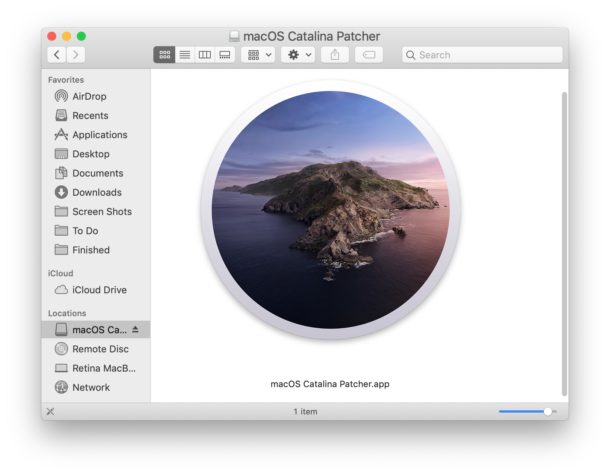
Then you may be interested in a third party tool that allows advanced uses to patch the MacOS Catalina installer so that it works on otherwise unsupported Macs.
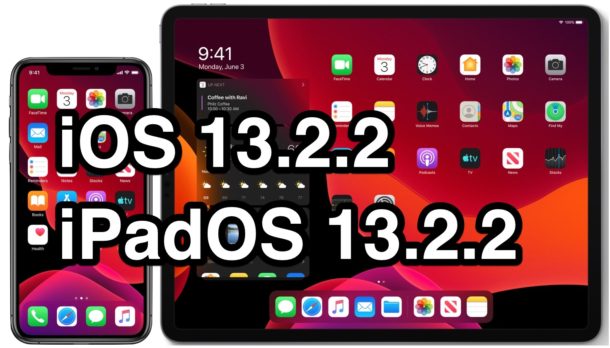
Apple has released iOS 13.2.2 and iPadOS 13.2.2 for iPhone and iPad users.
The latest software update release from Apple includes bug fixes and enhancements. A particularly noteworthy bug that is resolved with iOS 13.2.2 and iPadOS 13.2.2 is where background apps would spontaneously quit on their own, causing reduced performance for multitasking on iPhone and iPad. Additionally, bugs pertaining to cellular data and other issues have been resolved.
The full release notes for both iPadOS 13.2.2 and iOS 13.2.2 are further below for those interested.
Apple has released the first beta version or MacOS Catalina 10.15.2 for Mac users enrolled in the beta testing program.
The first MacOS 10.15.2 beta 1 build arrives as build 19C32e. Typically a developer beta build will roll out first, soon followed by the same build as a public beta version.
Some iPhone 12, iPhone 11, iPhone 11 Pro, iPhone 11 Pro Max, and iPad Pro users have discovered that iTunes does not recognize the new iPhone connected to a Mac. Instead, launching iTunes with iPhone 12, iPhone 11, iPad Pro, or iPhone 11 Pro connected via USB cable does nothing, and the iPhone does not show up in iTunes, it does not sync, backup, or appear to exist at all within iTunes. This is understandably frustrating if you rely on iTunes for device management, backing up, and syncing iPhone 11 or iPhone 11 Pro to a computer, so this walkthrough will aim to show you how to fix this problem on a Mac.
This guide is aimed at iPhone 11, iPhone 12, iPhone 12 Pro, iPhone 11 Pro, and iPad Pro not showing up in iTunes on MacOS Mojave or MacOS High Sierra. This issue should not appear in MacOS Catalina, Big Sur, Monterey, or later because iTunes no longer exists in those versions of macOS.
Apple’s AirPods Pro are the first AirPods that fit into your ear canal, rather than just sitting in the outside of your ear. That means that they can create a much better seal, resulting in better sound quality, and a better overall experience. But for all that to work properly you need to make sure the AirPods Pro fit correctly.
Apple has released the first beta versions of iOS 13.3 and iPadOS 13.3 for users enrolled in the beta testing programs.
Typically a developer beta version rolls out first and is soon followed by the equivalent build as a public beta.
Separately, Apple has released new beta versions of tvOS 13.3 and watchOS 6.1.1 for Apple TV and Apple Watch respectively. There is not yet a beta version of MacOS Catalina 10.15.2 available, but presumably one will be issued in the relatively near future.
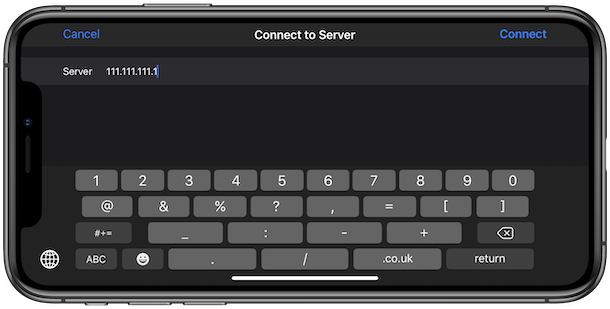
Have you ever wished you could connect to an SMB share from an iPhone or iPad? If you work with file servers, be it for work or pleasure, you’ll be excited to learn that connecting to SMB shares and servers is now possible directly from the Files app of iPhone or iPad.
This is just one of the many exciting features that Apple gave the Files app iOS 13 and iPadOS 13, and it’s one of those will be highly beneficial to those who work with network file servers whether they are Windows PCs, Mac, or Linux machines. Once connected, you can then open files and save them back to the shared location, too.
Apple’s AirPods Pro are fantastic headphones, whether for listening to podcasts and audiobooks, making phone calls, and of course they offer a great way to listen to music when you don’t want to have to wear massive headphones. They’re also a wonderful way of making sure that the outside world doesn’t intrude on your listening experience, too. But if you’ve just picked up a brand new pair you’ll need to set them up before you can use them.
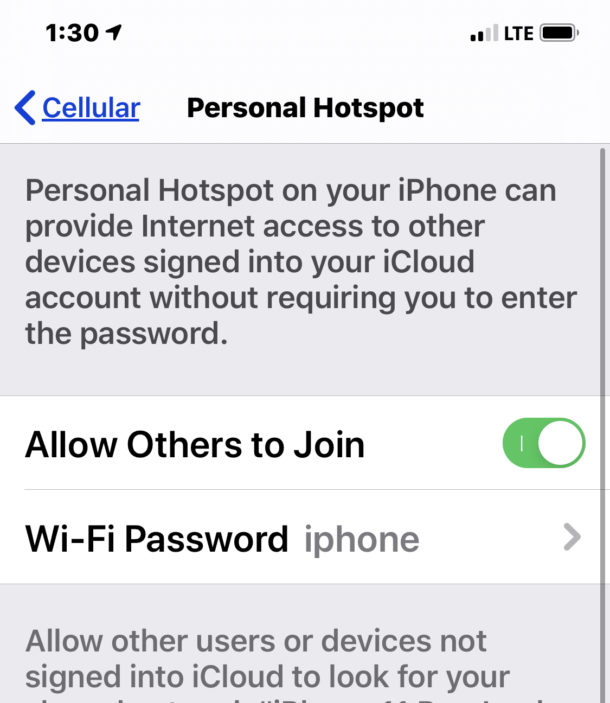
Is iPhone Personal Hotspot not working for you? If you’re trying to use Personal Hotspot or connect to iPhone Personal Hotspot from another Mac, PC, or device and you find the wi-fi sharing feature is not working, it can be understandably frustrating as many users rely on this feature for internet service on the go, as a connection backup, and sometimes even in general as a primary internet gateway.
Fortunately few simple tips can usually fix Personal Hotspot if it’s not working on iPhone, and we’ll cover those troubleshooting steps here.
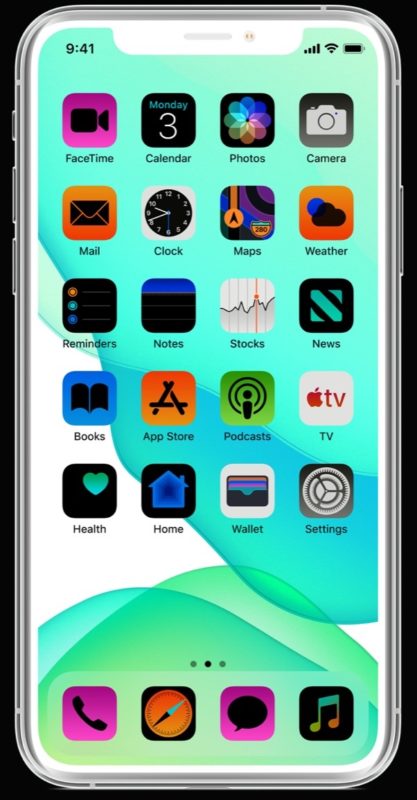
Want to invert the screen of iPhone or iPad? You can invert the screen colors of iPhone or iPad easily through an Accessibility option. This can be very helpful to many users for various purposes, whether for reviewing things on the display in dim ambient lighting, due to some color blindness or other visual difficulties, or perhaps just a general preference. There are actually two ways to invert the screen colors, one is called ‘smart invert’ which will invert everything on the screen except for media and images, and the other is the ‘classic invert’ setting which will invert everything on the display of iPhone or iPad.
This article will show you how to invert the display of iPhone and iPad, and how to turn the display inversion setting off if it was enabled.
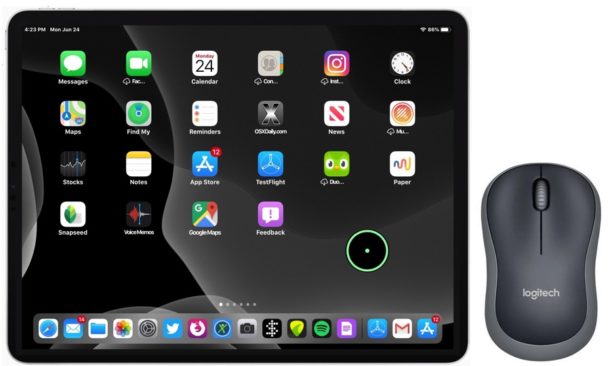
Want to use a mouse with iPad? Now you can, and it’s fairly easy to setup and use. Plus the iPad and mouse experience works really great with an iPad, particularly if you have the iPad setup as a desk workstation.
This article will show you how to setup and use a wireless Bluetooth mouse with iPad, iPad Pro, iPad Air, or iPad mini.
Some iPhone users are finding they are accidentally deleting emails in Mail app of iOS 13, instead of replying to them as desired.
This is because the Trash icon to delete emails is located directly next to the reply icon, a change to the Mail app interface that was introduced to iPhone with iOS 13. Depending on the email account type, that delete email button may be an archive email button instead, but the location is the same and some users are accidentally archiving emails rather than replying to them as well.
We’ll show you a tip that can help prevent accidentally deleting emails in iOS 13 Mail on iPhone.
Apple has released MacOS Catalina 10.15.1 update for all Mac users who are running MacOS Catalina. 10.15.1 is the first major point release software update to MacOS Catalina after Apple had previously issued a smaller set of Supplemental Updates to the operating system.
MacOS Catalina 10.15.1 arrives as build 19B88 and includes bug fixes and improvements, along with new Emoji icons and gender neutral emoji, support for AirPods Pro, returned support for titles and filtering in Photos app, improvements to Siri privacy, and other changes and enhancements. The full release notes are shown below, it’s unclear if some other reported bugs and issues with Catalina are addressed with the 10.15.1 update.
Separately, for Mac users running prior MacOS versions, Apple has released a new Security Update for MacOS Mojave 10.14.6 and macOS High Sierra, along with Safari 13.0.3 for those system software versions too.
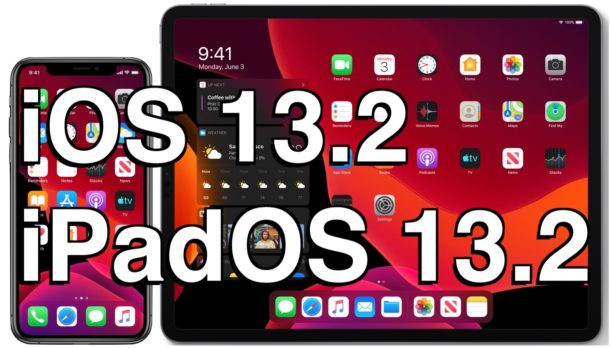
Apple has released the final versions of iOS 13.2 and iPadOS 13.2 to all iPhone and iPad users with devices capable of running iOS 13 / iPadOS 13.
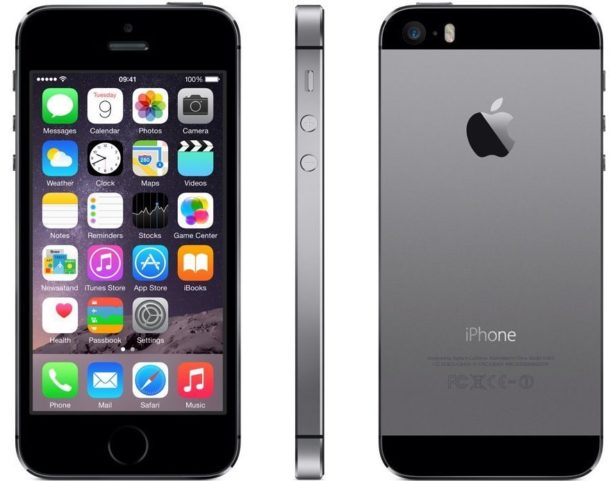
Separately, Apple has also released a security update versioned as iOS 12.4.3 for some older iPhone and iPad models including iPhone 5s, iPhone 6, 6 Plus, iPad Air, iPad mini 2, iPad mini 3, and iPod touch 6th generation. tvOS 13.2 is also available for Apple TV.
iOS 13.2 and iPadOS 13.2 includes bug fixes and improvements, 398 new Emoji icons including gender neutral emoji options, some new AirPods features, new Siri privacy settings, and other minor changes.
If you use iPhone 5 you will want to update the device to iOS 10.3.4 as soon as possible. Failure to do so means iPhone 5 will have problems with internet connectivity and functionality, significantly degrading the devices utility. This is apparently due to an issue with GPS having a correct time.
According to Apple, any iPhone 5 that is not updated to at least iOS 10.3.4 by November 3, 2019 will no longer be able to access key components of device features that rely on the internet and accurate date & time, including web browsing, email, GPS, iCloud, iCloud backups and restore, Software Update, and the App Store. In other words, most internet and internet functionality will not work on iPhone 5 without the software update.
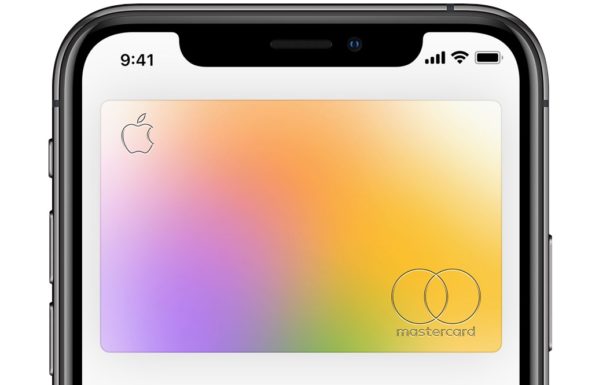
Apple Card is a credit card offered by Apple and Goldman Sachs that offers daily cash back, in-app data about your purchases and spending habits, and other benefits, and you can use it directly from iPhone in the Wallet app. You’ll get a physical Apple Card too, which is crafted out of a fancy metal material, making the physical card somewhat similar in appearance to other notoriously high end credit cards like the AmEx Centurion or JP Morgan Reserve card. But unlike those other high-end credit cards, the Apple Card is much more broadly accessible and without the same requirements to obtain.
If you like to use credit cards for cash back and the convenience they offer, and you have an iPhone, applying for Apple Card may be something you’re interested in.
Ever sent a message over Instagram DM and wished you hadn’t? You’re in luck, because you can unsend Instagram messages! Unsending an Instagram message will literally unsend it and delete it from all sides of the conversation, so if you send something and regret it you can undo that decision.
Read on to learn how to unsend messages in Instagram on iPhone and Android.
You can easily add filters to your videos captured on iPhone or iPad, a new ability that has been introduced in the latest versions of iOS and iPadOS.
We’ve been able to apply filters to photos via the Photos app for years, but being able to do the same to video via the Photos app is something new. And it looks and works exactly how you would expect it to.