How to Export Health Data from iPhone
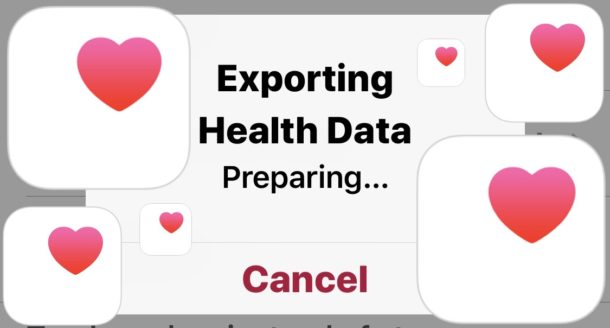
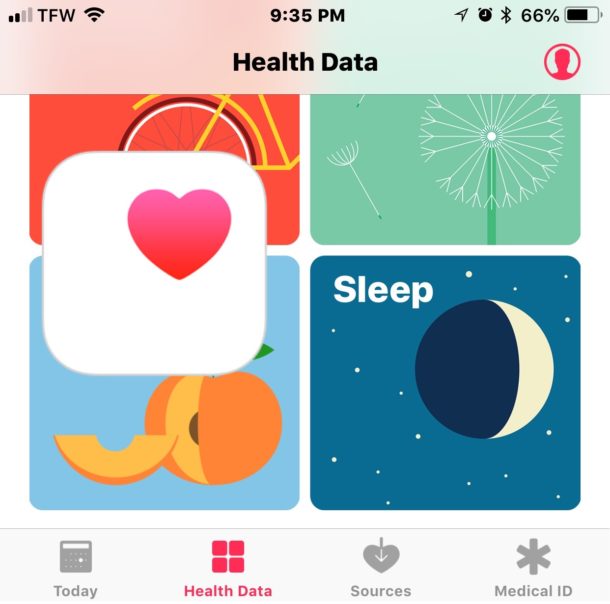
The data contained within Health app on iPhone can be saved and exported for other uses. Perhaps you want to export Health app data to use in another health or fitness app, importing it to elsewhere, or maybe you want to use the raw Health data for your own purposes.
Exporting Health data from iPhone results in a zip archive that contains the raw data as gathered by Health app in XML format. This exported Health data will include any data stored or gathered by the Health app and any associated devices, including any Medical ID data, the native iPhone step counter and distance tracker, any data from an Apple Watch, and any data gathered from any third party devices that are syncing to Health app, like a smart scale or blood pressure monitor. Read no to learn how to export Health data from iPhone.