Show a Scale Indicator in Maps for Mac OS X
Jul 1, 2014 - 1 Comment
 The Maps app in Mac OS X is a useful tool to pre-plan routes, generate map files for offline usage, send directions to an iPhone, and much more, but one critical cartographic component that’s missing by default from all Maps views is any sort of scale indicator, making it difficult to get an idea of how far one thing is from another.
But not to worry, the Maps app in Mac OS has Scale as an option, you just have to toggle it on for the scale (in feet and miles, or meters and kilometers) to be visible.
By Paul Horowitz - Mac OS, Tips & Tricks - 1 Comment


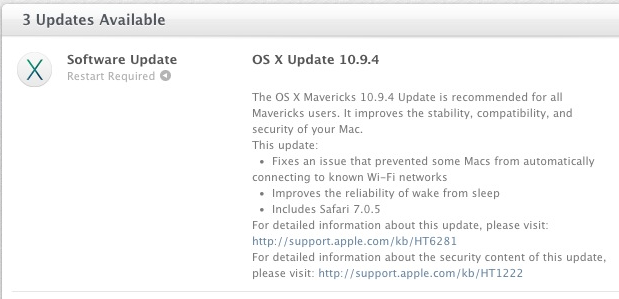
 iOS 7.1.2 has been released by Apple, available for all iPhone, iPad, and iPod touch devices that are compatible with iOS 7. The update includes multiple bug fixes and security updates, and is recommended for all users to install. Additionally, an update to Apple TV versioned as 6.2 is available.
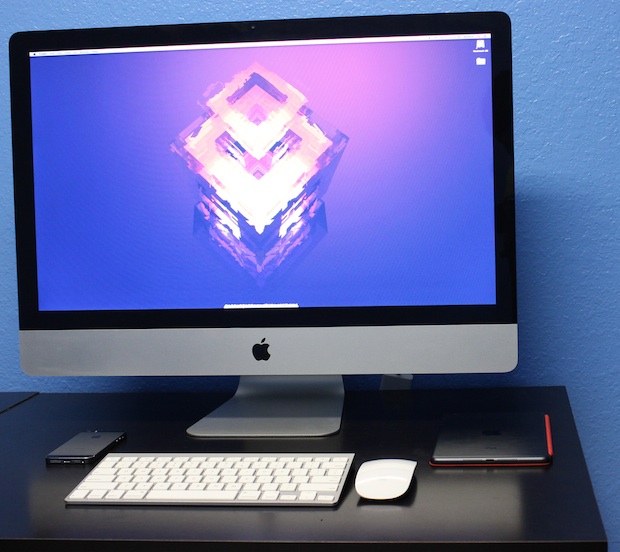
 The 1.1.0 version of Pangu Jailbreak for iOS 7.1.1 is now available for users interested in jailbreaking their compatible iPhone, iPad, and iPod touch devices. Basically, if the device can run iOS 7.1.1, it can be jailbroken with the Pangu tool using a fairly straightforward process from a Windows PC or Mac, and that’s what this tutorial will demonstrate.


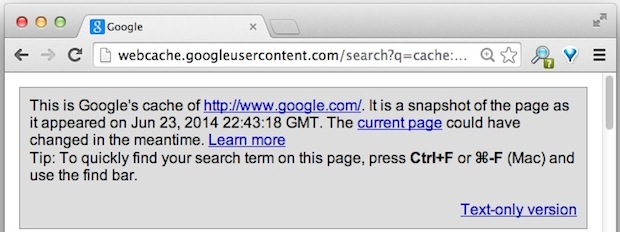


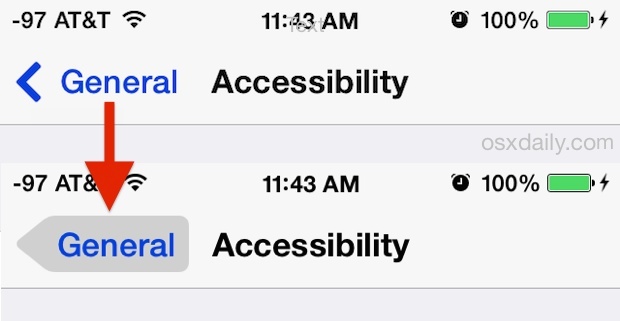
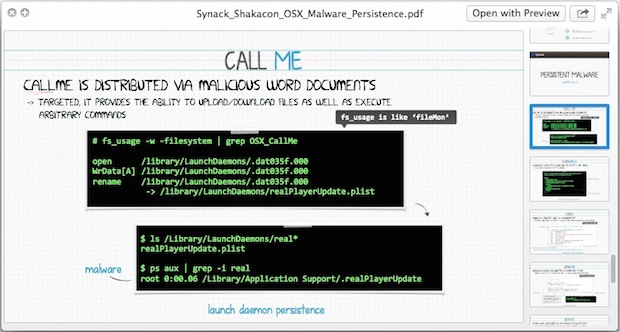
 The next time you’re stuck trying to figure out a terminal command, or maybe you’re just trying to learn a new one, don’t be afraid to ask for help… from the OS X Terminal apps very own Help menu. Yes seriously, that’s because the Help menu of Terminal app can serve as a man (manual) page launcher for any installed command, service, or binary, as long as it has an accompanying man page, you’re good to access it from the help menu.