iPad Mini to be Released by October?

Apple will release a smaller and cheaper iPad “mini” before the years end, according to a new report from Bloomberg. Citing two people with direct knowledge of Apple’s plans, the screen is said to be between 7″ and 8″ diagonally, as opposed to the 9.7″ screen that exists on current iPad models, and the device could be announced by October.
Bloomberg suggests the release of the smaller iPad will be aimed at competing directly with new offerings from the Google Nexus and Microsoft Surface, and will be priced appropriately. The screen is said to not be the high-resolution Retina display offered on existing new iPads.
Venturing into the realm of speculation, it’s possible the new smaller iPad could even replace the iPod touch, which didn’t get a meaningful update last year at the iPhone 4S event. Additionally, an October release could be in line with the launch of the next iPhone, which is assumed to coincide with the release of iOS 6 this Fall.
Rumors of an “iPad Mini” have existed since 2010 and have come from a variety of sources, including Reuters, Digitimes, and CNet, though Bloombergs report may be considered the first credible source to say the device will actually see the marketplace. Earlier in the year, the Wall Street Journal reported that Apple was testing such a device, though they warned it may never see the light of day.
Update 7/4/2012: The Wall Street Journal is now reporting that Apple component suppliers are preparing to mass produce a 7″ iPad.

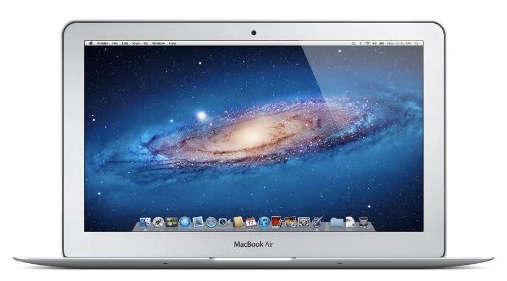
 , with some savings of up to 5%. Here are the three MacBook Air models discounted by 5%, each comes standard with 4GB of RAM so the only difference is in SSD storage and screen size: