Fortune Magazine names Steve Jobs CEO of the Decade
 Fortune Magazine has named Steve Jobs the CEO of the decade, and it’s a pretty fitting title really, the guy is a powerhouse. Nearly 10 years ago Apple was struggling to find their place in the technology world, there were rumors of collapse and impending bankruptcy or buyouts, the first release of Mac OS X (10.0) was a slow cumbersome dud, and they had just entered an extremely crowded MP3 player market with a seemingly overpriced product with a weird name, the iPod. Apple stock at the time was right around $7. Now fast forward to today, where the iPod is the only MP3 player people talk about, the iPhone is taking over the cellular world, and Apple’s market capitalization is greater than Google’s, with their stock sitting comfortably at $193. CEO of the decade? After pulling all that off, that might be an understatement.
Here’s the readers digest version as to why they think Steve Jobs is so remarkable, summarized in the articles first paragraph:
Youthful founder gets booted from his company in the 1980s, returns in the 1990s, and in the following decade survives two brushes with death, one securities-law scandal, an also-ran product lineup, and his own often unpleasant demeanor to become the dominant personality in four distinct industries, a billionaire many times over, and CEO of the most valuable company in Silicon Valley.
As a longtime Apple fan I think the article leaves out some of the other obvious and important contributions, but I can’t argue with much of what they do cite. If you’re a part of the Cult of Jobs, or just a fan of Apple, the Fortune article is worth a read:
 It’s baaaaaack! Like a relentless zombie in a bad horror flick that just can’t be killed, the Intel Atom chip is now supported again in the latest developer build of 10.6.2, 10C53. This doesn’t mean much since it’s just a developer build, but for now Hackintosh Netbook users can feel a bit better about their uncertain future.
 Anyone fascinated by the mystique of Apple should check out the CultOfMac.com interview with a man you’ve probably never heard of, Ken Segall. His claim to fame? He named the iMac, and was in charge of that whole ‘Think Different’ campaign. With how ubiquitous the iBranding has become, I find it really interesting that Steve Jobs didn’t like the iMac name at all and rejected it on several occasions, but started using it anyway:
 You can use Spotlight as a calculator on the Mac, and it actually works impressively well. Yes, the Spotlight search feature can do calculations!
  TechCrunch is reporting that the
 The Mac OS X Dock becomes animated when an app is launching, with a continuous bouncing animation, and also when an app wants to get your attention, with a less consistent and more urgent animated bounce. Both of these can be effect alert methods, but they can also annoy some users.
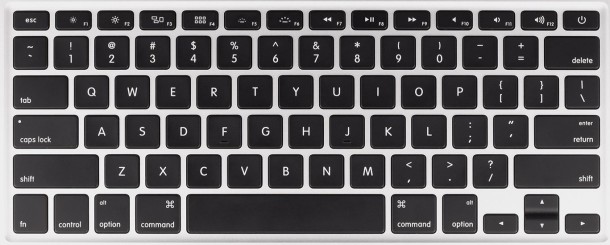
 Need to migrate all of a Spaces set of windows to another Spaces screen in Mac OS X? Using a simple keystroke you can do just that.
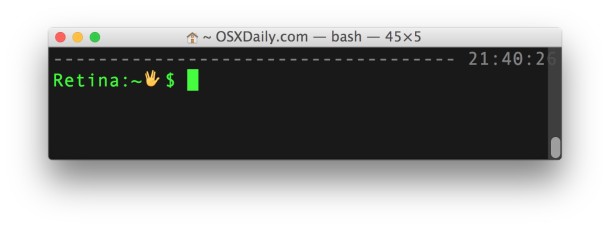
 Shell scripting is wildly useful and a powerful way to manipulate a lot of files and to automate behind-the-scenes tasks in Mac OS X. This guide is intended for Linux users but the Bash shell is also used in Mac OS X, and as far as I can tell everything in this bash shell scripting guide works the same across the two platforms. Before checking out the guide you might want to check what shell you are using in Mac OS X by typing the following in the Mac Terminal:
 will do you wonders.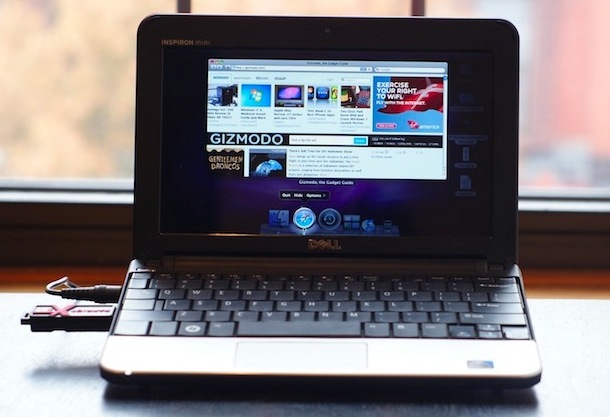
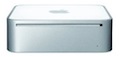 Did you read that correctly? Your
  becomes free after 2 years due to it’s energy efficiency. Yea, it sounds ridiculous I know, I didn’t believe it either, but recent Mini owner