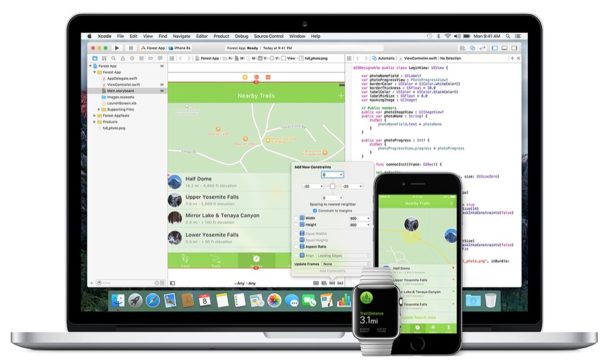
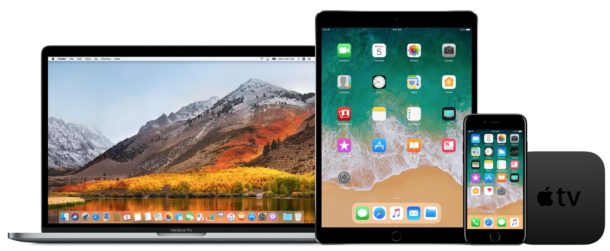
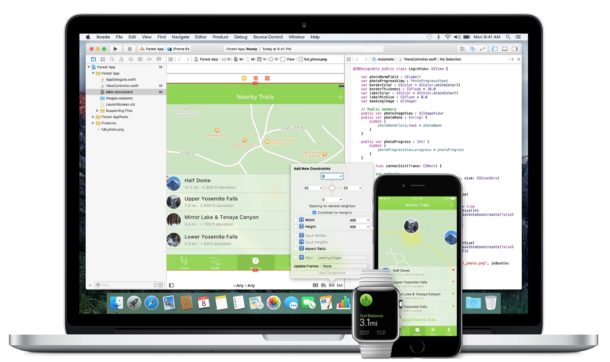
Apple has released beta software updates for their entire operating system suite, including iOS 11.2 beta 3, watchOS 4.2 beta 3, tvOS 11.2 beta 3, and macOS High Sierra 10.13.2 beta 3.
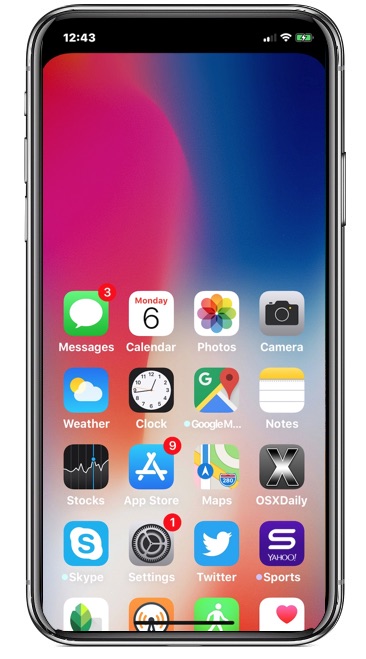
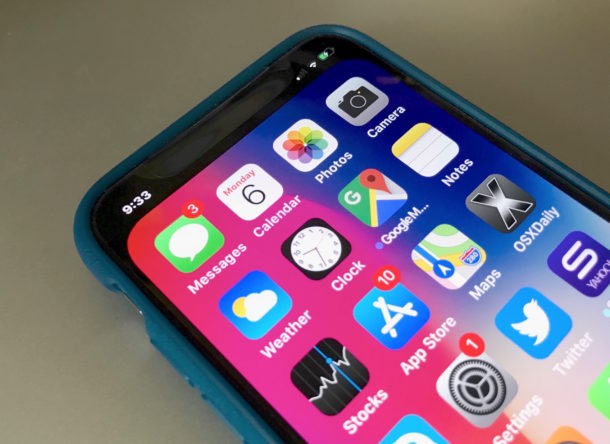
iPhone X offers the helpful Reachability feature, which shifts everything down from the top of the iPhone screen so that it can be more easily reached by a single finger or tap. Reachability was first unveiled on the iPhone Plus series and has a strong following of users, but if you want to use Reachability on iPhone X you’ll find it’s slightly different in how it works and how it must be activated.
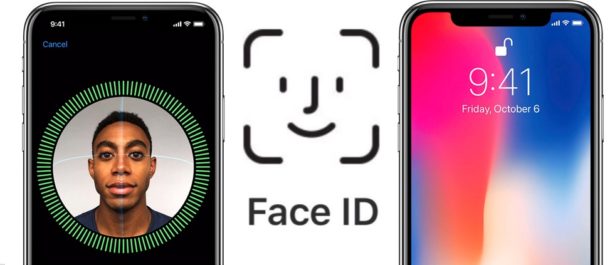
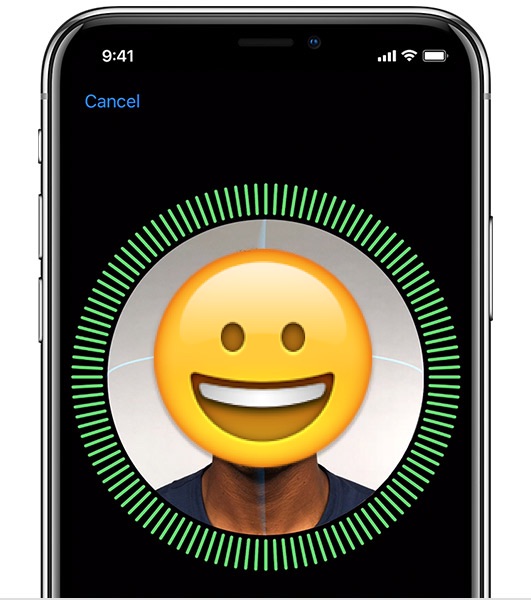
There are a lot of questions out there about using iPhone 14, iPhone 14 Pro, iPhone 13, iPhone 13 Pro, iPhone 12, iPhone 12 Pro, iPhone 11, iPhone 11 Pro, iPhone 11 Pro max, iPhone X, iPhone XS, iPhone XS Max, or iPhone XR and the new Face ID feature, which scans your face to unlock your iPhone X. Some people want to know if they can use iPhone X without Face ID, and without the iPhone X ever using facial recognition for unlocking the iPhone and performing other verification tasks, like paying with Apple Pay or authenticating other logins. Or perhaps you’re wondering what you do instead if you choose not to setup Face ID.
If you don’t like the idea of Face ID or having your iPhone scanning your face for whatever reason, then you’ll be relieved to know the answer is yes, you an absolutely use the iPhone X without ever using Face ID, it is not required. You can absolutely use iPhone X without ever registering or scanning your face for any facial recognition purpose.
We’ll aim to answer a few common questions about Face ID and iPhone X, iPhone XS, iPhone XS Max, iPhone XR, iPhone 11, iPhone 11 Pro, iPhone 11 Pro Max, iPhone 12, iPhone 13, iPhone 14 etc if you have additional questions feel free to ask them in the comments below.
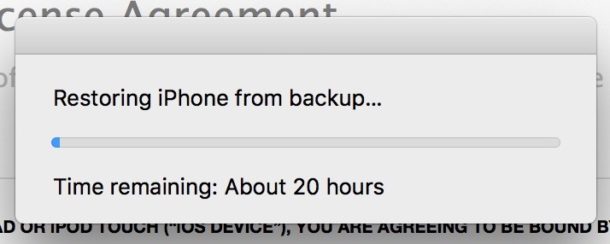
Whether you’re setting up a new iPhone, migrating to an iPhone X from an old iPhone, or just restoring an iPhone through iTunes for troubleshooting or some other reason, the process of restoring an iTunes backup to an iPhone should not take an excessively long amount of time. But sometimes a peculiar situation can happen where the iTunes “Restoring iPhone from backup” process can offer an extraordinarily long time remaining, sometimes in excess of 20 hours.
If you see an excessively long time remaining estimate when attempting to restore an iPhone from backup, it may be the result of an error, and with a few troubleshooting steps you can remedy the problem and dramatically speed up the iTunes backup restore process.
Apple has released iOS 11.1.1 for iPhone, iPad, and iPod touch, a minor point release update with bug fixes. The update is recommended for all users running a prior version of iOS 11.
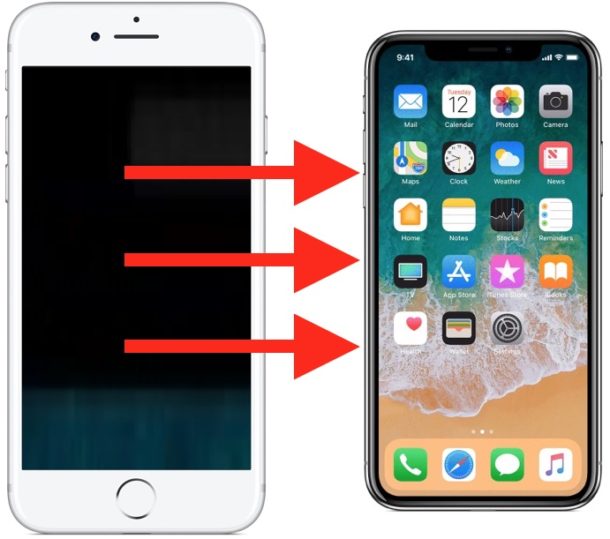
Did you get a new iPhone XR or iPhone X and now you want to migrate all of your data and stuff from an older iPhone to the new iPhone XR, iPhone X, or iPhone X? It’s easy to migrate everything from an old iPhone to a brand new iPhone X-series and transfer all of your data with you. This walkthrough will show how to get all data over from an old iPhone to the new iPhone X, XS, XR, in the fastest manner possible.
Want to temporarily disable Face ID on iPhone? For iPhone models with Face ID, like iPhone 12, iPhone 12 Pro, iPhone 12 Mini, iPhone 11, iPhone 11 Pro, iPhone X, XS, iPhone XR, or iPhone XS Max, you may find yourself wanting to quickly turn off Face ID on iPhone so that it can not use facial recognition to unlock the device. We’ll show you how you can disable the feature with a variety of different methods.
Apple has released iOS 11.2 beta 2 for iPhone, iPad, and iPod touch users enrolled in the beta testing program, along with macOS High Sierra 10.13.2 beta 2 for Mac users participating in the beta programs.
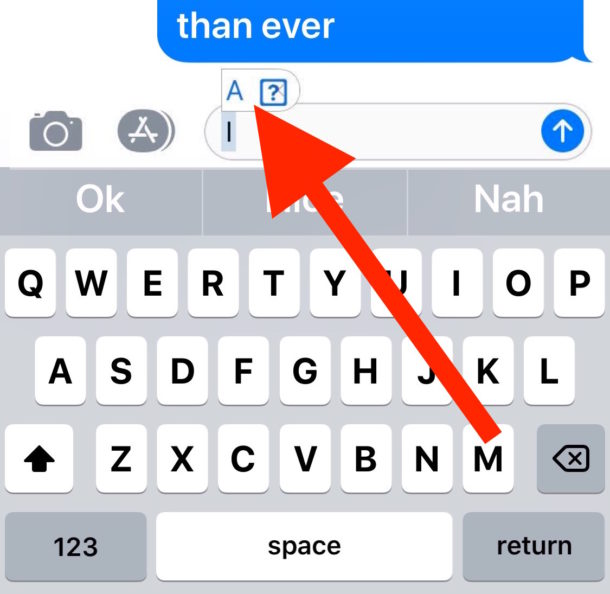
Have you been trying to type “i” but it’s replacing itself with “A [?]” constantly on your iPhone or iPad? This is because iOS 11.1 introduced a curious bug for many iPhone, iPad, and iPod touch users that causes the letter “i” to autocorrect to the letter “A” usually followed by a square symbol with a question mark in it, looking something like this: “A [?]”
Apple is aware of this curious bug and will apparently offer a bug fix software update to resolve the problem. But in the meantime, Apple also offers a workaround solution using the text replacement feature of iOS.
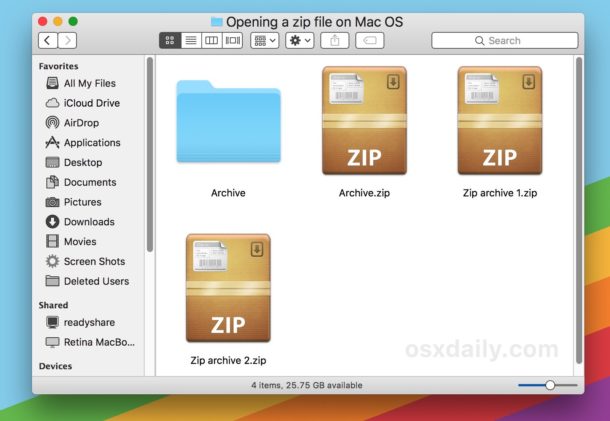
Zip files are archives that function as a single compressed package of a either multiple files, a folder, or a single item. Zip files are frequently encountered when downloading stuff from the web or elsewhere to a Mac, and while the Zip format used to be widely limited to the Windows world, .zip archives are often created and used on Mac OS now too.
If you get a zip file you may be wondering how you can open the archive to view what it is and extract the internal components of the zip archive. Wonder no more, it turns out that opening and unzipping files on a Mac is very easy thanks to the built-in Archive Utility tool.
Want to take a screenshot of iPhone X, iPhone XR, iPhone XS, or iPhone XS Max? Of course you can snap screenshots of iPhone X-series, but you’ve undoubtedly noticed by now that iPhone X line has no Home button, and thus the familiar screenshot method pressing the Home Button and the Power Button no longer works to capture the screen of iPhone X, XR, XS, XS max.
Instead, the iPhone X, XS, XR uses a new and different button pressing combination to snap screenshots. It’s equally simple as what you used to use for snapping screen captures of iOS devices, but because it’s entirely new it may take a bit of getting used to before the new screenshot method becomes habit for iPhone X series owners.
Do Not Disturb While Driving is an iPhone specific safety feature available in modern iOS releases. As the name implies, when Do Not Disturb While Driving is activated on iPhone, no calls, messages, notifications, or alerts will come through to the iPhone, much like when the general Do Not Disturb mode feature is enabled. You can even enable automated replies to incoming messages, informing the sender you are driving and will contact them again when you’re done.
The excellent Do Not Disturb While Driving feature can be enabled to activate automatically when the iPhone is connected to a Bluetooth car stereo system, or when the iPhone detects motion activity consistent with driving a car, or, you can choose to enable the feature manually yourself.
If you like to print out articles from the web via an iPhone or iPad you may appreciate this tip, which allows you to strip down a webpage or any web article so that the primary focus is on the article text content and photos. Essentially this lets you print out webpage articles without any of the typical web experience, removing all razzle-dazzle, ads, social sharing buttons, styling, widgets, or any of the other elements commonly found on webpages that are helpful on the web web but not particularly useful when printed out on paper. The end result will be printed out articles from an iPhone or iPad that are stripped of anything other than the article content itself, which makes them more pleasant to read on printed paper and also should reduce ink usage as well.
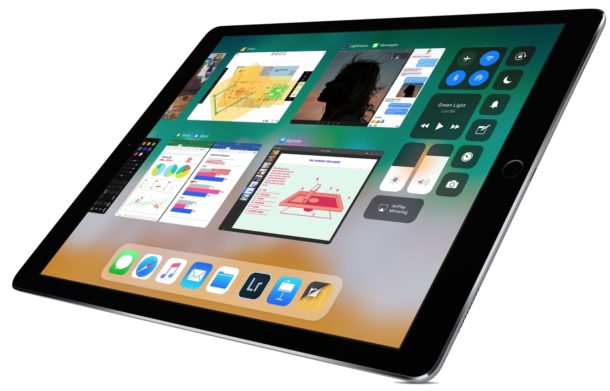
Many iPad users wonder how they can stop their iPad screen from sleeping automatically. If you want to stop the iPad from sleeping and turning the display off on it’s own, you can easily do so with a settings adjustment.
Apple has released macOS High Sierra 10.13.1 to all Mac users running High Sierra. The MacOS High Siera 10.13.1 update includes bug fixes, security improvements, and feature enhancements, and also includes over 70 new emoji icons.
Apple has released iOS 11.1 to the general public. The new version of iOS includes a variety of bug fixes, feature enhancements, security improvements, and other additions to the mobile operating system, making iOS 11.1 a recommended update for iPhone and iPad users running a prior version of iOS 11.