How to Install VirtualBox Extension Pack on Mac, Windows, Linux
Jun 27, 2020 - 4 Comments
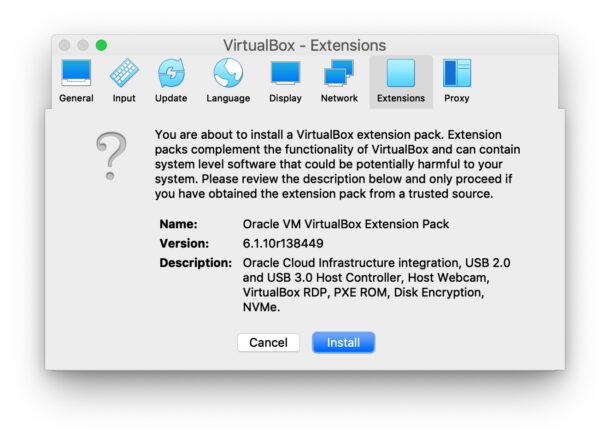
If you use VirtualBox to run virtual machines, you may find yourself needing VirtualBox Extension Pack as well. The VirtualBox Extension Pack includes support for USB 3.0 and USB 2.0 devices, webcam passthrough, disk image encryption, VirtualBox Remote Desktop Protocol (VRDP), and network booting with Intel PXE Boot ROM, and along with some other capabilities as well. Installing VirtualBox Extension Pack is necessary to run some particular operating systems as well, like for using macOS Big Sur in VirtualBox.
This article will detail how to install VirtualBox Extension Pack in VirtualBox on Mac, Windows, and Linux. The screenshots here are showing MacOS, but the process is basically the same in the other environments for VirtualBox.
By Paul Horowitz - Mac OS, Tips & Tricks - 4 Comments