A Fast Way to Buy iTunes & App Store Gift Cards with Siri
Mar 13, 2015 - 7 Comments
 Want to quickly make an iTunes Gift Card purchase? Just ask Siri. Yes, really. Siri, our very own personal assistant that lives on modern iPhones and iPads, can assist in the purchase of gift cards from the iTunes Store and App Stores, and even the Apple Store itself, at least kind of (more on that latter situation in a moment).
To start the gift card buying process, just do the following on any iPhone or iPad:
Read more »
By Paul Horowitz - iPad, iPhone, iTunes, Tips & Tricks - 7 Comments


 Some users who have
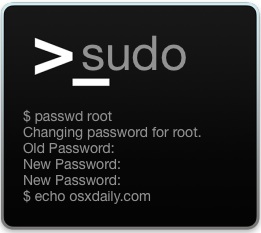 Some advanced Mac users require