iOS 7.0.5 Released for iPhone 5S & iPhone 5C with Minor Bug Fixes

Apple has released iOS 7.0.5 for select iPhone 5S and iPhone 5C models. The minor update includes bug fixes which are said to correct network provisioning for these two specific iPhone models that have been sold in China. In other words, if you don’t have an iPhone 5S or iPhone 5C that is compatible with Chinese cellular networks, you won’t see this update available.
Though the update release notes specifically mention devices sold in China, many other users throughout the world have found the iOS 7.0.5 update available for their compatible iPhone models. Initial reports suggest that users based in the USA will not find the update for their devices.
As of writing, iOS 7.0.4 remains the most recent publicly available iOS version for other iPhone, iPad, and iPod touch models. iOS 7.1 remains under development and is currently limited to users registered in the iOS developer program through Apple. Users can always check for the newest version of iOS available by opening the Settings app on their devices, heading to “General” and choosing “Software Update”.
Read more »
 The tap-to-click ability is enabled by default on most PC laptops, while on the Mac side of things it’s usually disabled by default. For the unfamiliar, tap-to-click means that a single tap or touch on the MacBook trackpad or Magic Trackpad is registered as a click, thereby preventing the need to actually press down the trackpad to click on a screen item.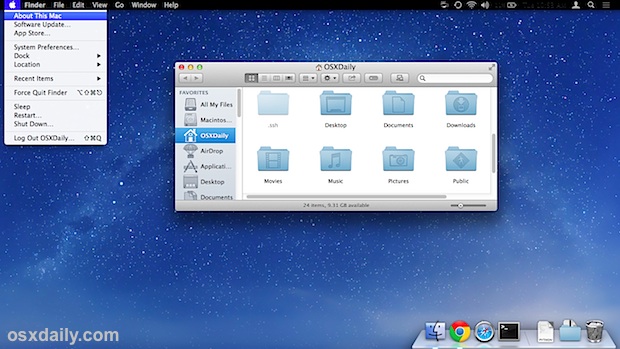
 The Disk Utility app bundled with Mac OS X has a command line equivalent which offers advanced users the ability to perform disk maintenance from the terminal, including disk verification and repairs. This allows for a variety of helpful troubleshooting abilities, including the possibility to remotely issue disk repairs though
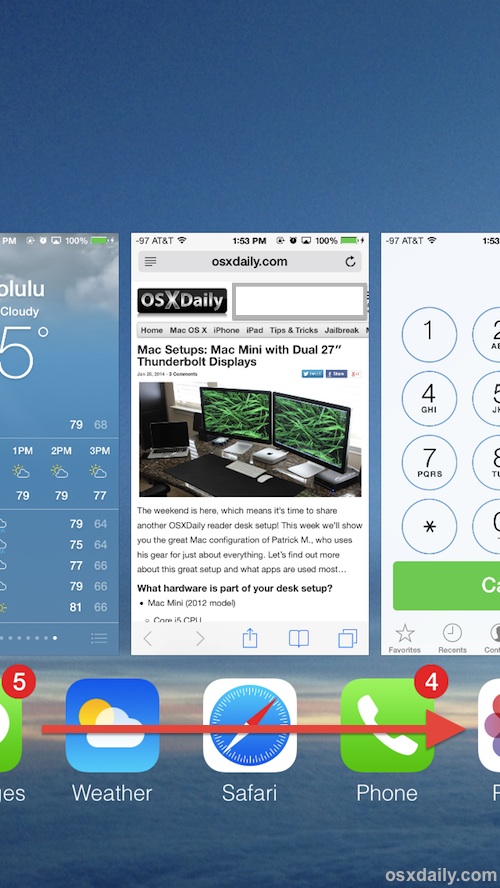 Most iPhone and iPad users know the iOS multitasking screen is where you can


 Facebook recently began to auto-play videos that are contained within the news feed of the Facebook app for iOS (and presumably Android). Though the videos play without sound, that auto-play behavior can still greatly increase the iPhones cellular data usage due to the large size of video files as they are streamed to the device. Thus, most users who have data caps or who are without unlimited data plans will probably want to turn this feature off to conserve cell usage.