Security

Search Security

Set Up Two-Step Verification for Apple ID to Increase Account Security

Mar 21, 2013 - 8 Comments
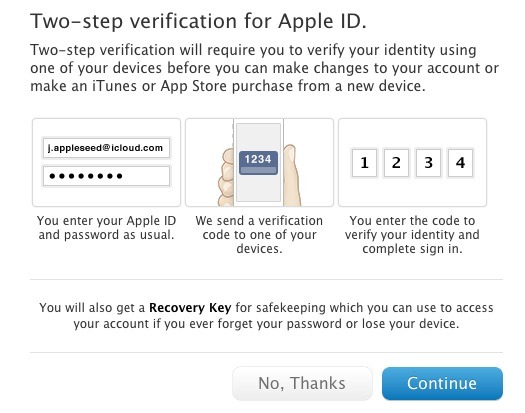
Set up two step verification for Apple ID's

Apple has added an optional two-step verification security authentication feature to Apple ID’s, the login which is used to manage everything from iCloud storage settings to iTunes and App Store purchases. With Two-Step Verification enabled, you’ll login as usual, but then be required to verify your identity by entering in a special verification code on … Read More

Disable the iPhone Camera & Lock Screen Camera (iOS 4 – iOS 11)

Mar 18, 2013 - 16 Comments
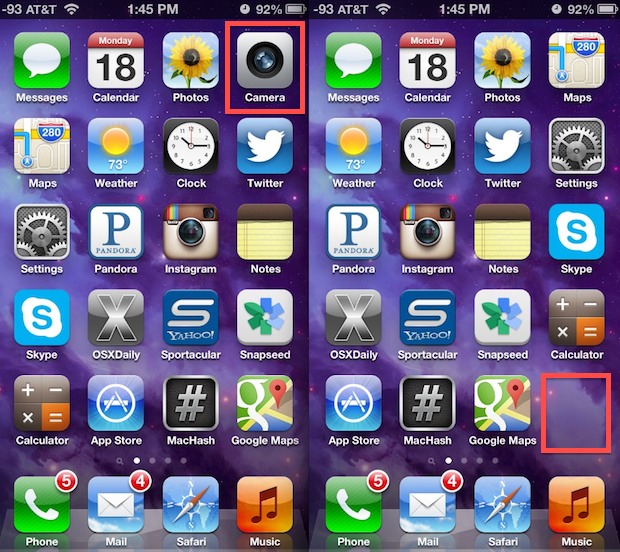
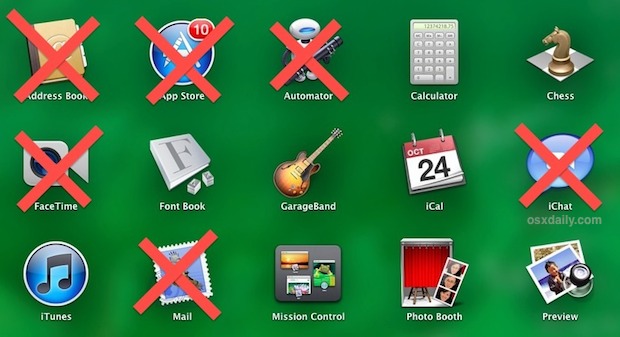
Camera disabled and removed from the iPhone home screen

Disabling the camera access in iOS prevents the Camera app icon from appearing on the home screen, it turns off the lock screen camera, and it also prevents all third party apps from using the camera at all, which as you may have guessed also disables FaceTime. No, you don’t have to physically remove the … Read More

Set Up the Guest User Account in Mac OS

Mar 6, 2013 - 18 Comments
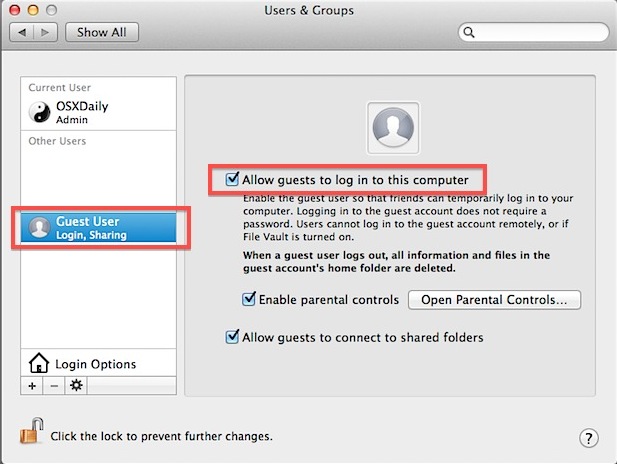
Enable the Guest Account for the Mac

The Mac includes an optional Guest User account which is perfect for temporary usage situations like letting your friend or family quickly check their Facebook account and email from your computer. This is great because the Guest Login can be active while your normal user account is too, meaning you can quickly hand off your … Read More

Java for OS X 2013-001 Update Patches Security Vulnerability

Feb 19, 2013 - 9 Comments
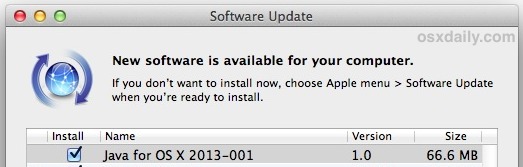
Java for OS X 2013-001 update

Fresh off the news that Macs at Apple’s corporate headquarters were hacked through (yet another) Java exploit, Apple has released an update for Java that closes that hole, and also disables Java on Macs that have not used the applet in over 30 days. The update is available to all OS X users running 10.7 … Read More

Bug Allows Lock Screen to be Bypassed on iPhone with iOS 6.1

Feb 14, 2013 - 7 Comments
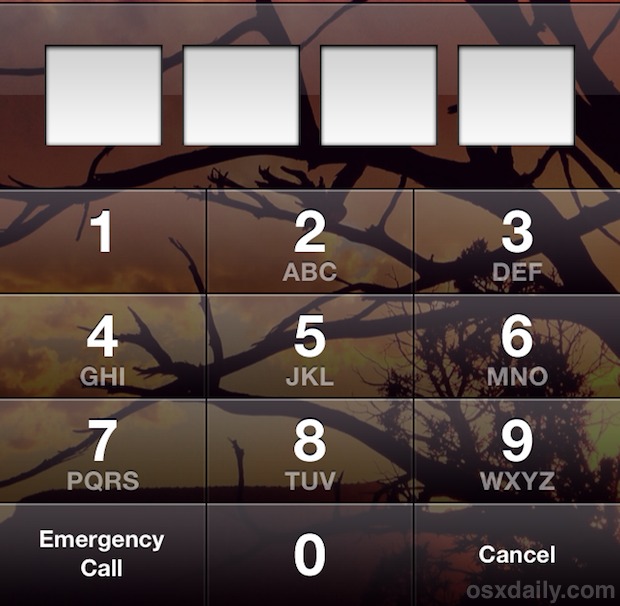
Lock Screen

A bug has been discovered on the iPhone running iOS 6.0.1 and iOS 6.1 which allows users to bypass the lock screen passcode and gain access to a users Contacts and the users Camera roll. The trick only works on iPhones because it uses the Emergency Call button. Here’s how it works, though we caution … Read More

Strange Bug Causes Instant App Crashes in Mac OS X by Typing File:///

Feb 2, 2013 - 21 Comments
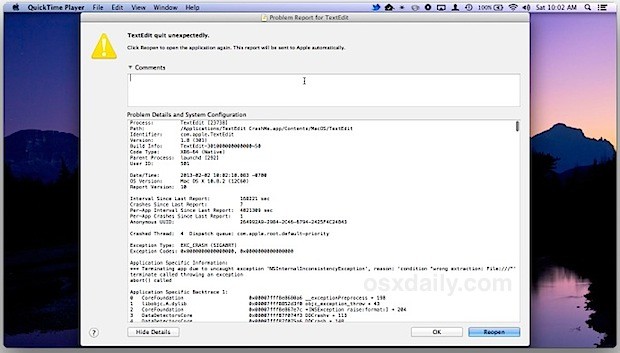
Crash a Mac App

An unusual Mac bug has surfaced in OS X that causes any application to immediately crash just by typing a short character sequence. The bug was first reported on OpenRadar and is thought to relate to the spell checking and autocorrection features, though the bug is also replicable in prior versions of Mac OS X … Read More

How (& Why) to Reset the Advertising Identifier in iOS

Feb 1, 2013 - 18 Comments
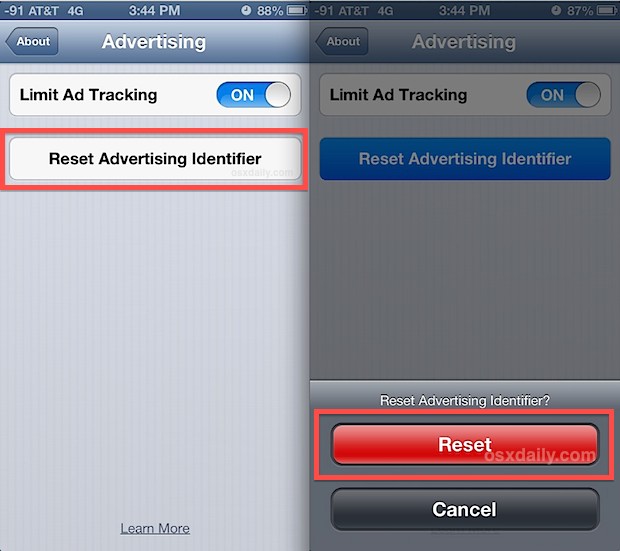
Reset the ad tracking ID in iOS

From iOS 6.1 onward, users can now reset the Advertising Identifier on any iPhone, iPad, or iPod touch. This means you can basically throw all the anonymously gathered data about a device that is used to serve relevant ads out the window and start fresh, thereby removing any of the targeted data that has been … Read More

Set an Ultra-Strong iOS Password by Using Accent Characters

Jan 23, 2013 - 7 Comments
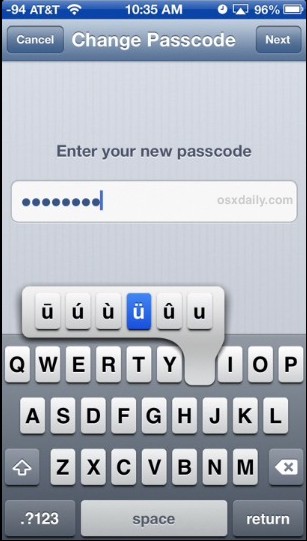
Strong passcode with accent characters

If you want maximum security with your iOS device, having a strong password is essential. Though you can extend password strength by using a phrase with mixed characters, another excellent option is to use special accent characters, making a password virtually impossible to guess. The idea is fairly straight forward: take a word, sequence, or … Read More

Improve Find My iPhone By Locking Down Location Services

Jan 4, 2013 - 16 Comments
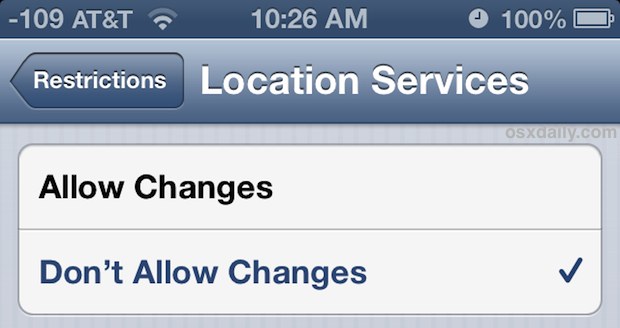
Lock Down Location Services

Find My iPhone and Find My iPad are security features that make it simple to locate lost iOS devices by tracking them on maps through GPS. A potential problem is that after a device has been lost, or perhaps more accurately, after a device has been stolen, GPS or Find My iPhone can be turned … Read More

Reset App Access to Mac OS X Privacy Data from Command Line

Dec 19, 2012 - 12 Comments
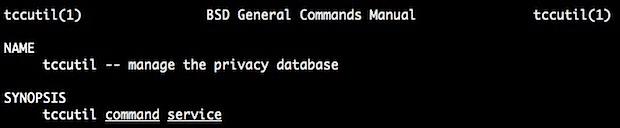
tccutil manages OS X privacy database and app access

If you accidentally permitted a Mac app to gain access to things like your personal contacts list or location, or you’d just like to start over again and have granular control over which applications can access certain data, you can use the command line tool tccutil to change this and reset Mac app access to … Read More

How to Remove EXIF Data from Images on Mac Quickly

Dec 5, 2012 - 16 Comments
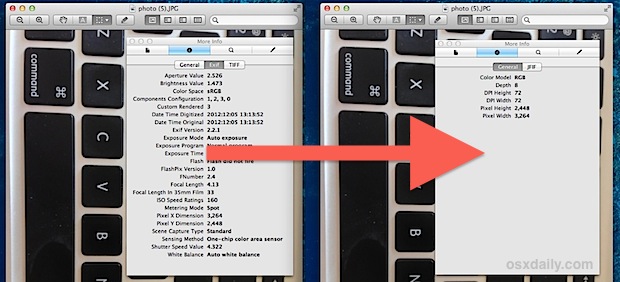
Remove EXIF data from an image

Photos taken with digital cameras, including the iPhone, iPad, and iPod touch, all include some level of EXIF data, which is basically metadata with information about the image. With pictures taken from the iPhone and other smartphones, that data can even include details like precise geographic coordinates where the image was taken, (though that’s easy … Read More

Limit Application Usage in Mac OS X with Parental Controls

Nov 8, 2012 - 1 Comment
Restrict App Usage in Mac OS X

If you want to restrict app usage for a particular user on a Mac, there is no easier option than Parental Controls. This is a great solution for parents setting up a limited-access account for a kid, for public usage Macs, Macs in the enterprise, or even just for a restricted Guest account for when … Read More

Prevent Siri Being Used from the Lock Screen in iOS

Oct 31, 2012 - 5 Comments
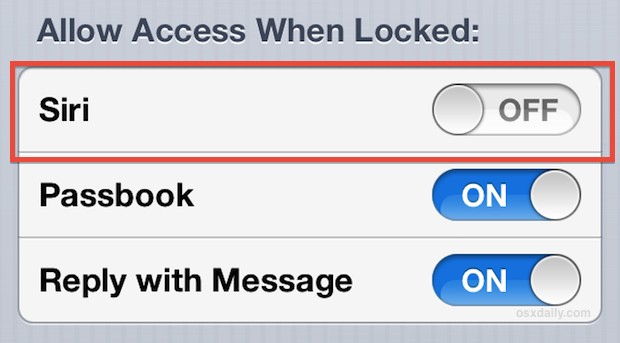
Disable Siri access from the Lock Screen in iOS

Siri works from the Locked Screen in iOS, letting you get things like the weather, make quick phone calls, and a variety of other incredibly useful tasks, but for the privacy and security buffs out there, this may be considered undesirable.

Customize the Screen Saver Text with a Message in Mac OS X

Oct 21, 2012 - 4 Comments
Custom screen saver text in Mac OS X

The most simple screen saver in Mac OS X is just a floating grey Apple logo  against a black background, but you can make that screen saver significantly better by attaching a customized message to it, which will be added along with the logo and move about the screen of the Mac. You can … Read More

New Java Update 2012-006 for OS X Removes Java

Oct 19, 2012 - 26 Comments
Java for OS X Update 2012-006 removes Java from browsers

A new update labeled Java for OS X 2012-006 has been released for all versions of Mac OS X. The updates name is somewhat misleading however, in that instead of updating Java it actually uninstalls the Java applet plugin from all web browsers on the Mac. This is done as a security precaution to protect … Read More

How to Limit Ad Tracking in iOS

Oct 15, 2012 - 1 Comment
Limit ad tracking in iOS 6

For those with iPhones, iPads, and iPods who don’t want to be served more relevant ads by way of anonymous usage tracking, a new setting in iOS 6 allows users to flip a switch to limit such ad tracking on their device. To be clear, this setting is about serving targeted advertisements based on anonymous … Read More

How to Easily Tell If Someone Opened Your Files on a Mac

Oct 2, 2012 - 13 Comments
Determine if someone used your Mac and opened files

If you suspect someone is using your Mac while you’re away and getting into personal documents and files, the easiest way to quickly find out is by looking at the Recent Items list in OS X.

Encrypt Time Machine Backups with Mac OS X

Sep 26, 2012 - 4 Comments
Encrypt Time Machine backups in Mac OS X

Time Machine backups can be encrypted right from your Mac. This means the backed up data is extremely safe from prying eyes and the very unlikely event of a cracking attempt, and it also means you’ll need a password to access the encrypted backups yourself. Enabling encrypted backups in Time Machine for Mac OS X … Read More

Subscribe to OSXDaily

Subscribe to RSS Subscribe to Twitter Feed Follow on Facebook Subscribe to eMail Updates

Tips & Tricks

News

iPhone / iPad

Mac

Troubleshooting

Shop on Amazon to help support this site