
LotsaSnow – A Simple Falling Snow Screensaver for Mac OS X
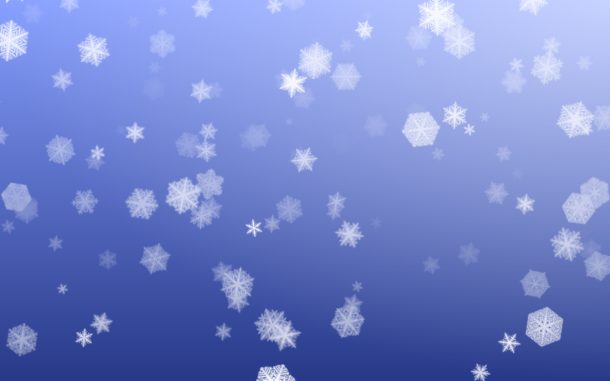
There are a fair amount of winter themed screensavers for Mac OS X, from talking snowmen, snow storms, and blinking Christmas trees, but I think LotsaSnow is probably the best snow screensaver there is available for Mac.
It is simple and elegant, doesn’t use much CPU, and has some really nice looking flakes. LotsaSnow can also be easily used to put some falling snow on your Macs desktop, so say goodbye to the pixelated xsnow port and hello to LotsaSnow!
If this sounds interesting to you, you can download the screen saver free from the developer:
- Get LotsaSnow from the developer home here
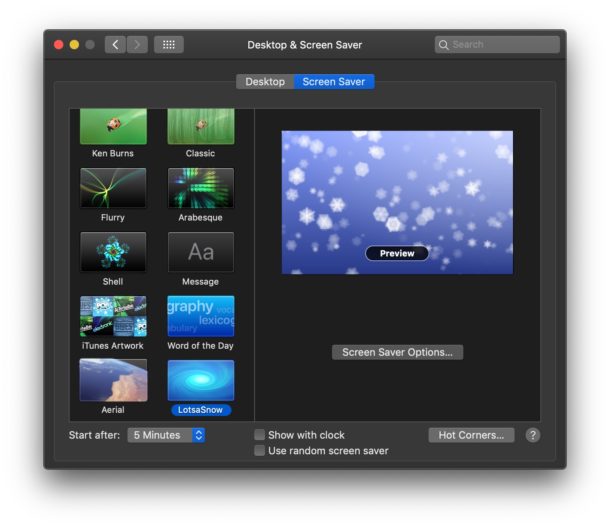
The screensaver by itself is nice and certainly puts a winter tranquil mood to your resting Mac, but one of my favorite things to do is to combine this screensaver with BackLight. BackLight is a small program that allows screensavers to run as the background of your desktop, and this combination creates the best looking falling snow effect I have found for the Mac. If you don’t want to download another app like Backlight, you can get the same effect by using this terminal command to set a screensaver as a Mac desktop wallpaper too. So winterize your Mac and let the snow fall!
Lotsa snow goes great with the other Holiday themed eye-candy apps we went over a few weeks ago too, so check those out.
Updated: 12/21/2018 – LotsaSnow works in MacOS Mojave, High Sierra, and Sierra! Cool!
Update 12/3/2007: Check out other Holiday Mac OS X apps including the SnowFall screensaver from the Apple stores!






I’m trying to get the LotsaSnow screensaver but the download server seems to be down. Can anyone send me the files?
Check our screensaver at http://darkside.cometway.com/VisionSynth
[…] Snowfall – The Best Snow Screensaver for Mac OS X – Used in Apple Stores this Holiday Season!Latest Leopard Build Includes Support for New FilesystemTake iSight Snapshots When Invalid Login is DetectedGLTerminal – Get Retro with your Mac TerminalHow to Customize your Terminal PromptLotsaSnow – Falling Snow Screensaver for Mac OS XMac OS X Leopard 9A326 SeededTaking Screenshots in Mac OS X and Changing the Default Filetype from PNG to WhateverMactracker – Extensive System Info on any MacMacSaber – Turn your Mac into a Lightsaber […]
Nevermind. I see it in the screensaver options. Heh.
Maybe I did something wrong but how did you change your settings so that your desktop is in the background and the screensaver is in the front? Your screenshot looks similar to how the screen looks when you bring up dashboard. I understand that you did this w/a combination of backlight and lotsasnow but it looks like lotsasnow is in the foreground and not the background. Your screenshot looks very cool.
I’m a mac newb so maybe I missed something. =)