Turn the iPhone into a Scientific Calculator by Rotating Calculator App

Dec 29, 2011 - 21 Comments

Scientific Calculator for iPhone

Need to use a scientific calculator on the iPhone? Instead of downloading a new app, just do the following ot instantly transform your iPhone into a complete scientific calculator:

Enable a Hidden Disc Eject Menu in OS X

Dec 28, 2011 - 8 Comments
Hidden disk eject menu

If you use a lot of DVD’s or CD’s on a regular basis, you may find some use enabling a hidden disk eject menu item. Once enabled, you’ll have a Finder pull down menu that lists discs, and selecting a disk from the menu ejects it: Hit Command+Shift+G to bring up the Go To Folder … Read More

Remove Shadows from Mac OS X with ShadowKiller

Dec 27, 2011 - 16 Comments
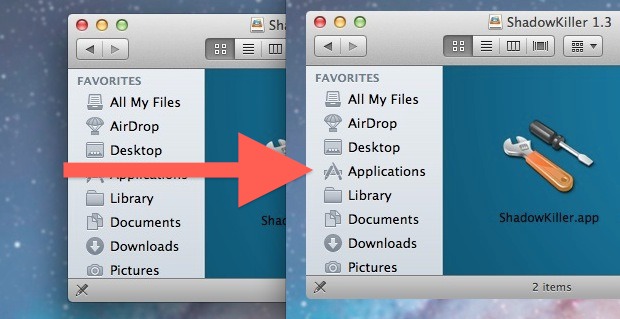
Remove Shadows from Windows in Mac OS X

Ever wanted to remove shadows from windows, menus, and box items in Mac OS X? You can with a free tool called ShadowKiller, and it works in newish versions of OS X too. All you need to do is launch the app, the screen will flicker briefly, and all on screen windows will appear shadowless. … Read More

Expand or Shrink All Details in Get Info Windows on Mac with an Option Click

Dec 26, 2011 - 5 Comments
Get Info

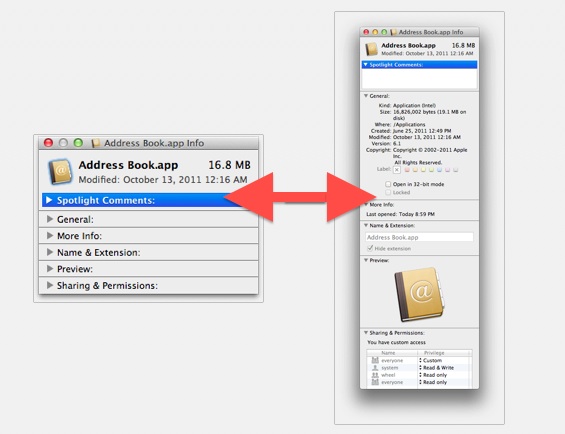
If you want quickly expand (or minimize) all of the detail sections within a Get Info window on a Mac, you can do so with a super simple keyboard shortcut. To get started, you’ll need to be in a Get Info panel. Just select a file and access Get Info by hitting Command+i to see … Read More

Track Santa Claus on the iPhone or iPad

Dec 24, 2011 - 6 Comments
Track Santa with iPhone or iPad

Want to track Santa’s progress as he delivers presents around the world? You’re in luck! You can follow Santa Claus on his Christmas eve deliveries around the globe right on an iPhone or iPad, and it’s super easy!

Watch Beautiful Falling Snow Scenes on the iPhone & iPad

Dec 24, 2011 - 4 Comments
Falling Snow iPad & iPhone app

Shorelines is a beautiful free app for iPad, iPhone, and iPod touch that generates winter scenes complete with falling snow, trees, and rolling fog. The trees are randomly generated, the snow gradually accumulates on the branches, and you can tilt the iPad or iPhone to affect the gravity and direction of the snow fall. Shaking … Read More

iPhone Home Button Not Working or Unresponsive? Try This Fix

Dec 22, 2011 - 285 Comments
iPhone Home Button

From time to time, the iPhone Home button can become less responsive to clicks, and pressing the button will either result in a delay, lag, or sometimes complete unresponsiveness requiring multiple clicks. While this could be symptomatic of a hardware issue caused by moisture damage or dropping the phone, sometimes you can fix the response … Read More

Get an 8-Bit Pixelated Virtual Fireplace for Mac OS X

Dec 22, 2011 - 5 Comments
Fireplace

Just in time for the holidays, Fireplace is a totally awesome interactive 8-bit fireplace app that fills your Macs screen with a pixelated fireplace. But don’t stop there, you can add logs, roast hotdogs and marshmallows, and even burn papers and photos. Each log ‘burns’ for about 30 minutes of pixel torching glory, and although … Read More

Increase the Size of Desktop Wallpaper Thumbnails in System Preferences

Dec 22, 2011 - 6 Comments
Increase the size of desktop wallpaper thumbnails in Mac OS X Lion

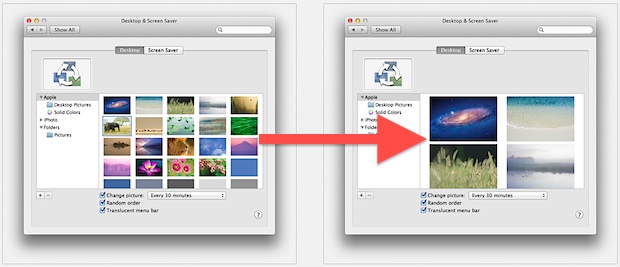
Using the familiar pinch and spread gesture in OS X Lion, you can adjust the thumbnail size of desktop wallpaper previews within System Preferences. A spread gesture will increase the thumbnail size, and a pinch gesture will shrink the wallpaper thumbnails. Try it yourself, just open System Preferences, and from the Desktop control panel use … Read More

How to Gift an App from iPhone, iPod touch, or iPad

Dec 21, 2011 - 20 Comments
Gift iOS App from iPhone

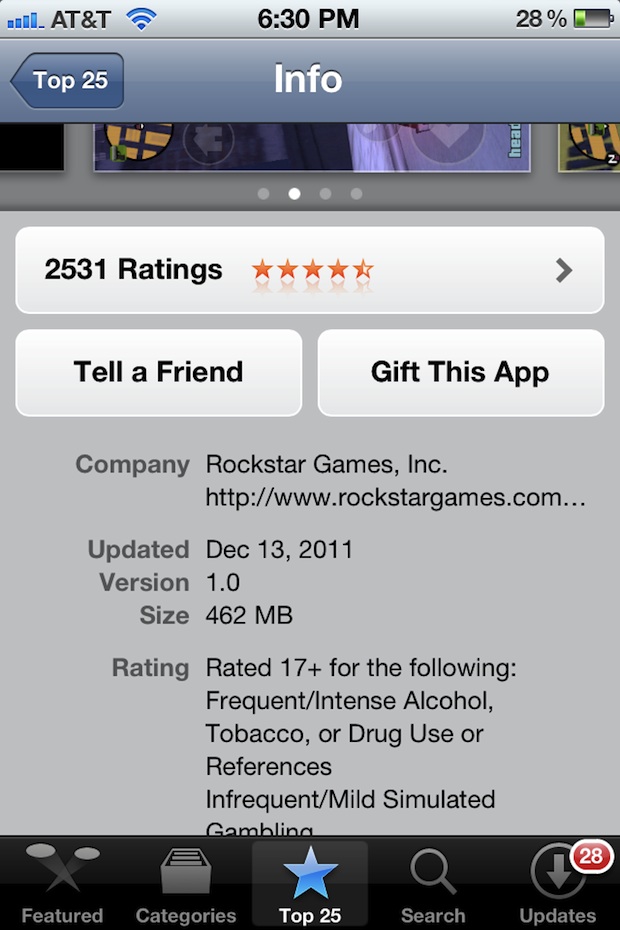
Want to give someone an iOS app as a gift this holiday season? You can gift apps directly from the iPhone, iPod touch, or iPad, without ever touching a computer and without the need for purchasing an iTunes gift card. This makes for a perfect last minute Christmas shopping or birthday present, since you can … Read More

Swipe Up to Zoom in on App Windows in Mission Control on Mac

Dec 20, 2011 - 6 Comments
Two finger upward swipe in Mission Control shows app windows

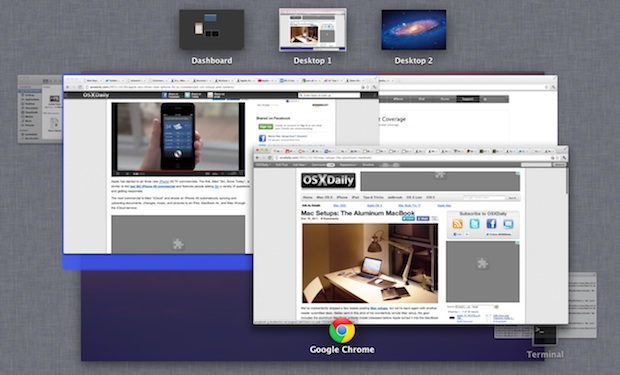
If you have a lot of app windows open in Mission Control, and you are grouping items in Mission Control by application, you can use a neat little trick to zoom into any Mission Control thumbnail on the Mac.

Growl Fork Brings Growl Notifications to Mac OS X Lion for Free

Dec 19, 2011 - 20 Comments
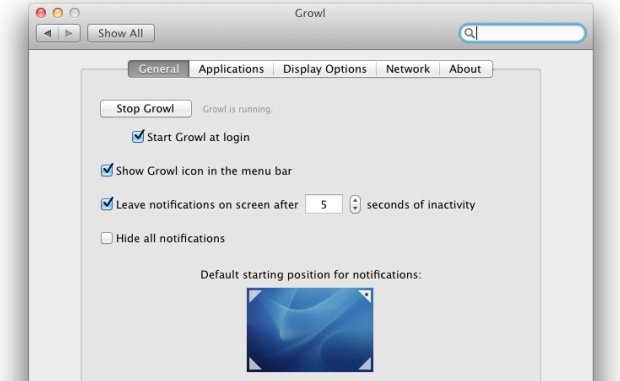
Growl Fork

Growl is a popular notification system for Mac OS X that throws up those fading pop-up windows in the upper right corner of the screen. It’s a nice add on to OS X, and tons of other applications use Growl as their notification system. Then Mac OS X 10.7 came out, and Growl went from … Read More

Last Minute Mac Gift Ideas & Deals: RAM & SSD Upgrades, iPods, External Hard Drives & Monitors, Apple Books, and More

Dec 19, 2011 - Leave a Comment
Christmas Icons

If you’re a last minute shopper like me, the next few days are when everything gets done. We’re quickly closing in on the final eligible days to receive free shipping by Christmas Eve from Amazon, so with that in mind we’ve compiled a list of some great Mac gift ideas and deals, whether you are … Read More

How to Print Screen in Boot Camp

Dec 19, 2011 - 9 Comments
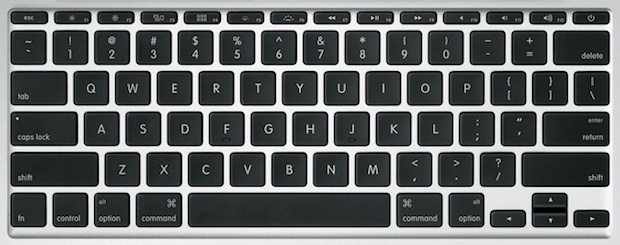
Mac Keyboard

Macs don’t have a “Print Screen” button like their Windows PC keyboard counterparts, but taking screenshots from a Mac that is booted into Windows by way of Boot Camp is easy with a few keyboard shortcuts. The secret is remembering which keys to press, and beyond that the process of printing screen captures in Boot … Read More

Enable the Emoji Keyboard on an iPhone

Dec 19, 2011 - 27 Comments
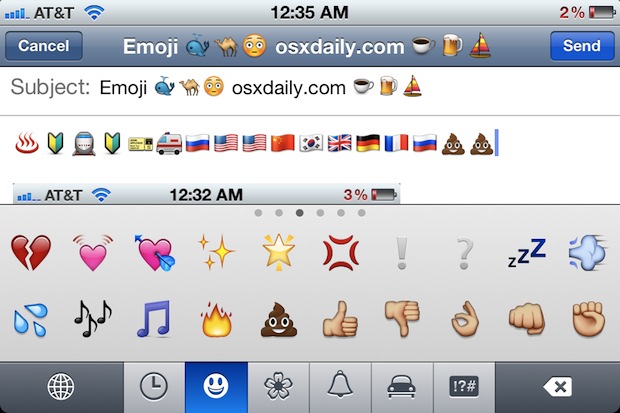
Emoji on iPhone

The Emoji keyboard and all emoji characters are now included directly in iOS for all iPhone (and iPad / iPod touch) users to access, it just needs to be enabled first. Adding the Emoji symbols to your keyboard is simple and only takes a moment, and because virtually every Apple device supports the icon graphics … Read More

Santa Uses an iPhone 4S and Siri in the Latest Apple Commercial [Video]

Dec 18, 2011 - 8 Comments
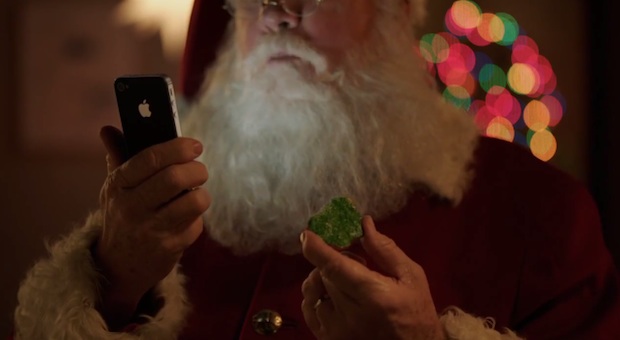
Santa using the iPhone 4S

Apple has started to air a new Christmas themed TV ad for the iPhone 4S and Siri featuring none other than Santa Claus. The commercial is the most entertaining iPhone 4S ad yet and features Santa asking Siri for directions, what kind of weather to expect at various locations around the country, requesting an email … Read More

Steve Jobs: Billion Dollar Hippy – BBC Documentary [Video]

Dec 17, 2011 - 8 Comments

The recently aired BBC documentary Steve Jobs: Billion Dollar Hippy may have a dumb name, but the show itself is worth a watch for anyone interested in the subject matter. About an hour long, it features classic footage of Steve Jobs, in addition to interviews with a variety of Apple execs and industry leaders, including … Read More

4 New iPad Wallpapers from iOS 5.1

Dec 16, 2011 - 7 Comments
iPad wallpapers in iOS 5.1

We’re suckers for new wallpapers around here, and iOS 5.1 includes four new gorgeous background pictures sized at 1024×1024 for the iPad. Extracted from the iOS 5.1 beta releases, 9to5mac found and resized the images to fit the iPhone 640×960 display as well. Grab them in a bundle from Mediafire or via the 9to5 links … Read More

Subscribe to OSXDaily

Subscribe to RSS Subscribe to Twitter Feed Follow on Facebook Subscribe to eMail Updates

Tips & Tricks

News

iPhone / iPad

Mac

Troubleshooting

Shop on Amazon to help support this site