Forget Your Plastic, The New iPhone Will Be A Digital Wallet
Sep 1, 2014 - 9 Comments
The iPhone will soon serve as a true mobile wallet, working with Visa, MasterCard, or an American Express card, and able to make secure mobile payments without whipping out your old fashioned plastic credit card, according to a new report from Bloomberg.
By Paul Horowitz - iPhone, News - 9 Comments
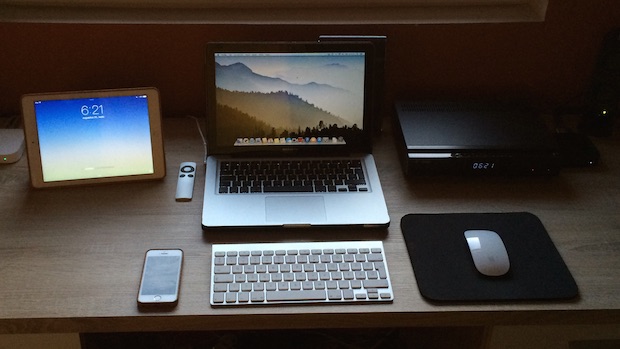
 Typically Mac users will retrieve the screen resolution of connected displays through the Displays system preference panel in OS X. There’s certainly nothing wrong with that approach, it’s easy and quick, but because it uses the graphical interface of OS X it’s not necessary helpful for scripting purposes or remote management through



 Safari Bookmarks default to saving their names as the title of a webpage or website. That means if a site has a long title, the bookmark name will be equally as long. For accessing bookmarks through the Bookmarks menu that isn’t too big of a deal, but when you’re using the Safari Favorites Bar, long names become truncated and often meaningless, thus renaming them can be a good idea.
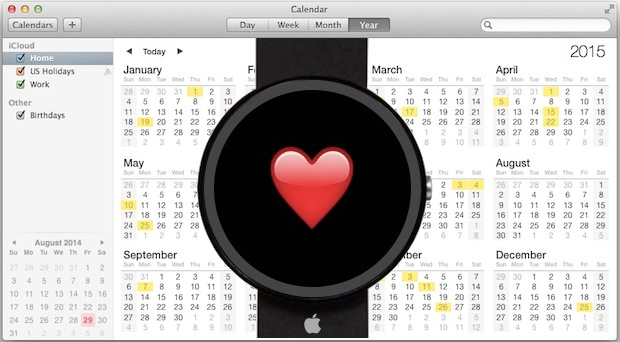
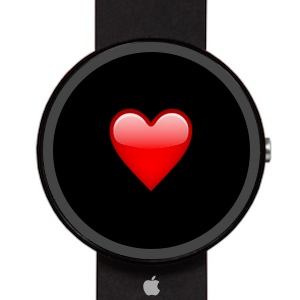 Apple will unveil it’s new “wearable” device
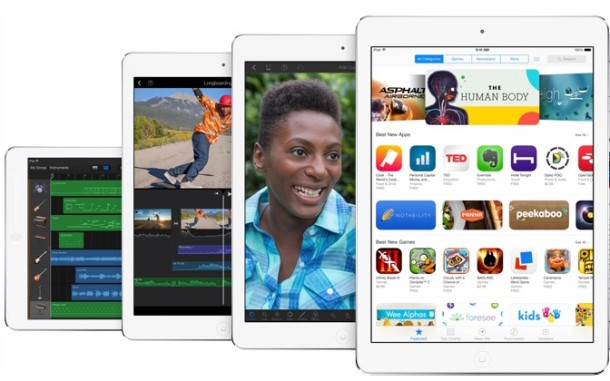
 Modern versions of iOS changed how Safari looks when a web page is loaded, particularly on the iPhone, iPad, and iPod touch. To save screen space on these devices, all of the Safari navigation buttons disappear automatically once you start scrolling through a web page, hiding your standard back and forward features and other buttons. While this helps to reduce onscreen buttons and also aids in emphasizing the web page you are viewing on the smaller displays, it’s also rather confusing for some users to find the back/forward navigation, sharing, bookmarks, and tabs buttons to disappear, particularly if they aren’t familiar with how this feature works in Safari for iOS.
 The newest iPhone models support the recording of slow motion video with the native Camera app. This nifty feature was first introduced as a major part of the modern iPhone cameras and is able to shoot 1080p or 720p movies at 240 or 120 frames per second. But that doesn’t mean that slow-motion is limited only to the latest and greatest iPhones, in fact, you can use third party apps to record slow motion video on older iPhone models too. In either case, the result are really fancy slow motion videos, which can be a great way to emphasize particular scenes, events, or just to see the action better of whatever you’re recording.