
Use QuickLook Inside Open File Dialogs
Oct 2, 2009 - 2 Comments
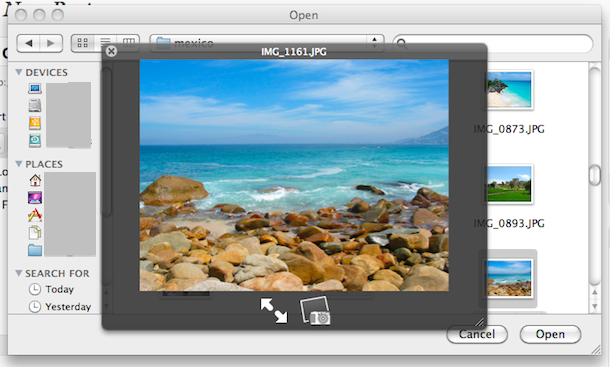
You can use QuickLook from inside ‘Open File’ dialogue boxes in any application! Try it out yourself, go to File -> Open File and hit the Spacebar (or whatever hot-key you assigned QuickLook) on an image or text file, and like magic QuickLook opens the file in preview mode so that you can be sure you are opening the correct file! As far as I know this is new to Snow Leopard, but what a cool feature!






[…] now you’re probably familiar with Quick Look, used in the Mac Finder and Open/Save Dialogs to view an instant preview of any file simply by selecting it and hitting the spacebar or a tap […]
[…] This post was Twitted by AppleTwitts […]