Tackling ‘Photos Agent’ Heavy CPU & Resource Usage on Mac
Jun 24, 2017 - 15 Comments
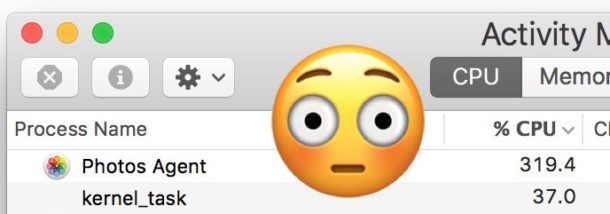
“Photos Agent” is a little Photos app helper process that often runs on the Mac, it’s for Photos app users and it handles background tasks like downloading and uploading to iCloud Photo Library, downloading and updating Photo Streams and shared streams, and other related iCloud Photos and Photos app tasks.
For users who don’t use Photos app on the Mac, nor any of the iCloud Photos or iCloud Photo Library features, you may find it annoying or problematic if the “Photos Agent” process appears and starts taking up a large amount of system resources, from CPU, to bandwidth, and disk I/O, and you may want to attempt to stop Photos Agent from consuming resources in such a matter.
By Paul Horowitz - Mac OS, Tips & Tricks, Troubleshooting - 15 Comments