iOS 9.2 Runs Faster on Some iPhone Models with Speed Boost & Less UI Lag
Dec 9, 2015 - 35 Comments
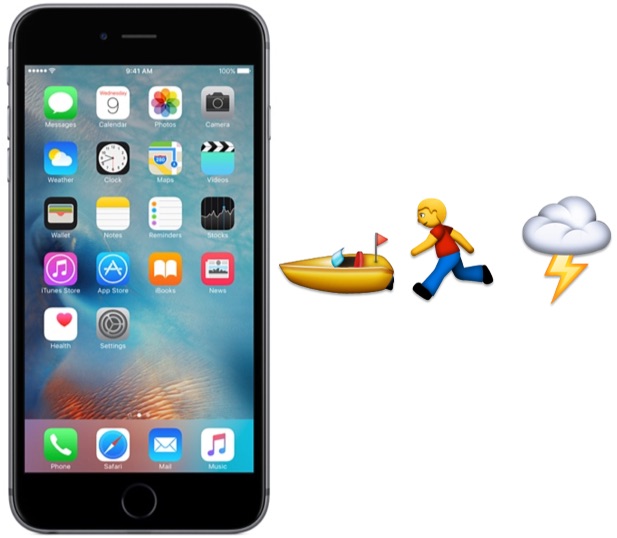
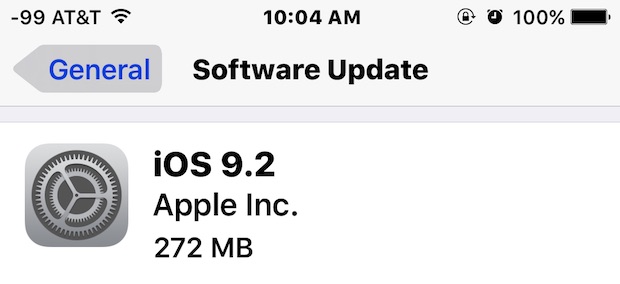
For users who have been experienced performance degradation after updating an iPhone or iPad to iOS 9 from iOS 8.4.1 or older, you may be pleased to discover improved performance on some devices with the iOS 9.2 update.
By Paul Horowitz - iPad, iPhone, Tips & Tricks - 35 Comments





 The Mac Mail app has added inbox swiping gestures to OS X that allow you to quickly delete or archive an email message with a simple left swipe. While this helps to sort through tons of emails rather quickly, it can also lead to some unintentional removal of emails that you may want to keep, as it’s pretty easy to accidentally swipe over an email message when navigating in the Mail app of OS X.